FAQ
Common questions from attorneys and business owners about offline automated document redaction.
What is offline PII removal?
Offline PII removal means detecting and permanently removing personal data from PDFs, Word (.docx), and Excel (.xlsx) on your own computer—names, SSNs, bank accounts, credit card numbers—without uploading files to a website or cloud service.
Is PII Blackout an online redaction tool?
The main product is downloadable desktop software for Windows and Mac—client files stay on your machine during redaction. We also offer a limited free online demo so you can see results before installing the full offline app.
Can I try PII Blackout before downloading the desktop app?
Yes. Use the free online demo to upload a PDF, Word, or Excel file, review auto-detected highlights, and download a redacted sample—no install required. For confidential files, batch folder jobs, OCR on scanned PDFs, and the full TXT redaction report, download the offline desktop app.
Is the online demo the same as the desktop app?
They share the same PII detection approach, but the online demo runs in your browser with page and file-size limits and cloud processing. The desktop app runs 100% locally after sign-in, supports PDF, Word (.docx), and Excel (.xlsx), batch folder processing, scanned PDF OCR, custom keywords at scale, and exports a TXT redaction report.
How are PDF, Word, Excel, and images counted toward plan limits?
Limits use page-equivalent units: PDF counts by page; Word (.docx) counts by detected page count when available (otherwise 1); Excel (.xlsx) counts by worksheet—one sheet equals one page, including hidden sheets; each image counts as 1 page. Free also caps documents per day; Starter uses a monthly page budget with these units; Professional and Team are unlimited. The online demo uses the same page/sheet rules for its per-file page cap (monthly online allowance is still one use per job).
What technology powers PII detection?
PII Blackout uses Microsoft Presidio and the GLiNER PII model in a two-stage pipeline: regex and pattern rules scan first, then a dedicated PII language model refines matches. You can add custom keywords and review every highlight before applying permanent pixel-level blackout.
Is this suitable for solo attorneys and small law firms?
Yes. PII Blackout is built for firms that handle discovery, court filings, and client document sharing without enterprise redaction budgets. Batch folder processing and offline operation help meet confidentiality and ethics requirements.
Does it support bulk and batch redaction for PDF, Word, and Excel?
Yes. Drop an entire folder of PDFs, Word, and Excel files, set detection rules once, and apply consistent redaction across every file—ideal for discovery productions, FOIA responses, bank statements, HR records, and other high-volume offline PII removal workflows.
What types of PII can it detect?
70+ entity types including SSNs, names, emails, phone numbers, bank accounts, credit cards, passport numbers, and custom keywords you define for case-specific terms.
Can I manually draw redaction areas like Adobe?
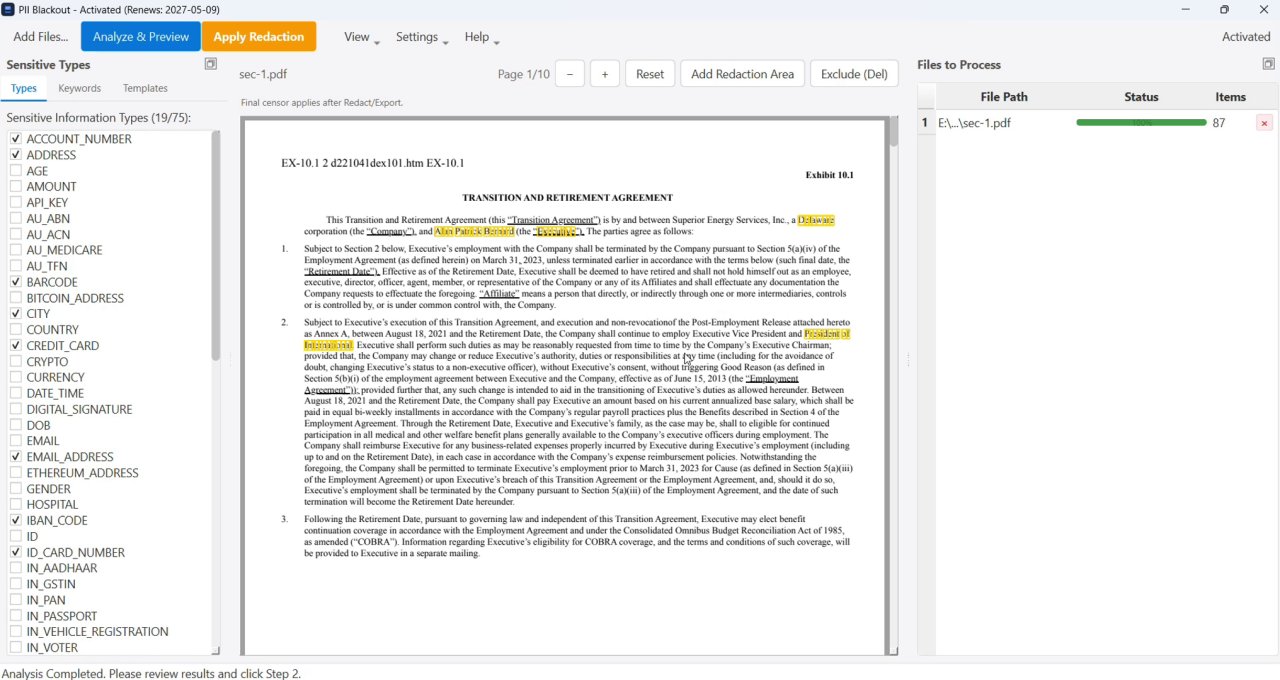
Yes. After Step1 Analyze & Preview finishes (and before Step2 Apply Redaction), you can manually draw blackout regions with your mouse, then export with both auto and manual redactions.
Can I unselect automatically detected redactions?
Yes. After Step1 Analyze & Preview and before Step2 Apply Redaction, every auto-detected match can be manually kept or deselected, so you stay in full control of what gets redacted.
Does it remove metadata from PDFs?
It supports workflows to help remove metadata from PDF exports so you can reduce accidental leakage.
What does Settings → Output Dpi do?
Output Dpi controls how sharply redacted pages are rendered when you run Step2. Choose 150, 200, 300, 400, or 600 from the menu bar—higher values produce clearer PDFs but larger files and slower processing. 300 is a good default for most jobs.
Will I receive an invoice after purchase?
Yes. After your purchase is completed, an invoice is automatically sent to your email address.
Does the software need internet access to redact files?
Internet is required for account sign-in, but document redaction runs locally on your computer and files are not uploaded to the cloud. After signing in, you can disconnect from the internet and continue processing PDF, Word, and Excel files offline.
Which operating systems are supported?
Windows and macOS are supported.
Which languages are supported?
The website, desktop app, and PII analysis support English, German, Spanish, French, Italian, Portuguese, and Dutch.
How is this different from drawing black boxes in Adobe Acrobat?
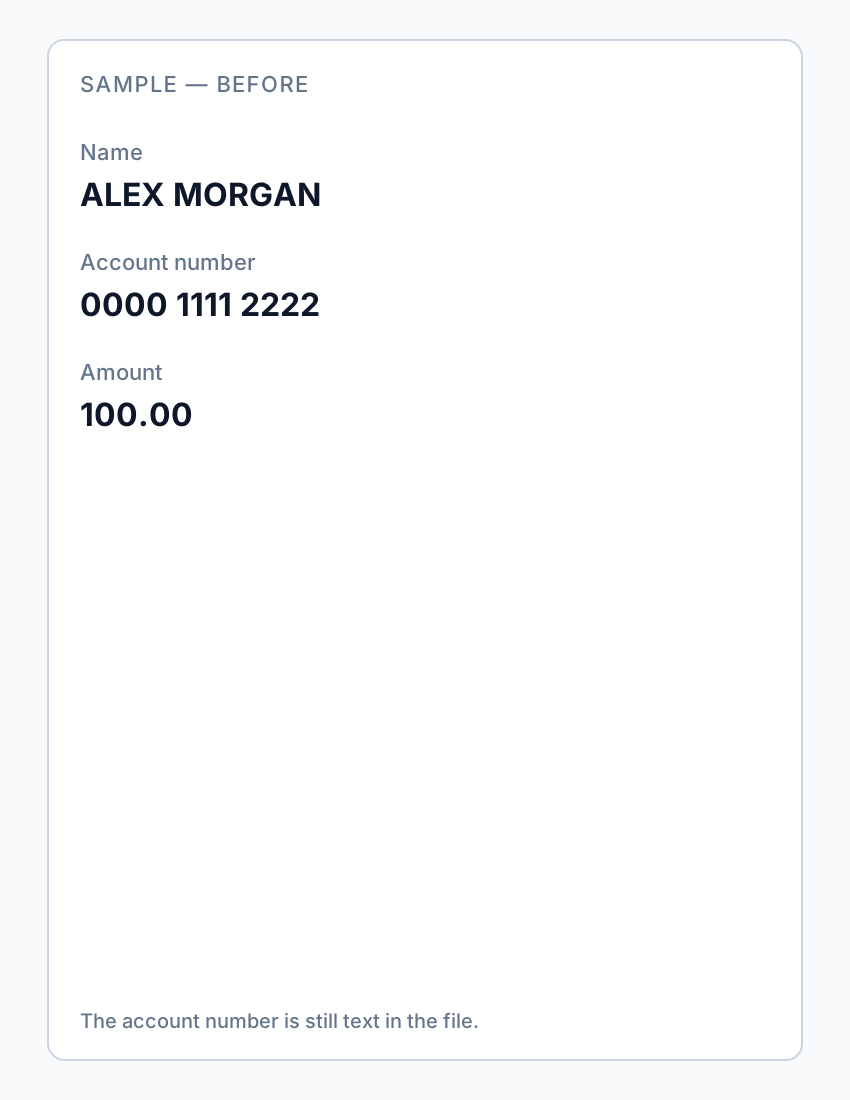
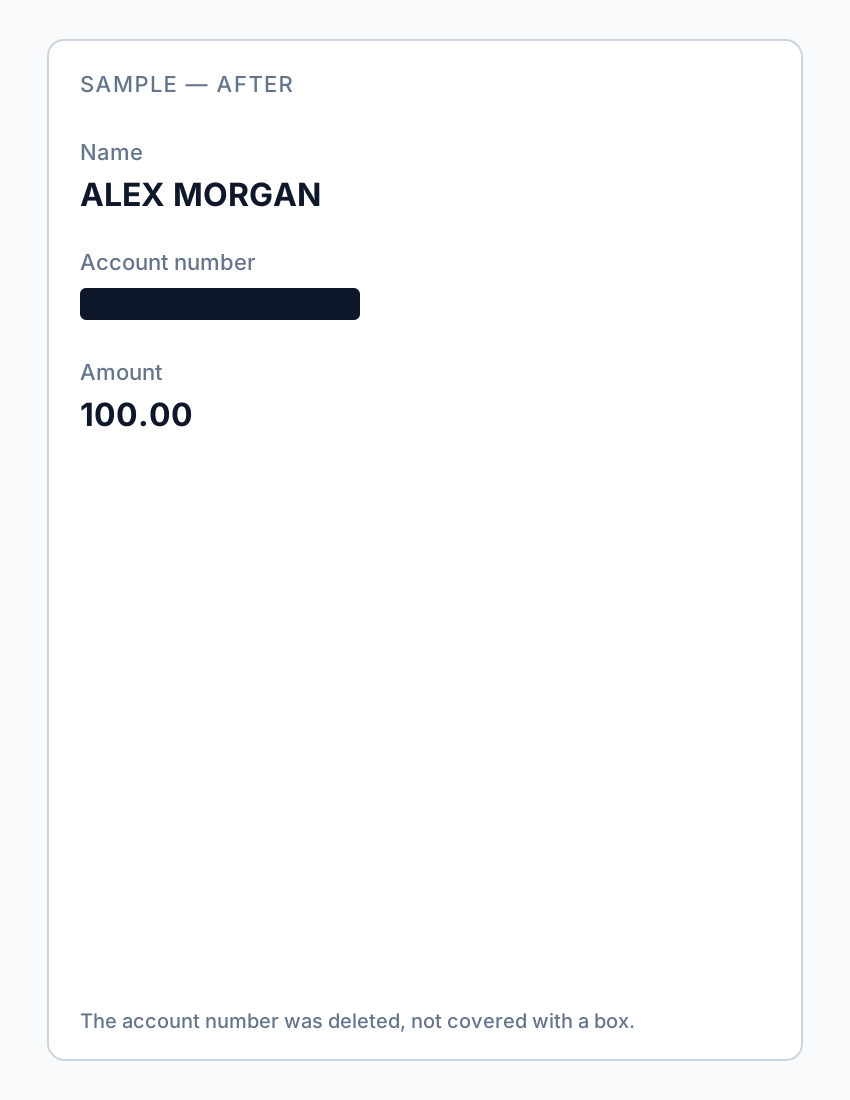
Manual black boxes in Acrobat are slow and easy to miss. PII Blackout auto-detects PII across every page and file, lets you review before applying, and renders redacted pages to reduce metadata and recovery risk—not just a visual overlay.
What is the safest way to black out text in a PDF?
Use automated document redaction software that permanently removes underlying content, verify output before sharing, and scrub metadata from the exported file.