Powered by Smartsupp

Redact CVs and resumes before sharing

Recruiters, HR teams, and staffing agencies often need to forward a candidate CV without exposing phone numbers, home addresses, or passport details. CV redaction searches mix how to black out information on a PDF with privacy requirements—overlay tools leave recoverable contact info. Desktop software that runs offline keeps candidate files off third-party servers while auto-detecting emails, phones, and ID numbers.
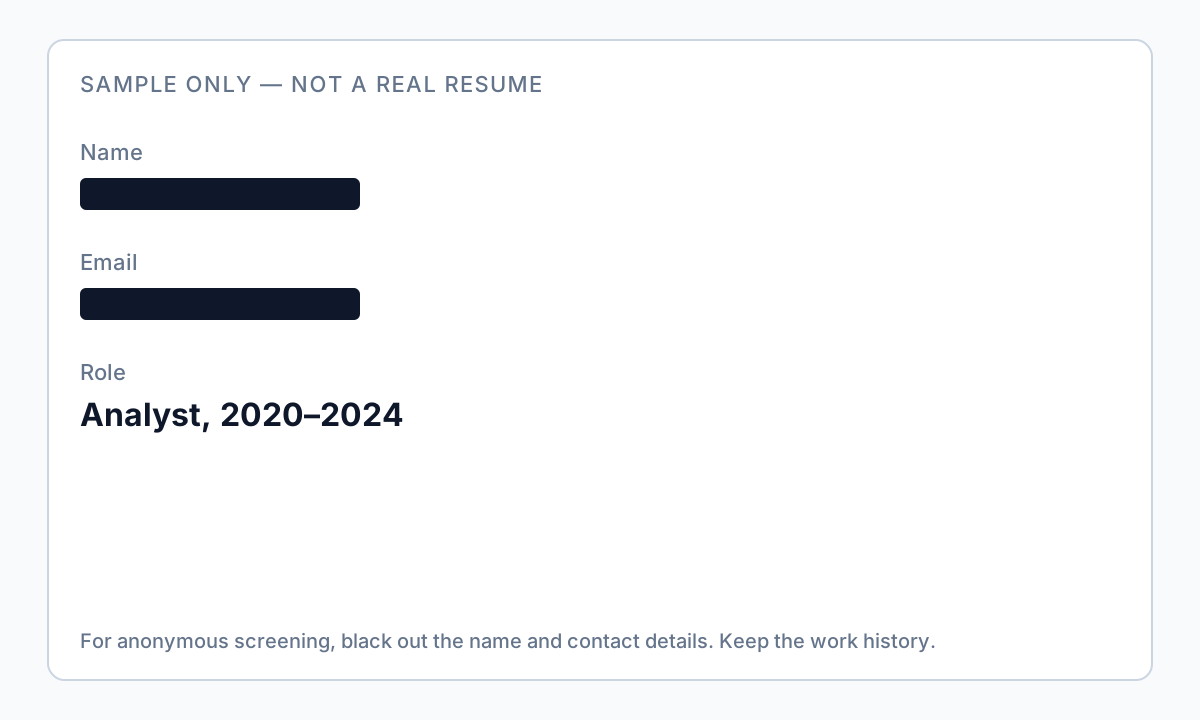
Sample identity document fields that commonly appear on resumes and require redaction

Why offline matters here

  • Resumes contain names, phones, emails, and sometimes passport or SSN fragments
  • Uploading candidate CVs to free online redactors may violate GDPR or internal HR policy
  • Staffing firms redact the same fields across dozens of submissions per role
  • Offline batch processing scales when you receive PDF resumes from multiple sources

Manual redaction pain

  • White-out rectangles in Word or Preview do not delete underlying text in exported PDFs
  • Redacting one resume at a time does not scale for high-volume recruiting
  • Easy to miss secondary emails, LinkedIn URLs, or references block at the bottom
  • Scanned resume PDFs need OCR-aware review—not just drawing boxes on one page

Automated offline workflow

  • Detect emails, phone numbers, addresses, and custom keywords (e.g. candidate ID)
  • Drop a folder of PDF resumes and apply consistent rules before client review
  • Manual draw boxes for photos or signatures Adobe missed
  • Export redacted copies while originals stay in a separate folder on disk

Explore Automatic PII detection, and Bulk PII redaction for product details.