
Updated 2026-10-21
How to Black Out a Credit Card Statement
This page is how to black out a credit card statement: a bill PDF where you remove the full card number, the CVV, and purchases you do not need to share. If a form asked for a redacted card image with your name and the last 4 digits, that is a photo of the card, not this statement: what is a redacted card image. If they asked what a redacted billing statement is, use that example. Try the Bank Statement template online on one statement. Related: what is a redacted bank statement.
- → How do I black out my credit card number on a PDF statement?
- → How to black out my credit card statements safely?
- → What is a redacted billing statement?
- → Can I send my accountant a redacted Amex/Chase statement PDF?
- → If I cover the card number with a black box, can someone still read it?
- → Do I need to redact every transaction or just the card number?
What makes card statements different from bank statements
Card issuers optimize statements for customer service and autopay—not privacy. You will see partial PAN (primary account number) with context that makes last-four digits meaningful, payment barcodes encoding account data, rewards account numbers, and merchant descriptors long enough to identify medical or legal purchases. Blacking out only the “****1234” line while leaving name + address + itemized charges often exposes more than you intend.
Redacted card image (name & last 4) vs full statement
If your recipient asked for a “redacted card image with name and last 4 digits,” they usually want a minimal payment-identity asset—not twenty pages of merchants. Keep cardholder name and last four; permanently remove the rest of the PAN, CVV, and barcodes. Full walkthrough: redacted card image with name & last 4 digits.
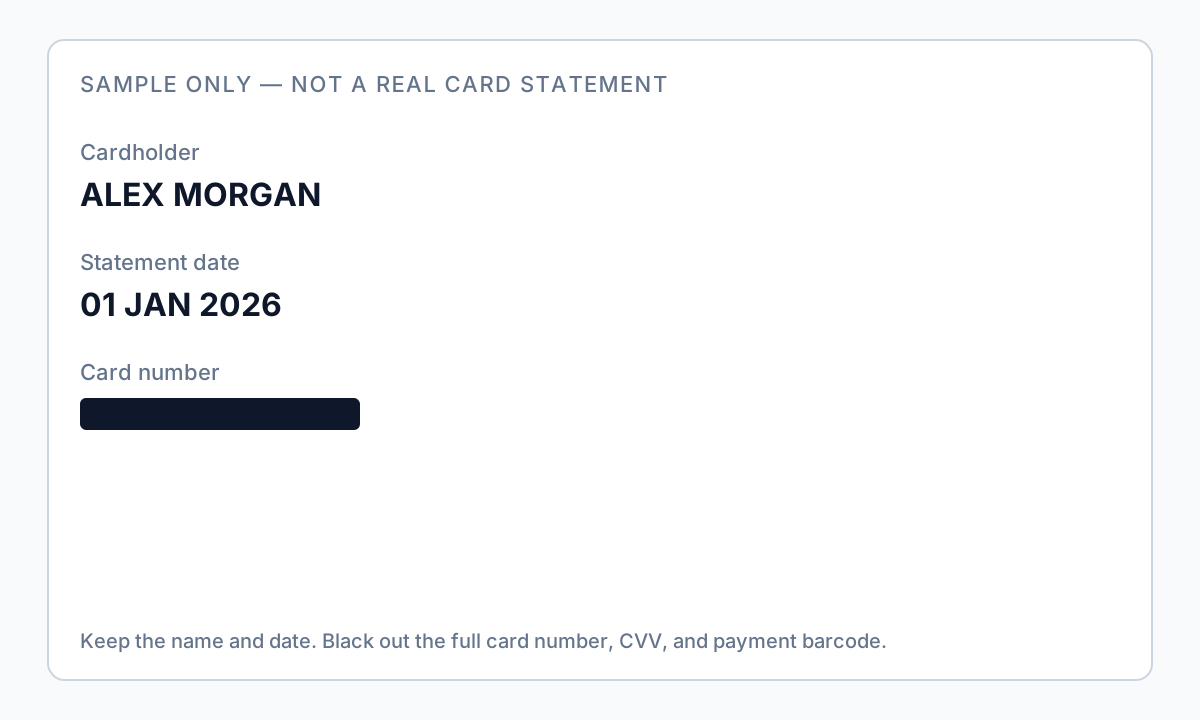
A redacted billing statement is different: keep statement date and the charge lines they need; black out account identifiers, unused address fields, and payment stubs. Full meaning, examples, and checklist: what is a redacted billing statement. Never alter amounts.
Field-by-field: what to black out
| Field on statement | Redact for most shares? | Why |
|---|---|---|
| Cardholder name | Sometimes | Keep for accountant matching; redact for anonymous dispute docs |
| Full/partial card number line | Yes | Even partial + name enables fraud calls |
| Billing address | Often yes | Landlords may only need name + one payment line |
| Rewards / membership ID | Yes | Links account across products |
| Payment stub barcode / QR | Yes | Encodes account + amount; survives visual “cover” if not burned in |
| Each transaction line | Case-by-case | Redact unrelated personal merchants; keep business expenses for CPA |
| Interest rate / limit boxes | Rarely | Usually not PII—redact if hiding financial position |
Why black boxes fail on card PDFs
Card statement PDFs from issuers are almost always text-based (not scans). Drawing a filled rectangle in a generic editor adds a shape operator above intact text operators. Recovery takes seconds: Select All, copy, paste, or run any PDF-to-text utility.
Autopay stubs at the bottom of many statement PDFs include barcodes or QR codes. Redact the entire stub region with permanent removal—not a white box on top—or crop after flattening to image.
- Open redacted PDF in Reader or browser.
- Ctrl+A → Copy → Paste into Notepad.
- Search (Ctrl+F) for your ZIP code and last four digits.
- If anything appears, redaction failed—do not upload to lender/CPA portal.
Scenarios from real searches
- Accountant / tax prep: keep business charges and statement period; redact personal merchants and card/rewards IDs.
- Disputing one charge: export a single page if possible; redact all other rows; keep only the disputed line details.
- Proof of address / rent: keep name, billing address, one payment line; redact full transaction table and card number.

Offline vs. online tools for card statements
Uploading a card PDF to a free website sends your full purchase history through a third-party server. Issuers already had a breach risk—do not add another. Desktop offline tools detect credit card number patterns (including Luhn-valid sequences), addresses, and custom merchant keywords, then let you review before permanent redaction.
Drop all 12 monthly PDFs into one folder, run the same detection profile on each, spot-check January and December exports, then send the whole redacted folder to your CPA.
Step-by-step workflow
- Download PDF from issuer portal (not a screenshot of the web view).
- Decide scenario: accountant, dispute, landlord, or legal exhibit.
- List fields to keep vs. remove using table above; email recipient if unsure.
- Process offline with credit-card and address detection enabled.
- Redact payment stub barcodes entirely—even if amount is needed, amount can stay in text elsewhere.
- Manually remove merchant lines outside scope (personal vs. business).
- Apply permanent redaction; save as card-redacted-YYYY-MM-brand.pdf.
- Run Ctrl+A paste test and search for ZIP + last four digits.
- Remove PDF metadata; upload via CPA/lender secure portal only.
Common mistakes
- Blacking out only the number line in the header
Footer legal text, rewards section, and barcode stub still identify the account.
- Using phone Markup tools
Annotation layers on mobile exports fail the copy-paste test on desktop.
- Sending HTML printout instead of PDF
Print-to-PDF from browser may clip barcodes oddly—use issuer PDF download.
Verification before you share
- ✓ Paste test shows no card digits or full billing address (if redacted).
- ✓ Barcode area removed or flattened with no embedded encoding visible.
- ✓ Merchant lines match agreed scope (business-only vs. full redaction).
- ✓ File metadata scrubbed; filename has no card last-four.
Try the Bank Statement template online
Upload one PDF or image and let the Bank Statement preset find account numbers, routing digits, contact info, and payment QR/barcodes—then review before you apply redaction.
The Bank Statement template is pre-selected for this guide. Upload a sample file to see detections, then download the desktop app for confidential batch work.
Redact online — Bank StatementOffline tool option
For bank statements, legal productions, HR files, and other high-risk PDFs, desktop software that runs offline PII removal lets you auto-detect identifiers, review matches, and apply permanent redaction without uploading to the cloud. PDF redaction hub and Bulk PII redaction helps when you have entire folders—not one file at a time.
Download Free TrialFAQ
How do I black out credit card statements without Adobe?
Use any tool that permanently removes text or flattens to verified images—not Preview/Word overlays. Offline desktop apps with pattern detection reduce manual box drawing on long statements.
Should I redact every purchase?
For taxes, your CPA usually needs business purchases visible. For privacy disputes, redact everything except the line in question. Match minimum necessary.
Will blacking out hurt my dispute case?
Redact unrelated charges only; keep dispute line details intact. Never alter amounts or dates—that undermines credibility.
What is a redacted billing statement?
Usually a credit card (or similar) statement PDF with account numbers and barcodes permanently removed while statement date and selected charges remain. See the dedicated redacted billing statement guide for examples and field tables.
I only need name and last 4 digits—do I send the whole statement?
No. Use a minimal redacted card image / single page. See the redacted card image guide for what to keep visible.
Are online PDF redactors safe for card statements?
They upload your full purchase history. Prefer offline processing on your computer for card and bank PDFs.