Powered by Smartsupp

Securely redact bank statements offline

When you share a bank statement PDF with a lender, CPA, or landlord, you need a redacted statement—not a file with account numbers still copy-pasteable under black boxes. Free online tools upload your full statement to their servers. PII Blackout runs on your Windows or Mac, auto-detects account and routing numbers, and lets you review before permanent redaction.
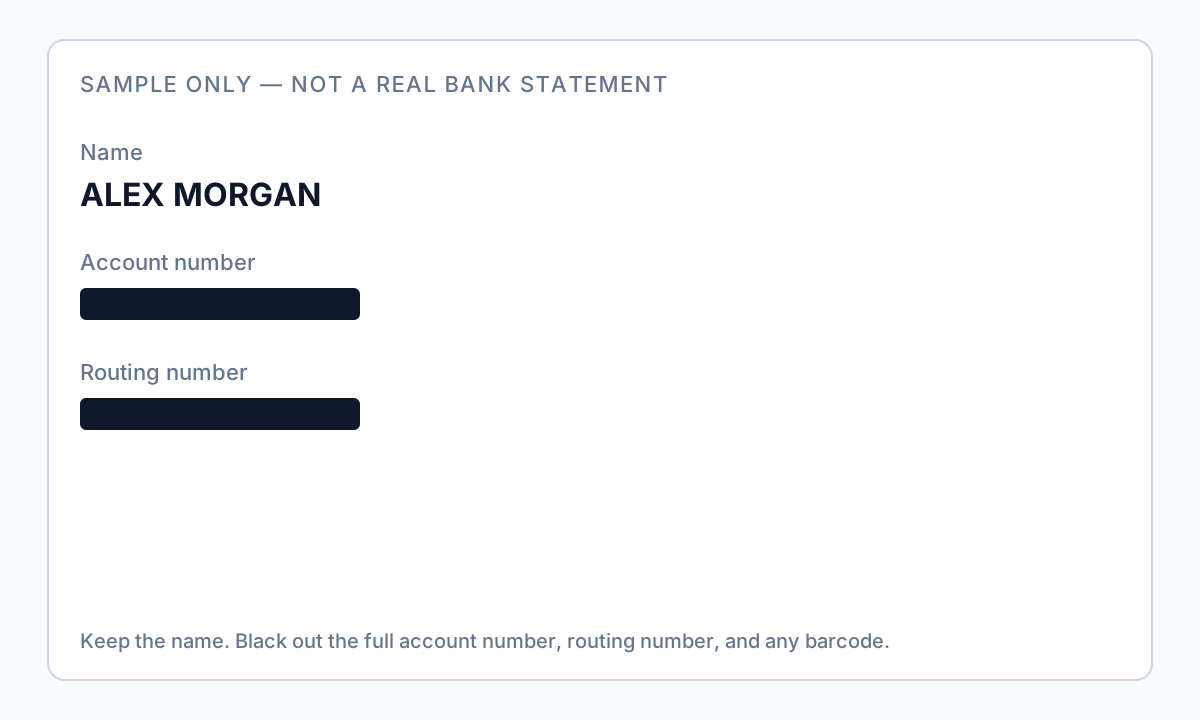
Sample bank statement PDF with sensitive account fields highlighted for redaction

Why offline matters here

  • Bank PDFs contain account numbers, routing digits, and transaction history—high-value PII
  • Uploading statements to free redaction websites sends the entire file to a third party
  • Attorney-client and mortgage workflows often prohibit cloud processing of financial records
  • Offline processing keeps statements on your machine through detection, review, and export

Manual redaction pain

  • Drawing black boxes in Adobe or Preview on every page is slow for multi-month statements
  • Overlay boxes fail the Ctrl+A paste test—recipients can still copy “hidden” digits
  • Easy to miss routing numbers in headers or MICR lines at the bottom of scans
  • Metadata may still list bank name, export tool, or author after visual blackout

Automated offline workflow

  • Auto-detect US bank account and routing number patterns across every page
  • Review matches before Apply Redaction—deselect deposits you want to keep visible
  • Batch entire folders of client statements with one ruleset
  • Pair with metadata removal before email or portal upload

Explore Offline PII removal, and Bulk PII redaction for product details.