
Updated 2026-06-06
Redact a Driver License: Number and Barcode
ID document PDFs are identity-theft kits in one file: portrait photo, full legal name, date of birth, ID number, address, and a barcode that encodes the same number for scanners. HR onboarding, landlord KYC, and visa support letters often ask for “proof of ID”—but rarely need every field. Searchers ask how to redact a driver license scan before email, whether cropping is enough, and why the barcode still works after blacking out the visible number. Try the Identity Document template online on a single scan to catch ID numbers, DOB, and address fields automatically. See how to redact a passport for MRZ bands and CV and resume redaction when IDs appear in hiring packets.
- → How do I redact my driver license PDF before sending to employer?
- → Is cropping an ID scan enough or do I need true redaction?
- → Do I need to redact the barcode on my driver license scan?
- → What fields can I leave visible for proof of address?
- → How do I redact a passport scan MRZ line at the bottom?
Zones on US driver licenses and state IDs
| Zone | What it exposes | Typical redaction for KYC-lite sharing |
|---|---|---|
| Portrait photo | Biometric match, appearance | Redact unless recipient requires photo match |
| ID number | Primary identifier | Redact full number; last-4 rarely needed for address proof |
| Date of birth | Age verification vs. identity theft | Redact or show year only—confirm requirement |
| Address | Proof of residence | Often keep for landlord; redact for other uses |
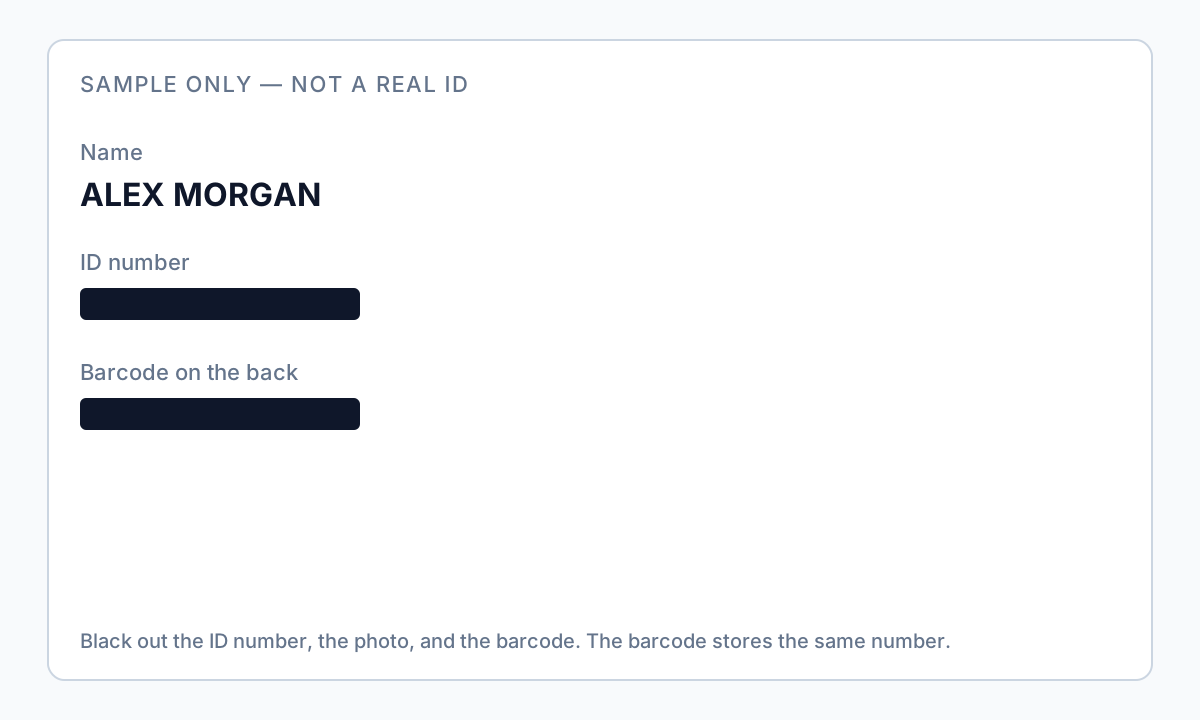
| PDF417 barcode (back) | Encodes same data as front | Always redact entire barcode strip |
| Magnetic stripe export | Track data from card readers | Redact if present in PDF export |
| Real ID star / restrictions | Lower sensitivity | Usually keep unless anonymizing fully |
Redacting the visible ID number while leaving PDF417 intact lets anyone decode the full number with a barcode app. Redact the entire barcode region on back scans and any QR on digital ID wallet exports.
Passport scans: MRZ is non-optional
Passport book scans include a machine-readable zone (MRZ)—two lines at the bottom encoding passport number, nationality, DOB, sex, expiry, and name in a standard format. Redacting the visual passport number alone leaves MRZ extractable by OCR in seconds. Redact the entire MRZ band, photo, and signature unless the recipient explicitly needs them. See also our passport-specific guide for immigration packet nuances.
- Redact full MRZ rectangle on both lines—do not leave partial chevrons.
- Redact photo and visual passport number field.
- Redact visa stamps if travel history is not required.
- Search export for MRZ pattern (lots of < characters and fixed positions).
Cropping vs. true redaction
Cropping the PDF viewport does not always remove the full image object from the file—some tools retain the complete scan in the object stream, recoverable by extraction. True redaction or verified image burn-in replaces pixels in the marked region. For phone photos of IDs saved as PDF, treat as image-only: area redaction on the photo layer plus visual verification.
Use employer HRIS, landlord application portal, or encrypted upload. Verify redaction on desktop before any mobile send—Markup on phones is overlay-only.
Minimum necessary by use case
| Use case | Often keep visible | Redact |
|---|---|---|
| Proof of address (landlord) | Name, address, issue/expiry if asked | ID number, barcode, photo, DOB if not required |
| Employer I-9 (official process) | Follow USCIS rules—often need full doc for in-person inspection | Do not substitute redacted scan for Form I-9 unless HR instructs |
| Bank KYC | What bank lists in secure upload UI | Everything not listed—including barcode |
| Portfolio / anonymized sample | Nothing identifiable | Photo, number, MRZ, barcode, address, signature |
Offline redaction workflow
- Scan at 300 DPI or export PDF from DMV wallet app—avoid blurry phone photos.
- Determine minimum fields with recipient.
- Save id-original.pdf locally; never share.
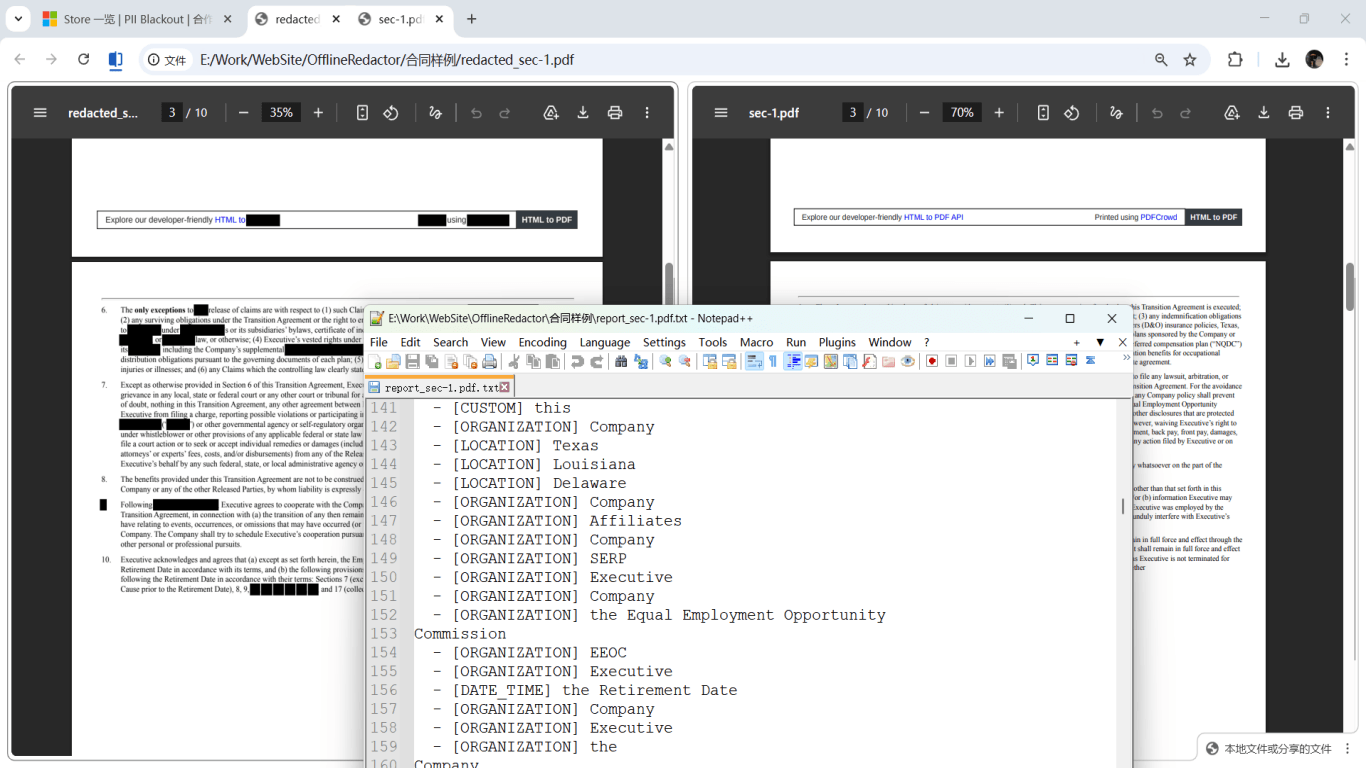
- Draw regions: photo, number, barcode/MRZ, DOB if required.
- For image scans: apply burn-in redaction on pixel layer.
- Run OCR search if layer exists; visually inspect barcode zone.
- Export id-redacted-purpose.pdf; paste test and pdfimages spot-check.
- Upload via secure portal only.

Step-by-step workflow
- Confirm which ID attributes the recipient actually requires.
- Save unredacted scan offline; work on a copy.
- Redact photo, ID number, barcode/MRZ, and DOB unless explicitly needed.
- Apply burn-in redaction on image-layer scans.
- Search PDF for ID number fragments and MRZ patterns.
- Try barcode decoder on exported file—should fail.
- Visual inspection at zoom on all redacted zones.
- Send via HR/landlord secure portal; not SMS or plain email.
Common mistakes
- Cropping instead of redacting
Full image may remain in PDF object stream—use true removal or verified burn-in.
- Blacking out number but not barcode
PDF417 decodes to the same identifier—redact entire barcode strip.
- Using phone Markup for employer packets
Overlay only; open on desktop and copy-test before sending.
- Leaving MRZ on passport partial redaction
OCR reads MRZ even when visual number is covered.
Verification before you share
- ✓ Barcode/MRZ band fully redacted visually and in extracted images.
- ✓ ID number not found via Find or paste test.
- ✓ Photo pixel-redacted if policy requires.
- ✓ Second viewer confirms same behavior.
- ✓ Original unredacted scan not in email thread.
Try the Identity Document template online
Scan a license or passport PDF with the Identity Document preset—SSN, ID numbers, DOB, and address fields are pre-selected for review.
The Identity Document template is pre-selected for this guide. Upload a sample file to see detections, then download the desktop app for confidential batch work.
Redact online — Identity DocumentOffline tool option
For bank statements, legal productions, HR files, and other high-risk PDFs, desktop software that runs offline PII removal lets you auto-detect identifiers, review matches, and apply permanent redaction without uploading to the cloud. PDF redaction hub and Bulk PII redaction helps when you have entire folders—not one file at a time.
Download Free TrialFAQ
Can I email a redacted ID to my employer?
Use the HR portal when available. If email is unavoidable, true redaction verified on desktop first—and only fields HR listed.
Is last-four of ID number safe to show?
Only if recipient requires it and redaction permanently removed full digits from the file—not visual XXX masking with hidden text.
Do digital wallet ID exports need different handling?
They may include QR codes and dynamic fields. Redact QR and barcode equivalents; verify no hidden layers in the export.
How is this different from redact-passport?
This guide covers driver licenses and state IDs; passport MRZ details are expanded in the passport-specific article.