
Updated 2026-08-29
How to Redact PHI in Medical Records (HIPAA)
Medical record PDFs from EHR exports combine clinical narrative with dense PHI—patient name in headers, MRN on every page, dates of service, provider names, and embedded lab faces. Searchers for PHI redaction or HIPAA redaction need Safe Harbor coverage plus true removal—not black boxes. HHS and privacy officers repeat the same lesson as court redaction: recoverable text is not compliance. For one chart export, try the Medical Record template online. See medical records use case, PDF redaction alternatives, and online PDF redaction risks before sharing records with attorneys.
- → How do I redact PHI / medical records for HIPAA compliance?
- → What are the 18 HIPAA identifiers I need to remove from a PDF?
- → Is there PHI redaction software that works offline?
- → Can I use free online tools to redact patient records?
- → How do I redact medical records for trial?
HIPAA Safe Harbor: 18 identifiers in PDFs
De-identification under the Safe Harbor method requires removal of all 18 identifier categories. Missing one category—like leaving MRN in a footer while redacting the patient name—means the document is still PHI. Dates must be reduced to year only where dates are permitted at all; geographic data smaller than state must go.
| # | Identifier | Where it hides in PDF exports |
|---|---|---|
| 1 | Names | Header bands, “Patient:”, provider names in notes |
| 2 | Geographic (below state) | Street address, city, ZIP in demographics blocks |
| 3 | Dates (except year) | DOB, admission, service, discharge dates |
| 4–6 | Phone, fax, email | Contact panels, referral footers |
| 7 | SSN | Registration forms, billing attachments |
| 8 | Medical record numbers | Every page header in most EHR PDFs |
| 9–10 | Health plan / account numbers | Insurance face sheets |
| 11 | Certificate/license numbers | Provider DEA/NPI on orders |
| 12–14 | Vehicle / device / serial IDs | Implant logs, DME orders |
| 15 | URLs | Patient portal links in after-visit summaries |
| 16 | IP addresses | Telehealth metadata in some exports |
| 17 | Biometric identifiers | Rare in PDF; imaging thumbnails |
| 18 | Full-face photos | ID checks embedded in chart PDFs |
HHS expects permanent removal from visible content and metadata—not highlight or Comment shapes. Paubox and compliance guides cite dedicated redaction that scrubs document structure. Run paste test and metadata check on every export.
Clinical notes vs. billing vs. imaging PDFs
Progress notes leak PHI in narrative (“Patient John Smith discussed…”) and in rare diagnosis + ZIP combinations that re-identify patients in small populations. Billing summaries leak CPT/ICD clusters tied to dates. Imaging reports may embed thumbnail faces or burn-in patient name on DICOM-to-PDF conversions. Treat each export type with a different checklist—auto-detection first, clinician or privacy officer review second.
- Progress/H&P: names in narrative, provider signatures, dates of service.
- Lab results: MRN header, ordering provider, collection timestamps.
- EOB attachments: member ID cross-linked to clinical dates—see insurance guide.
- Scanned legacy charts: OCR before pattern search; burn-in on image regions.
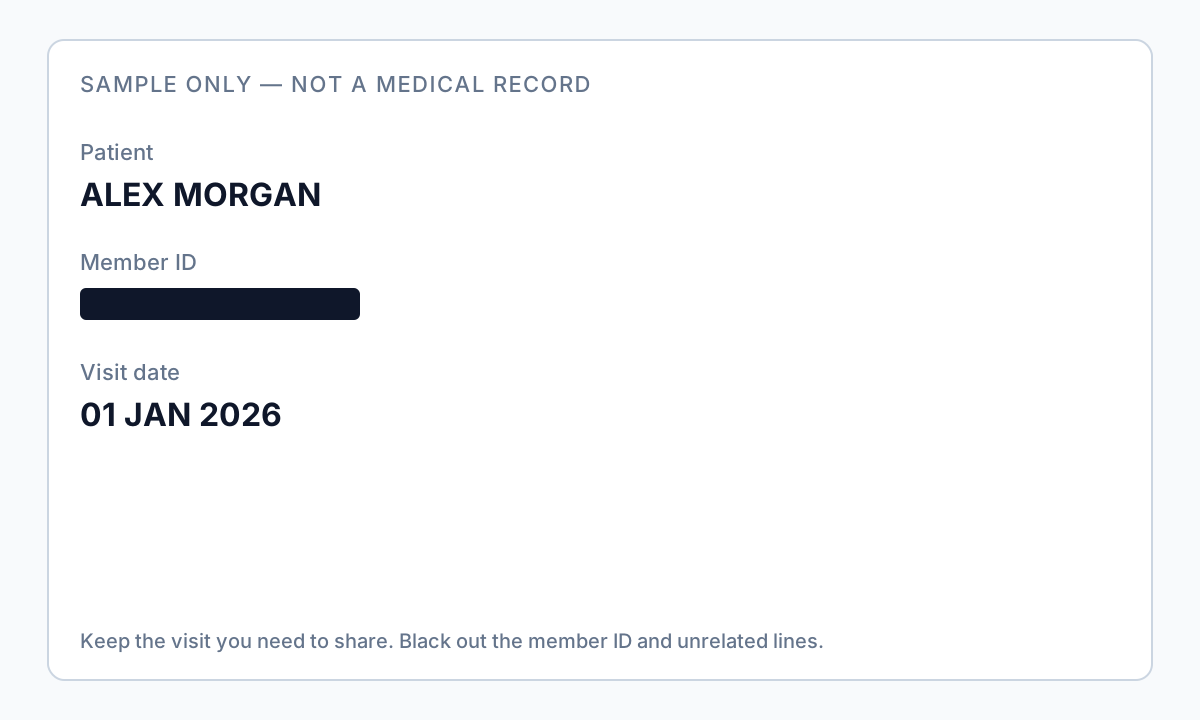
Who may receive redacted records
| Recipient | Typical purpose | Redaction level |
|---|---|---|
| Patient personal copy | Own records | Usually full record—secure transmission |
| Patient’s attorney | Litigation with authorization | Remove unrelated third-party PHI in same packet |
| Disability / injury insurer | Claim review | Minimum necessary; often Safe Harbor for research-like sets |
| Research reviewer | IRB-approved study | Safe Harbor or Expert Determination |
| Magnet / accreditation surveyor | Quality program | No patient-specific exhibits—redact all PHI |
| Opposing counsel (via provider) | Subpoena with protective order | Follow order + HIPAA minimum necessary |
Offline workflow for EHR PDF exports
- Confirm role: covered entity, business associate, or patient—each has different duties.
- Export chart sections as PDF from EHR; enable OCR on scan-only legacy pages.
- Run PHI auto-detection (names, MRN, SSN, dates, phones, emails).
- Manual pass: provider names in narrative, faces in images, portal URLs.
- Apply true redaction; sanitize metadata (Author, Creator, embedded attachments).
- Verify: search patient name/MRN/SSN; paste test; privacy officer sample review.
- Log disclosure accounting if HIPAA requires for your use case.

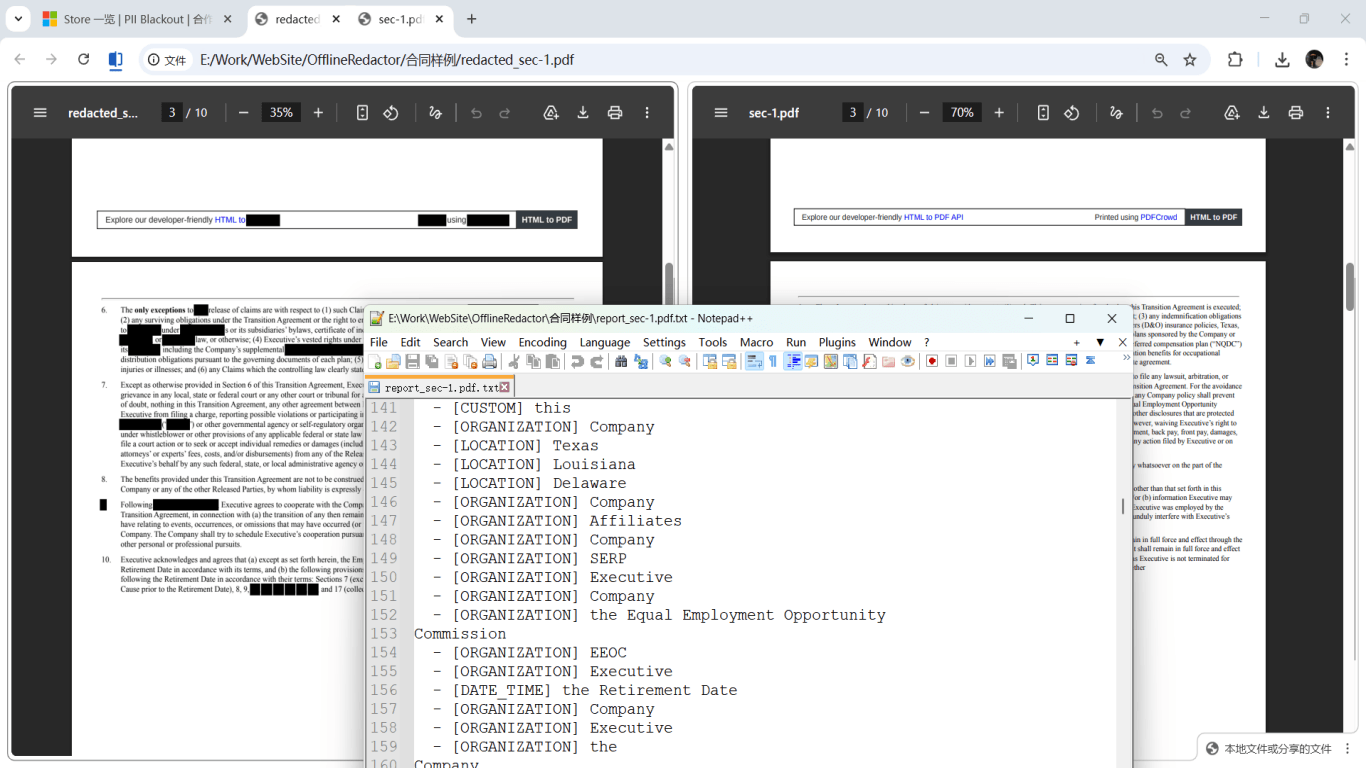
Why not upload PHI to free online redactors
Browser-based “free redact PDF” tools send full charts to third-party servers—creating a business associate problem you cannot solve with a checkbox. Offline desktop redaction on hospital hardware or encrypted workstations keeps custody inside your security boundary. Patients sharing their own records with lawyers should also avoid random upload sites; use offline tools and encrypted email or portal.
Step-by-step workflow
- Confirm legal basis for disclosure (authorization, TPO, subpoena, etc.).
- Export PDF from EHR; OCR scan-only pages if needed.
- Run PHI detection tuned for names, MRN, SSN, dates, contacts.
- Manually redact narrative names, photos, URLs, and rare re-identifiers.
- Apply permanent redaction; sanitize metadata.
- Safe Harbor checklist: all 18 categories addressed on sample charts.
- Search export for patient name, MRN, and SSN—zero hits.
- Privacy officer or counsel sign-off for high-risk productions.
- Transmit via HIPAA-aligned secure channel; log disclosure if required.
Common mistakes
- Redacting name but leaving MRN in header
MRN alone is PHI when held by a covered entity—footers repeat on every page.
- Black highlighter in PDF viewer
Text remains in content stream—breach waiting for copy-paste.
- Uploading charts to consumer cloud redactors
Creates unauthorized disclosure and BA agreement gaps.
- Redacting body but not embedded lab thumbnail
Imaging PDFs may include identifiable facial thumbnails.
Verification before you share
- ✓ 18-category Safe Harbor checklist completed on sample set.
- ✓ Find search: patient name, MRN, SSN return no hits.
- ✓ Paste test on redacted header and narrative regions.
- ✓ Metadata Author/Creator reviewed or scrubbed.
- ✓ Scanned pages visually inspected at zoom.
- ✓ Disclosure accounting logged if applicable.
Try the Medical Record template online
The Medical Record preset targets PHI: patient names, DOB, MRN-style IDs, conditions, medications, and provider identifiers on a single chart PDF.
The Medical Record template is pre-selected for this guide. Upload a sample file to see detections, then download the desktop app for confidential batch work.
Redact online — Medical RecordOffline tool option
For bank statements, legal productions, HR files, and other high-risk PDFs, desktop software that runs offline PII removal lets you auto-detect identifiers, review matches, and apply permanent redaction without uploading to the cloud. PDF redaction hub and Bulk PII redaction helps when you have entire folders—not one file at a time.
Download Free TrialFAQ
What is PHI redaction software used for?
Removing Protected Health Information from EHR PDF exports and scanned charts before disclosure—names, MRNs, dates, contacts, and other Safe Harbor identifiers—with permanent deletion and verification, preferably offline so charts are not uploaded to consumer websites.
Is redaction the same as de-identification?
Safe Harbor de-identification requires all 18 identifiers removed. Redaction is one method; Expert Determination is an alternative path with statistical review.
Can patients redact their own medical records?
Patients may redact before sharing with personal attorneys, but providers must follow HIPAA for releases from official systems. True redaction still required—overlays fail.
Do diagnosis codes alone identify someone?
ICD/CPT linked to an individual is PHI. In small populations, even rare code + year combinations can re-identify—privacy review matters.
Do I need Adobe for HIPAA redaction?
You need true removal + metadata sanitization + audit trail. Acrobat Pro is common; offline desktop tools with verification passes work if they permanently delete content.