
Updated 2026-06-06
Online PDF Redaction: Risks and Safer Alternatives
Free online PDF redaction tools rank high in search because they promise instant results without installing software. For a grocery receipt that might be fine. For client bank statements, medical records, or discovery productions, uploading the full file to a third-party server is often the bigger risk than the redaction itself—and many sites only draw black boxes without removing text. This guide explains what happens when you redact PDF online, how to evaluate tools, and when offline desktop workflow is non-negotiable—compare PDF redaction alternatives, how to redact a PDF without Adobe, and blackout PDF free download.
- → Is online PDF redaction safe?
- → Do free online redact PDF tools actually remove text?
- → What are the risks of uploading PDFs to redaction websites?
- → Online vs offline PDF redaction for lawyers and accountants?
- → How do I redact a PDF without uploading it?
Two separate risks
- Data exfiltration: entire PDF uploaded to vendor servers, possibly logged or retained.
- False security: overlay black boxes while text remains extractable after download.
- Terms of service: some tools claim rights to process or store uploads.
- No audit trail: enterprise compliance may forbid browser upload workflows.
Worst case: your file lives on someone else’s server AND recipients can still copy “redacted” text.
Evaluating an online redaction tool
| Question | Pass | Fail |
|---|---|---|
| Does file stay local? | Client-side / WASM processing | Must upload to server |
| True removal? | Apply/burn content; paste test passes | Draw shape only |
| Regulated data OK? | BAA/SOC2 if healthcare | Generic free tier |
| Verification docs? | Explains flatten/apply step | “Secure redact” marketing only |
When offline is required
- Bank statements, tax forms, loan applications.
- Medical records (HIPAA) and insurance EOBs.
- Legal discovery, court filings, FOIA responses.
- HR files with salary and SSN.
- Any document your policy marks confidential.
If you must use a web tool
- Use only for non-sensitive, public documents.
- Confirm client-side processing in vendor docs.
- Download output and run Ctrl+A paste test.
- Scrub metadata on the downloaded file.
- Never use for credentials, health, or financial PII.
Step-by-step workflow
- Classify document sensitivity before choosing tool.
- If PII/PHI/confidential: use offline desktop redaction.
- If low-risk: verify tool removes text, not overlay.
- Paste test and Find search on output.
- Scrub metadata before share.
Common mistakes
- Trusting “secure” badges without paste test
Marketing labels do not guarantee content removal.
- Uploading client files to free tiers
Violates bar rules, HIPAA, and firm IT policy in many cases.
Verification before you share
- ✓ File never uploaded for regulated data (policy check).
- ✓ Paste test clean on downloaded output.
- ✓ Metadata reviewed if file touched a web service.
Offline tool option
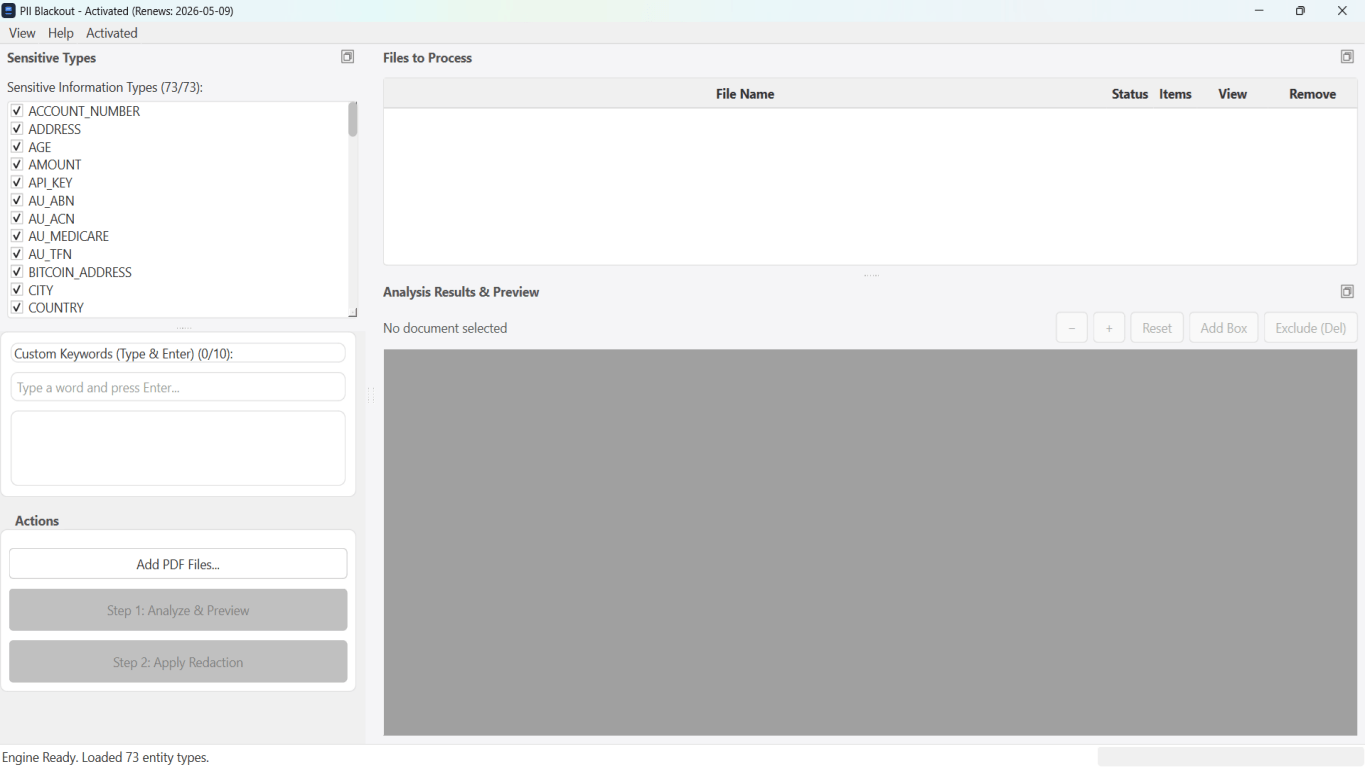
For bank statements, legal productions, HR files, and other high-risk PDFs, desktop software that runs offline PII removal lets you auto-detect identifiers, review matches, and apply permanent redaction without uploading to the cloud. PDF redaction hub and Bulk PII redaction helps when you have entire folders—not one file at a time.
Download Free TrialFAQ
Are there any safe online PDF redactors?
Some use client-side processing, but verify independently. For PII, offline desktop tools are the safer default.
Is online redaction OK for personal use?
Lower risk for non-sensitive docs—but still run paste test. Never upload tax or medical PDFs to random free sites.