
Updated 2026-09-26
How to Redact an Excel Spreadsheet (.xlsx)
Excel redaction fails most often because people hide rows instead of removing values. Hidden cells, very hidden sheets, named ranges, pivot caches, formulas, and comments keep salaries, SSNs, and account numbers inside the .xlsx package long after the visible grid looks clean. Modern Excel (.xlsx) can be redacted by replacing sensitive cell text in the workbook—then verifying Find across every sheet. Formula cells that match become fixed values so the secret does not recompute later. Pair this guide with Excel redaction, redact sensitive data in Excel, and the Word & Excel hub. Sample files: online demo (Excel supported).
- → How do I redact an Excel file with salary or SSN columns?
- → Is hiding rows in Excel enough for redaction?
- → Should I send PDF or Excel after redaction?
- → How do I redact hidden sheets in Excel?
- → Can I redact Excel formulas without deleting the whole model?
What Excel redaction must achieve
A redacted spreadsheet is one where sensitive values are gone from the file structure—not merely off-screen. Recipients who unhide rows, open the XML parts, inspect named ranges, or evaluate cached pivot data should not recover the original SSN, salary, or account number. If Unhide restores the column, you never redacted—you only rearranged the view.
Hidden rows, filtered views, and “very hidden” VBA sheets are still in the workbook. Anyone with Excel (or a zip tool) can restore them. Delete or permanently replace values before you share.
| Action | Looks safe? | Actually removes data? |
|---|---|---|
| Hide rows / columns | Sometimes | No |
| White font on white cells | Yes | No |
| Cover cells with shapes | Yes | No |
| Clear contents of sensitive cells | Yes | Yes for those cells — check formulas/links |
| True .xlsx cell-text redaction | Yes | Yes for matched cell text; review charts/images |
| Export print area → PDF → true PDF redact | Yes | Yes for flattened share packages |
Excel leak vectors (checklist before you email)
- Hidden and very hidden sheets (VBA Project can mark sheets xlSheetVeryHidden).
- Named ranges and defined names pointing at secret cells.
- External workbook links and Power Query connections.
- Cell comments / notes and threaded comments with reviewer names.
- Formula cells that recompute PII from inputs you thought you cleared.
- Pivot caches and slicer caches retaining old member lists.
- Chart series and data labels sourced from hidden ranges.
- Custom document properties and Author metadata.
- Unused sheets you forgot: “Raw”, “Export”, “DELETE ME”.
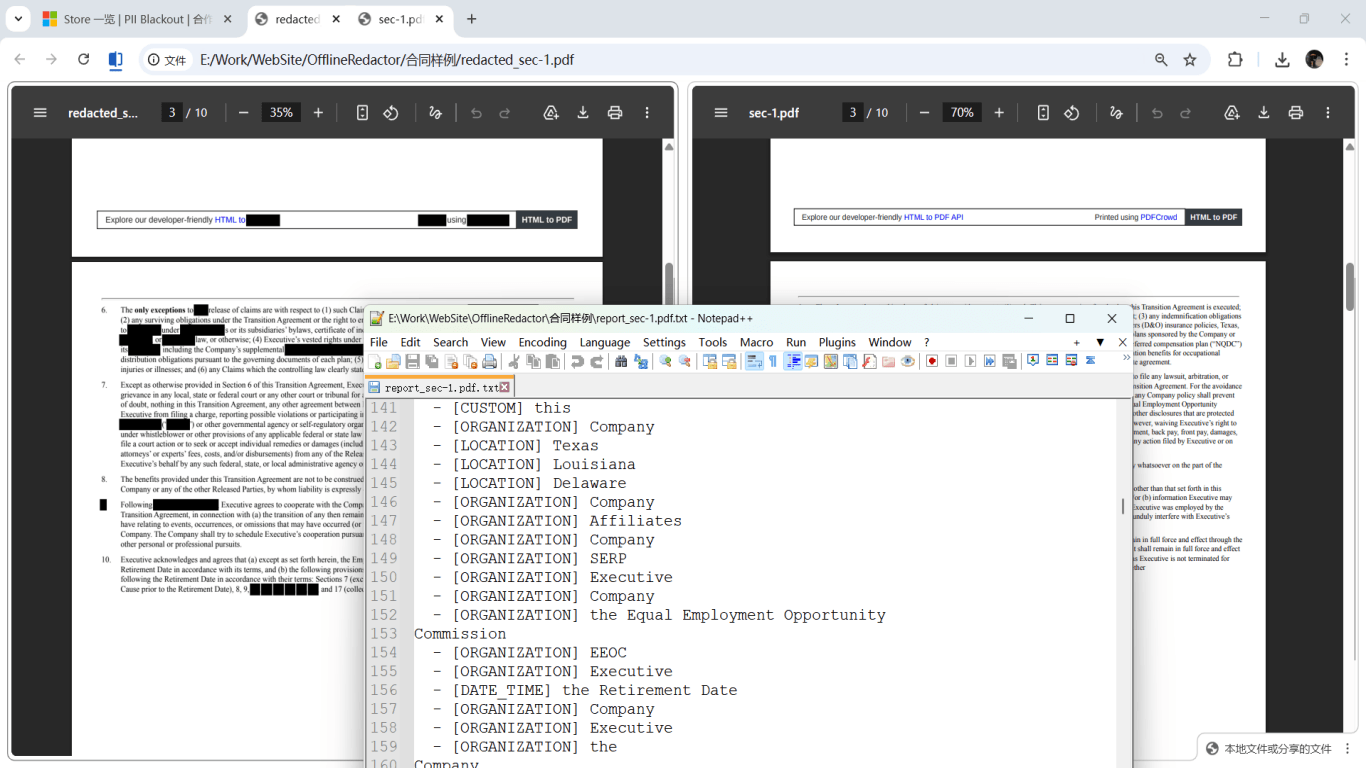
Native .xlsx redaction vs PDF export
Keep .xlsx when the recipient must sort, filter, or continue modeling non-sensitive columns. Prefer PDF when you are sharing a snapshot for underwriting, opposing counsel, or a board packet where an editable payroll model is unacceptable. Many teams do both: redact the working .xlsx for internal reuse, and ship an external PDF with true blackout.
| Scenario | Deliverable |
|---|---|
| HR shares headcount without SSNs to a vendor | Redacted .xlsx (ID columns replaced) |
| Lender wants income proof from a worksheet export | PDF of relevant range + PDF redaction verify |
| Cap table excerpt for advisors | Redacted .xlsx or PDF—never full hidden investor sheet |
| Mixed folder: statements + workbooks | Offline batch across PDF/Word/Excel |
When a matched formula cell is redacted, tools typically write a fixed replacement value so the sensitive expression cannot recalculate. Expect downstream formulas that referenced that cell to need a sanity check after export.
Step-by-step: how to redact an Excel spreadsheet
- Copy the workbook; lock the original in a non-share folder.
- Unhide all sheets; list every tab including chart sheets.
- Decide column policy: which fields must stay (employee ID?) vs must go (SSN, salary, bank).
- Run offline analysis on the .xlsx with financial/identity entity types and custom keywords (project codes, client nicknames).
- Review hits sheet by sheet; deselect false positives (public EINs you must keep, etc.).
- Apply redaction; allow deep clean of comments/properties when available.
- Verification: Ctrl+F for original values on every sheet; unhide again; check named ranges.
- Inspect charts and any embedded images for visible PII.
- If sharing externally as PDF: set print area → export → run PDF paste test.
- Never attach both the redacted PDF and the unredacted source .xlsx in the same email.

What to redact by workbook type
| Workbook | Usually redact | Often keep |
|---|---|---|
| Payroll / HR roster | SSN, DOB, bank account, home address, salary if not required | Employee ID, department, FTE flags |
| Customer export / CRM dump | Email, phone, street address, card tokens | Account tier, region aggregates |
| Financial model | Named client tabs, deal codes in comments | Structure, public assumptions |
| Claims / medical log | MRN, diagnosis free text beyond need | Claim status codes if de-identified |
| Student / applicant list | SSN, DOB, parent contacts | Application ID, program code |
Tool comparison
| Method | Safe? | Notes |
|---|---|---|
| Hide / filter / white font | No | Trivial to reverse |
| Manual Clear Contents | Partial | Misses hidden sheets, caches, comments |
| IRM / password protect only | No for redaction | Access control ≠ removal |
| Native .xlsx redaction offline | Yes with verify | Replaces cell text; review pivots/images |
| PDF export + true redact | Yes | Best flattened external package |
| Upload-to-web “Excel redactor” | Risky | Full payroll history leaves the building |
Step-by-step workflow
- Archive the original workbook; work on a copy.
- Unhide every sheet; inventory named ranges and external links.
- Define which columns/fields must be removed for this recipient.
- Analyze .xlsx with PII detection + keywords.
- Review and confirm hits; apply permanent cell-text replacement.
- Verify Find across all sheets; check charts, comments, properties.
- Choose deliverable: redacted .xlsx and/or verified PDF.
- Transmit only redacted outputs; retain original under access control.
Common mistakes
- Hiding rows instead of deleting or replacing values
Unhide restores everything. Filters are even weaker—they are a view, not a security control.
- Sending both XLSX and a “redacted” PDF
The spreadsheet remains the authoritative leak. Send one redacted package, not mixed sources.
- Forgetting pivot caches and Power Query
Old member lists and imported PII can survive after you clear the visible grid.
- Protecting the sheet and calling it done
Sheet protection is a UX lock, not redaction. Passwords are routinely bypassed for .xlsx.
- Ignoring formula cells
A formula that concatenates first name + SSN will regenerate PII unless the formula itself is replaced with a fixed safe value.
Verification before you share
- ✓ Every sheet unhidden; Find(original SSN/account) returns nothing.
- ✓ Named ranges do not still point at secret values.
- ✓ Comments/notes cleared of PII.
- ✓ Charts and data labels spot-checked.
- ✓ If PDF shared: Ctrl+A paste test clean on redacted regions.
- ✓ Email/attachments contain only redacted exports.
Offline tool option
For bank statements, legal productions, HR files, and other high-risk PDFs, desktop software that runs offline PII removal lets you auto-detect identifiers, review matches, and apply permanent redaction without uploading to the cloud. PDF redaction hub and Bulk PII redaction helps when you have entire folders—not one file at a time.
Download Free TrialFAQ
Is hiding rows in Excel enough for redaction?
No. Hidden data remains in the file and is trivial to restore. Permanently clear or replace values, then verify with Find after unhiding everything.
Can Excel IRM replace redaction?
IRM controls who can open a file. It does not remove PII that authorized viewers can see, copy, or screenshot. Use IRM and redaction for different jobs.
Should I send PDF or Excel after redaction?
Send Excel when the recipient must work with columns; send PDF when you need a flattened, non-editable share. Never send the unredacted source alongside a redacted PDF.
What happens to formulas during redaction?
Matched formula cells typically become fixed replacement values so sensitive expressions cannot recalculate. Recheck dependent formulas after export.
Do pictures and pivot caches get redacted automatically?
Cell-text redaction focuses on cell contents. Pictures, charts, and pivot caches may remain unchanged—inspect them or flatten to PDF when those objects carry PII.
Can I try Excel redaction online first?
Yes—use the online demo on a non-confidential sample .xlsx. For payroll, health, or client workbooks, use the offline desktop app so files never leave your PC.
- Excel Redaction: Permanently Remove Sensitive Spreadsheet Data
- How to Redact Sensitive Data in Excel (SSN, Salary, Accounts)
- How to Redact a Word Document (.docx) Safely
- Word Document Redaction: Definition, Risks & Safe Workflow
- How to Redact Word and Excel Documents (Hub)
- Redact Financial PDFs: What to Black Out
- How to Redact HR Documents
- How to Redact Financial Reports
- How to Redact PDFs in Batch
- Document Redaction Best Practices