
Updated 2026-06-06
How to Redact a PDF on iPhone
iPhone Markup is fine for hiding a phone number on a screenshot—not for HIPAA-safe or court-safe redaction on multi-page PDFs. Shapes and pen strokes in Files app Markup are annotations; desktop Acrobat often still copies the text underneath. Searchers ask how to black out a PDF on iPhone before emailing a landlord or employer. This guide explains iOS limits and the handoff to Mac Preview redaction or offline PDF redaction when sensitivity rises.
- → How do I redact a PDF on iPhone?
- → Is iPhone Markup safe for redacting bank statements?
- → Can I black out text in Files app on iOS?
- → Should I use a redact PDF app from the App Store?
- → How do I verify iPhone redaction worked?
What iOS Markup actually does
Markup adds annotation layers above PDF content. Underlying text remains in the file for many PDFs when opened on desktop. There is no system-wide "Redact" tool on iPhone equivalent to Sonoma Preview Redact or Acrobat Apply Redactions.
AirDrop to Mac/PC, open in Reader, Ctrl+A paste test on redacted zone before sending PII.
When mobile might suffice (rare)
- Low-sensitivity personal memo after export to flat image PDF per page.
- Visual-only share where recipient will not run extraction tools.
- Never: bank statements, tax forms, medical records, legal production.
Recommended workflow
- For PII/financial/legal: AirDrop or cloud sync to desktop offline redactor.
- If App Store app used: pick on-device processing; read privacy policy.
- Avoid uploading full statements to unknown servers from phone.
- After any mobile edit: verify on desktop before email.
Step-by-step workflow
- Classify document sensitivity.
- PII/financial/legal → transfer to desktop for true redaction.
- If Markup used: verify on desktop with paste test.
- Avoid emailing until verification passes.
Common mistakes
- Emailing Markup-redacted PDF to opposing counsel
Treat as unredacted until desktop copy test fails.
- App Store app with cloud upload
Full document leaves device—same risk as web uploaders.
Verification before you share
- ✓ Desktop paste test on redacted regions.
- ✓ Second viewer confirms no selectable sensitive text.
Offline tool option
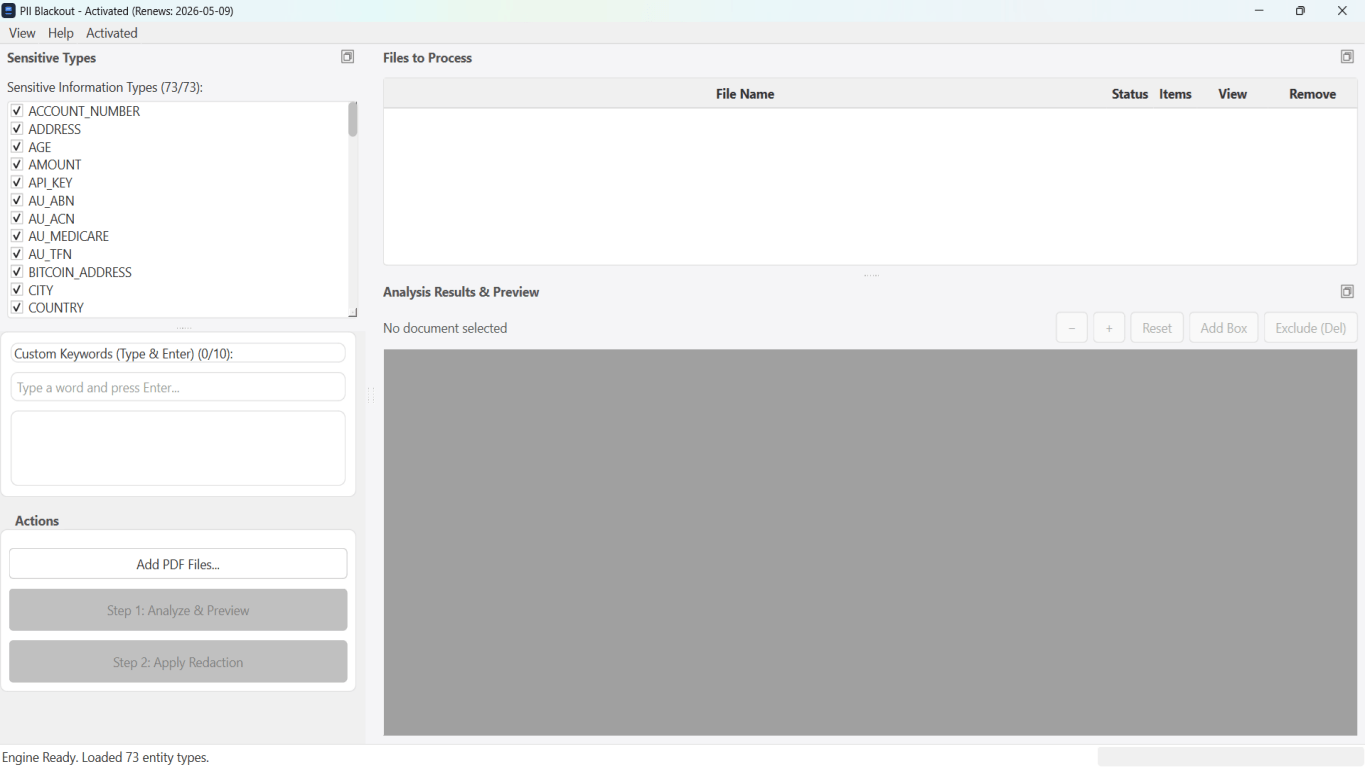
For bank statements, legal productions, HR files, and other high-risk PDFs, desktop software that runs offline PII removal lets you auto-detect identifiers, review matches, and apply permanent redaction without uploading to the cloud. PDF redaction hub and Bulk PII redaction helps when you have entire folders—not one file at a time.
Download Free TrialFAQ
Are App Store redact PDF apps safe?
Prefer on-device processing and offline mode; read privacy policy before PHI or bank PDFs.
Can I redact on iPhone then finish on Mac Preview Redact?
Better to start on Mac with Redact tool—Markup annotations may complicate later passes.