
Bijgewerkt 2026-10-21
Kan zwartgemaakte tekst in een PDF worden hersteld?
Ja—zwartgemaakte tekst kan worden hersteld als deze niet correct is geredigeerd. Nieuwsmedia en rechtbanken halen regelmatig namen uit PDF’s die veilig gecensureerd leken. Zoekers vragen hoe redaction ongedaan te maken, tekst te unredacten, of of hun blackout werkte. Het antwoord hangt af van of uw tool inhoud uit de PDF-structuur verwijderde of alleen overheen tekende. Deze gids legt uit hoe herstel gebeurt en hoe u het voorkomt—volg daarna hoe informatie in een PDF zwart te maken of hoe een PDF te redigeren voor een workflow die de Ctrl+A-test doorstaat.
- → Can blacked out text in a PDF be recovered?
- → How do people unredact a PDF?
- → I used black boxes—can someone copy the text underneath?
- → How to tell if my PDF redaction is real?
- → Why does Ctrl+A show hidden text in my redacted PDF?
How recovery happens
- Select All → Copy → Paste bypasses visual black rectangles.
- pdftotext and similar tools read the content stream, not the screen.
- Removing annotation layers in some viewers reveals overlay boxes.
- OCR on scans may read text beneath poorly burned-in boxes.
- Metadata and comments may contain the same strings you blacked out on page.
Run the test yourself before sending. Attackers will.
Overlay vs true redaction
| Method | Looks black on screen? | Recoverable? |
|---|---|---|
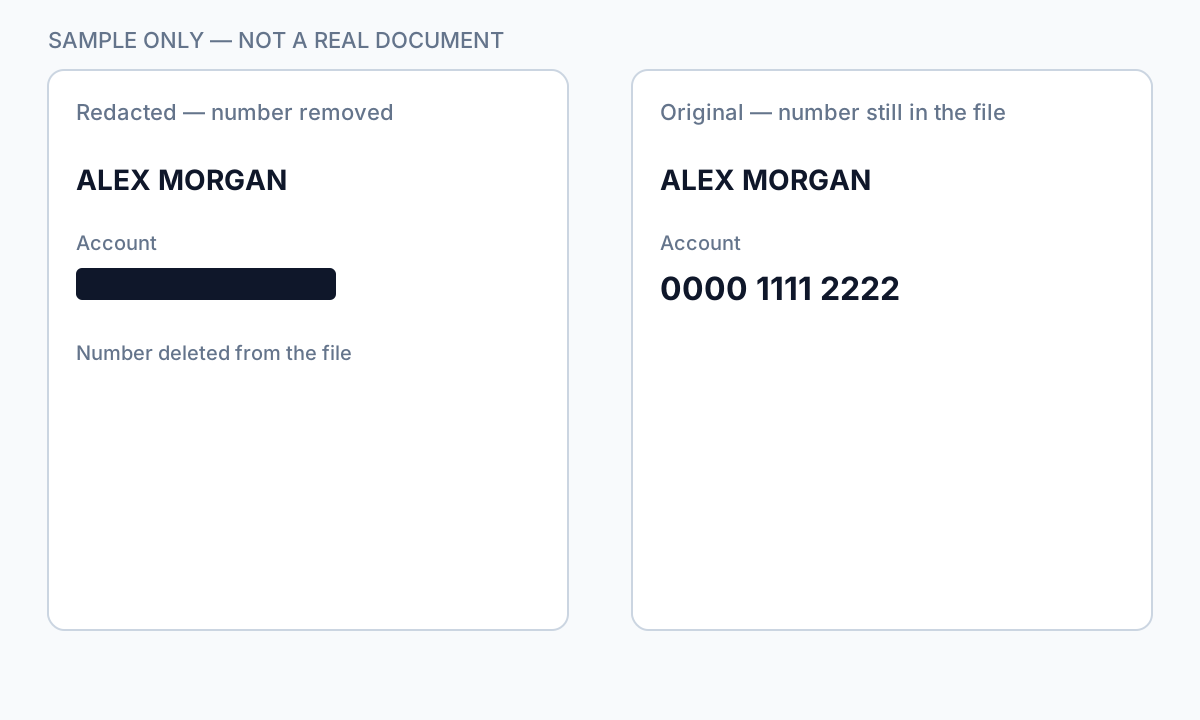
| Preview/Word shapes | Yes | Yes — text in content stream |
| Acrobat highlight/comment | Yes | Yes |
| Acrobat Apply Redactions | Yes | No — if Apply completed |
| Offline true redaction export | Yes | No — after verified export |
| Flat image scan after physical marker | Yes | Usually no — if no OCR text layer |
How to prevent recovery
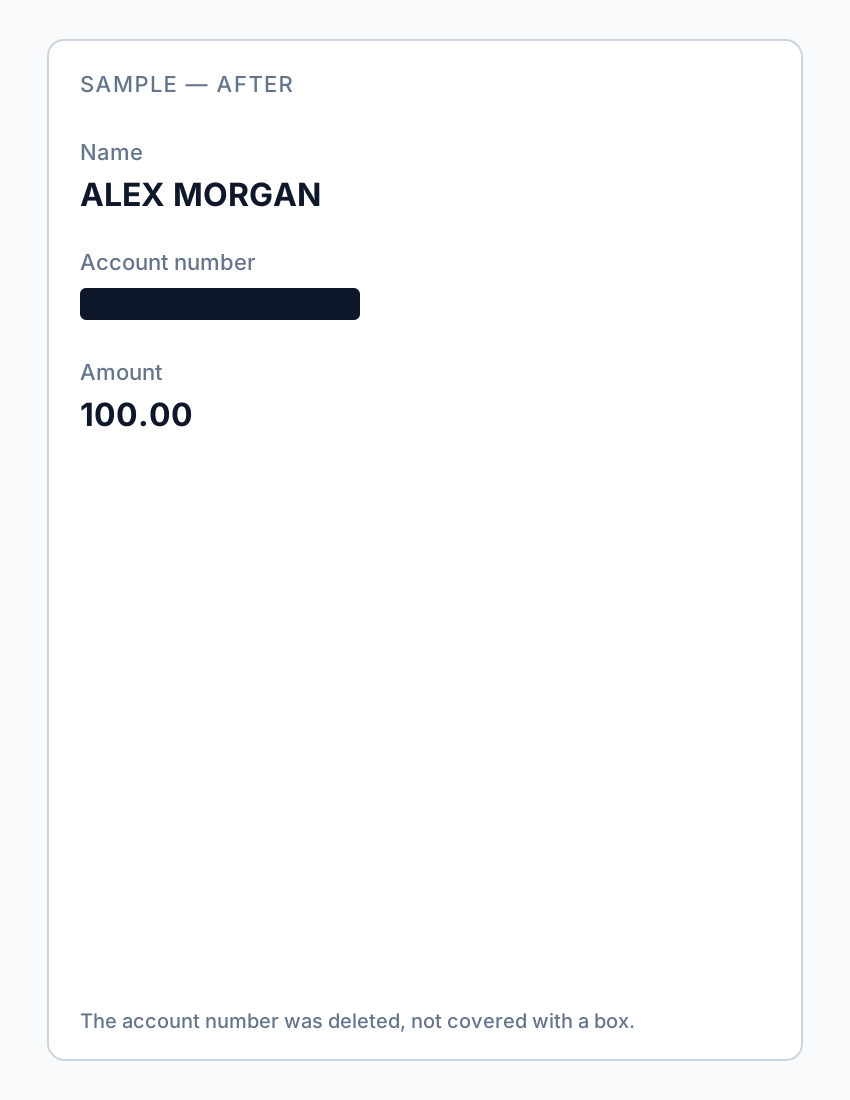
- Use true redaction (Apply), not draw tools.
- Verify with Ctrl+A paste test and Find search.
- Scrub metadata and comments.
- For scans, burn in image pixels or verified flat export.
- Re-open in second PDF viewer and repeat tests.
If you already sent an overlay “redaction,” assume the content is compromised—notify recipients and re-send a properly redacted file.
Stapsgewijze workflow
- Open your exported PDF.
- Ctrl+A → Copy → Paste into Notepad.
- If sensitive text appears, redaction failed—re-do with true removal.
- Find search for known strings.
- Check metadata and comments.
- Only send after all tests pass.
Veelgemaakte fouten
- Assuming black appearance means safe
Overlays look identical to true redaction in viewers.
- Trusting free online "secure redact" labels
Many are overlays; verify locally.
Controle vóór delen
- ✓ Paste test returns no sensitive text.
- ✓ Find search empty for redacted identifiers.
- ✓ No editable annotation on redacted regions.
Offline-tooloptie
Voor bankafschriften, juridische producties, HR-bestanden en andere risicovolle PDF’s detecteert desktopsoftware met offline PII-verwijdering identifiers, laat u matches controleren en permanente redactie toepassen zonder cloud-upload. PDF-redactiehub en bulk PII-redactie helpen bij hele mappen.
Gratis proefversie downloadenFAQ
Can I undo proper redaction?
True Apply redaction is permanent on that file—keep an unredacted original separately.
Can lawyers recover my bank statement blackout?
If you used overlay tools, yes, easily. Use true redaction before sharing.
- PDF-tekst zwart maken zodat die niet gekopieerd kan worden
- Hoe tekst in een PDF wit te maken
- Online PDF-redaction: risico’s en veiligere alternatieven
- Best practices voor documentredaction
- Hoe een PDF te redigeren
- Hoe metadata uit PDF te verwijderen
- Hoe een PDF zonder Adobe te redigeren
- Geredigeerd bankafschrift: wat zwart maken
- Hoe gerechtelijke stukken te redigeren