
Aktualisiert 2026-06-06
Online-PDF-Schwärzung: Risiken und sicherere Alternativen
Kostenlose Online-PDF-Schwärzungs-Tools ranken hoch in der Suche, weil sie sofortige Ergebnisse ohne Softwareinstallation versprechen. Für einen Kassenbon mag das reichen. Für Kundenkontoauszüge, Krankenakten oder Discovery-Produktionen ist der Upload der gesamten Datei auf einen Drittanbieter-Server oft das größere Risiko als die Schwärzung selbst—und viele Seiten zeichnen nur schwarze Kästen, ohne Text zu entfernen. Dieser Leitfaden erklärt, was passiert, wenn Sie ein PDF online schwärzen, wie Sie Tools bewerten und wann der Offline-Desktop-Workflow nicht verhandelbar ist—vergleichen Sie So schwärzen Sie ein PDF ohne Adobe und kostenlosen Blackout-PDF-Download.
- → Is online PDF redaction safe?
- → Do free online redact PDF tools actually remove text?
- → What are the risks of uploading PDFs to redaction websites?
- → Online vs offline PDF redaction for lawyers and accountants?
- → How do I redact a PDF without uploading it?
Two separate risks
- Data exfiltration: entire PDF uploaded to vendor servers, possibly logged or retained.
- False security: overlay black boxes while text remains extractable after download.
- Terms of service: some tools claim rights to process or store uploads.
- No audit trail: enterprise compliance may forbid browser upload workflows.
Worst case: your file lives on someone else’s server AND recipients can still copy “redacted” text.
Evaluating an online redaction tool
| Question | Pass | Fail |
|---|---|---|
| Does file stay local? | Client-side / WASM processing | Must upload to server |
| True removal? | Apply/burn content; paste test passes | Draw shape only |
| Regulated data OK? | BAA/SOC2 if healthcare | Generic free tier |
| Verification docs? | Explains flatten/apply step | “Secure redact” marketing only |
When offline is required
- Bank statements, tax forms, loan applications.
- Medical records (HIPAA) and insurance EOBs.
- Legal discovery, court filings, FOIA responses.
- HR files with salary and SSN.
- Any document your policy marks confidential.
If you must use a web tool
- Use only for non-sensitive, public documents.
- Confirm client-side processing in vendor docs.
- Download output and run Ctrl+A paste test.
- Scrub metadata on the downloaded file.
- Never use for credentials, health, or financial PII.
Schritt-für-Schritt-Workflow
- Classify document sensitivity before choosing tool.
- If PII/PHI/confidential: use offline desktop redaction.
- If low-risk: verify tool removes text, not overlay.
- Paste test and Find search on output.
- Scrub metadata before share.
Häufige Fehler
- Trusting “secure” badges without paste test
Marketing labels do not guarantee content removal.
- Uploading client files to free tiers
Violates bar rules, HIPAA, and firm IT policy in many cases.
Prüfung vor dem Teilen
- ✓ File never uploaded for regulated data (policy check).
- ✓ Paste test clean on downloaded output.
- ✓ Metadata reviewed if file touched a web service.
Offline-Tool-Option
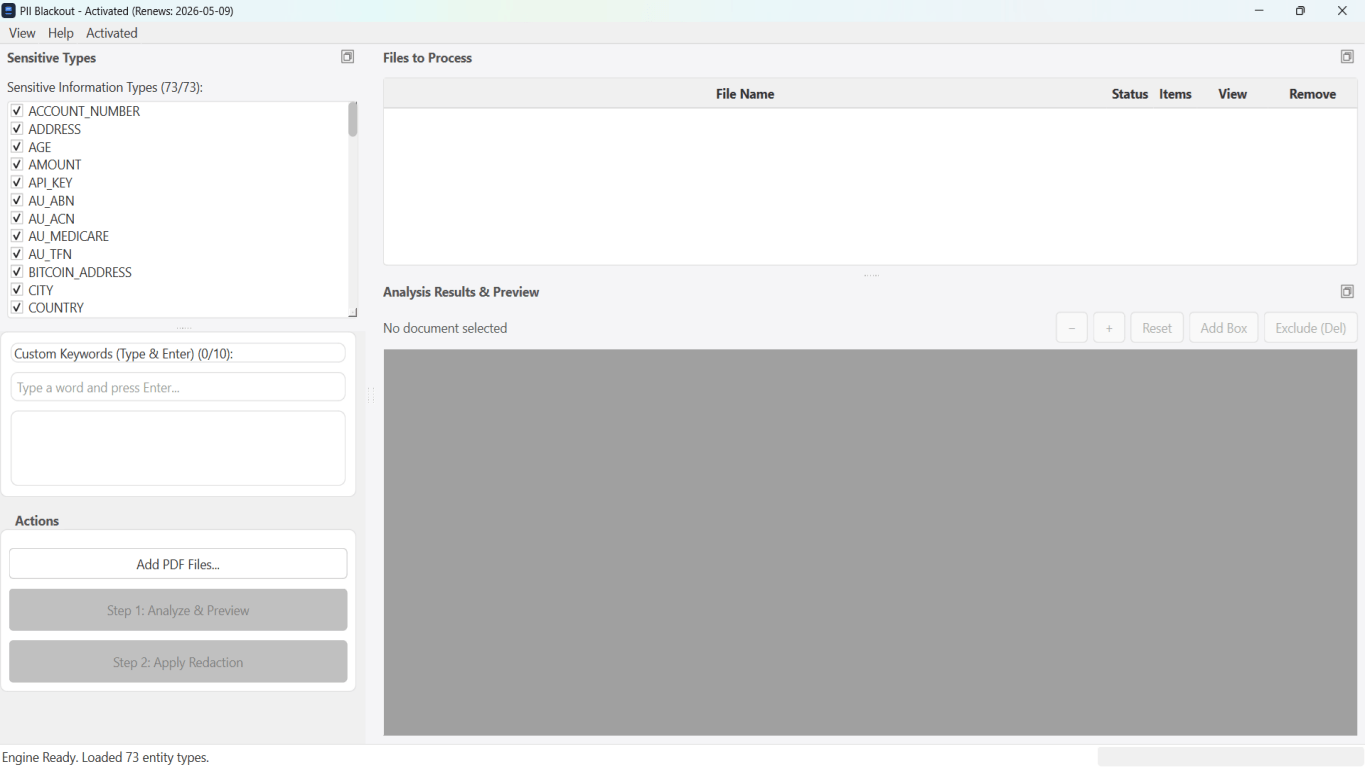
Für Bankauszüge, juristische Produktionen, HR-Dateien und andere risikoreiche PDFs erkennt Desktop-Software mit Offline-PII-Entfernung Kennungen automatisch, lässt Sie Treffer prüfen und permanente Schwärzung ohne Cloud-Upload anwenden. PDF-Schwärzungs-Hub und Massen-PII-Schwärzung helfen bei ganzen Ordnern—nicht Datei für Datei.
Kostenlose Testversion ladenFAQ
Are there any safe online PDF redactors?
Some use client-side processing, but verify independently. For PII, offline desktop tools are the safer default.
Is online redaction OK for personal use?
Lower risk for non-sensitive docs—but still run paste test. Never upload tax or medical PDFs to random free sites.