
Aktualisiert 2026-10-21
Kann geschwärzter Text in einem PDF wiederhergestellt werden?
Ja—geschwärzter Text kann wiederhergestellt werden, wenn er nicht ordnungsgemäß redigiert wurde. Medien und Gerichte extrahieren regelmäßig Namen aus PDFs, die sicher zensiert wirkten. Suchende fragen, wie man Schwärzung rückgängig macht, Text wieder sichtbar macht oder ob ihre Schwärzung funktioniert hat. Die Antwort hängt davon ab, ob Ihr Tool Inhalte aus der PDF-Struktur entfernt oder nur darüber gezeichnet hat. Dieser Leitfaden erklärt, wie Wiederherstellung funktioniert und wie Sie sie verhindern—folgen Sie danach So schwärzen Sie Informationen in einem PDF oder So schwärzen Sie ein PDF für einen Workflow, der den Ctrl+A-Test besteht.
- → Can blacked out text in a PDF be recovered?
- → How do people unredact a PDF?
- → I used black boxes—can someone copy the text underneath?
- → How to tell if my PDF redaction is real?
- → Why does Ctrl+A show hidden text in my redacted PDF?
How recovery happens
- Select All → Copy → Paste bypasses visual black rectangles.
- pdftotext and similar tools read the content stream, not the screen.
- Removing annotation layers in some viewers reveals overlay boxes.
- OCR on scans may read text beneath poorly burned-in boxes.
- Metadata and comments may contain the same strings you blacked out on page.
Run the test yourself before sending. Attackers will.
Overlay vs true redaction
| Method | Looks black on screen? | Recoverable? |
|---|---|---|
| Preview/Word shapes | Yes | Yes — text in content stream |
| Acrobat highlight/comment | Yes | Yes |
| Acrobat Apply Redactions | Yes | No — if Apply completed |
| Offline true redaction export | Yes | No — after verified export |
| Flat image scan after physical marker | Yes | Usually no — if no OCR text layer |
How to prevent recovery
- Use true redaction (Apply), not draw tools.
- Verify with Ctrl+A paste test and Find search.
- Scrub metadata and comments.
- For scans, burn in image pixels or verified flat export.
- Re-open in second PDF viewer and repeat tests.
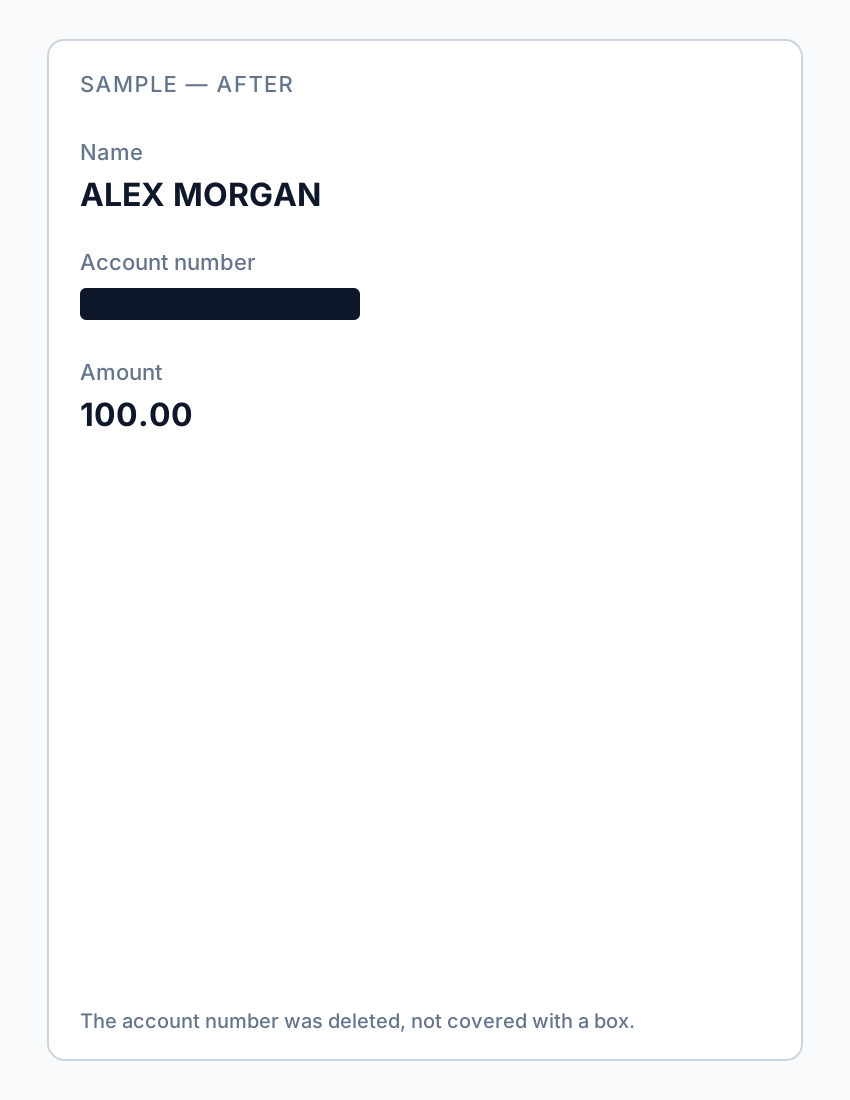
If you already sent an overlay “redaction,” assume the content is compromised—notify recipients and re-send a properly redacted file.
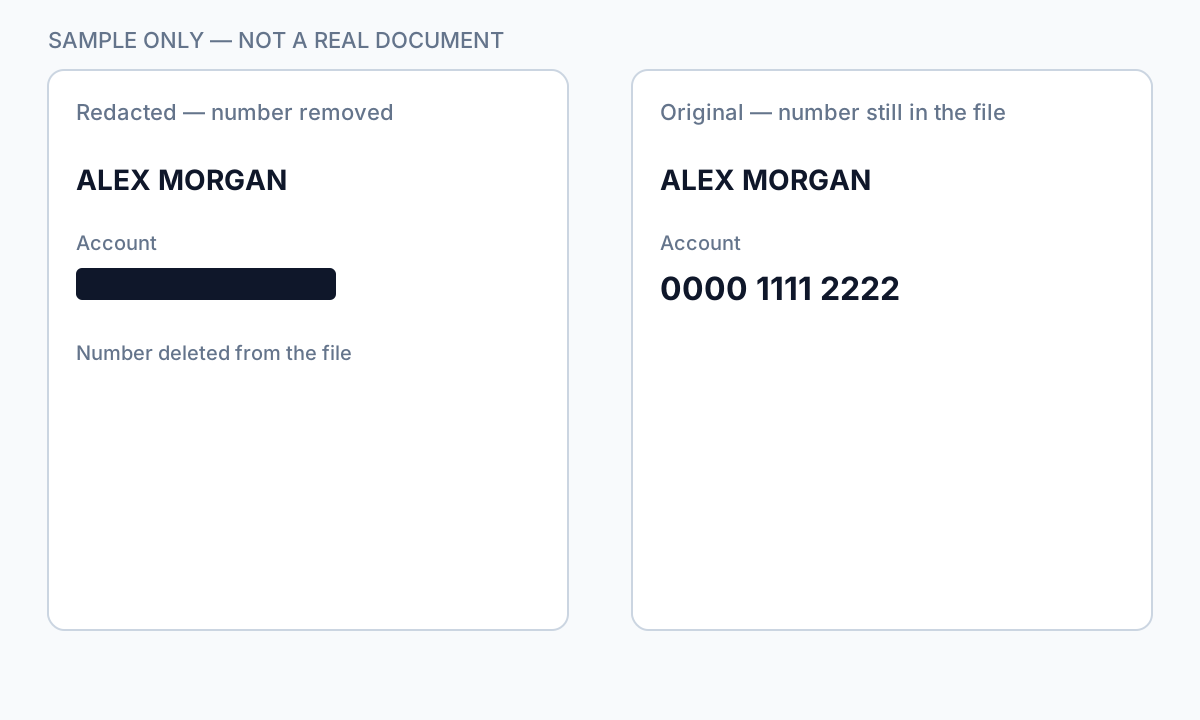
Schritt-für-Schritt-Workflow
- Open your exported PDF.
- Ctrl+A → Copy → Paste into Notepad.
- If sensitive text appears, redaction failed—re-do with true removal.
- Find search for known strings.
- Check metadata and comments.
- Only send after all tests pass.
Häufige Fehler
- Assuming black appearance means safe
Overlays look identical to true redaction in viewers.
- Trusting free online "secure redact" labels
Many are overlays; verify locally.
Prüfung vor dem Teilen
- ✓ Paste test returns no sensitive text.
- ✓ Find search empty for redacted identifiers.
- ✓ No editable annotation on redacted regions.
Offline-Tool-Option
Für Bankauszüge, juristische Produktionen, HR-Dateien und andere risikoreiche PDFs erkennt Desktop-Software mit Offline-PII-Entfernung Kennungen automatisch, lässt Sie Treffer prüfen und permanente Schwärzung ohne Cloud-Upload anwenden. PDF-Schwärzungs-Hub und Massen-PII-Schwärzung helfen bei ganzen Ordnern—nicht Datei für Datei.
Kostenlose Testversion ladenFAQ
Can I undo proper redaction?
True Apply redaction is permanent on that file—keep an unredacted original separately.
Can lawyers recover my bank statement blackout?
If you used overlay tools, yes, easily. Use true redaction before sharing.
- PDF-Text schwärzen, damit er nicht kopiert werden kann
- So weißeln Sie Text in einem PDF aus
- Online-PDF-Schwärzung: Risiken und sicherere Alternativen
- Best Practices für Dokumentenschwärzung
- So schwärzen Sie ein PDF
- So entfernen Sie Metadaten aus PDF
- So schwärzen Sie ein PDF ohne Adobe
- Geschwärzter Kontoauszug: Beispiel, was schwärzen
- So schwärzen Sie Gerichtsunterlagen