
Updated 2026-06-06
Redact a Signed PDF Without Breaking It
PKI digital signatures hash the document bytes at signing time—any change after signing invalidates the signature panel. Teams that redact account numbers on a countersigned contract wonder why Acrobat shows "Signature invalid." The fix is workflow order: redact sensitive fields on the draft, then sign the redacted canonical version—or re-sign after redaction with documented audit trail. Electronic signature images (pictures of signatures) behave like scans; PKI signatures behave like cryptography. See how to redact a contract and how to redact legal documents for production workflows.
- → Can I redact a PDF after it has been digitally signed?
- → Why does redaction invalidate my PDF signature?
- → Should I redact before or after DocuSign signing?
- → How do I redact a notarized PDF scan?
- → Will redacting break my electronic signature?
Signature types behave differently
| Type | What it is | After redaction |
|---|---|---|
| PKI digital signature | Certificate-based hash in PDF | Invalid until re-signed |
| Electronic signature image | Picture of signature on page | May remain valid visually; content changed |
| DocuSign certificate page | Audit trail + signature | Invalid if bytes change post-sign |
| Wet ink + notary scan | Image of paper | Redact like any scan; recorder may reject altered notary block |
Recommended order of operations
- Draft → redact PII/secrets → final review → sign → distribute.
- Never redact after PKI sign unless you plan to re-sign.
- For DocuSign: redact source PDF before sending envelope when possible.
- If only signed copy exists: rebuild unsigned PDF from content, redact, re-sign.
- Document re-sign event in matter file for legal audit.
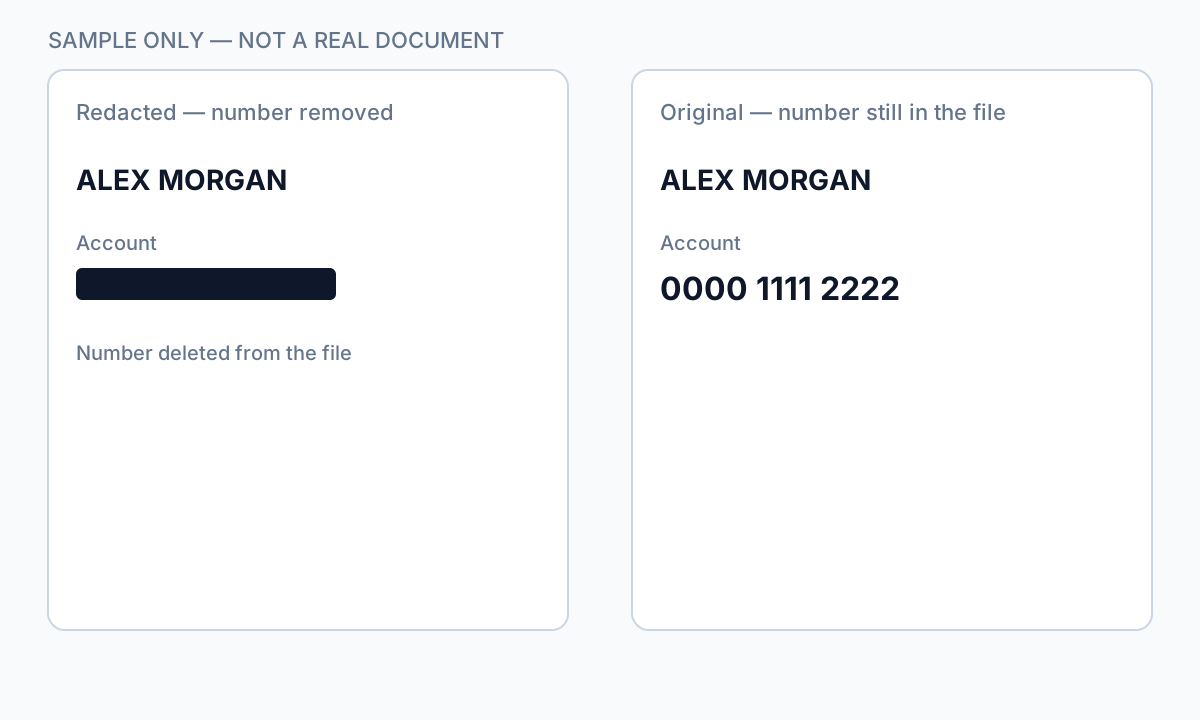
Redact before the envelope goes out, or complete a new signature cycle on the redacted file.
Notarized and recorded documents
Redacting a notary block or seal on a recorded deed may cause county recorder rejection. For notarized scans, redact surrounding PII but consult counsel before altering notary elements. Internal copies for discovery may redact more aggressively than recording copies.
Step-by-step workflow
- Open Signatures panel—determine PKI vs. image signature.
- If unsigned draft exists: redact draft, then sign.
- If only signed PDF: export content, rebuild, redact, re-sign with audit note.
- Verify redaction independent of signature validity.
- Store unredacted original under retention policy separately.
Common mistakes
- Redacting after PKI sign without re-sign plan
Recipients see invalid signature—compliance and trust issue.
- Redacting notary block on recording copy
County recorder may reject document.
- Assuming image signature = safe to redact underneath
Content still changed; legal review may require new execution.
Verification before you share
- ✓ Signature valid or intentionally re-signed with log entry.
- ✓ Redaction verified with paste test regardless of signature panel.
- ✓ Original signed version archived if policy requires.
Offline tool option
For bank statements, legal productions, HR files, and other high-risk PDFs, desktop software that runs offline PII removal lets you auto-detect identifiers, review matches, and apply permanent redaction without uploading to the cloud. PDF redaction hub and Bulk PII redaction helps when you have entire folders—not one file at a time.
Download Free TrialFAQ
Will DocuSign certificate survive redaction?
No—redact before sending for signature, or re-execute envelope on redacted file.
Can I remove SSN from a signed contract?
Only on a copy with re-sign or if signature was not yet applied—plan workflow upfront.