
Mis à jour 2026-10-21
Le texte noirci d'un PDF peut-il être récupéré ?
Oui—le texte noirci peut être récupéré s'il n'a pas été correctement rédacté. Médias et tribunaux extraient régulièrement des noms de PDF qui semblaient sûrement censurés. Les chercheurs demandent comment annuler une rédaction, démasquer du texte ou si leur blackout a fonctionné. La réponse dépend de si votre outil a retiré le contenu de la structure PDF ou a seulement dessiné par-dessus. Ce guide explique comment la récupération se produit et comment la prévenir—suivez ensuite comment noircir des informations dans un PDF ou comment rédacter un PDF pour un flux qui réussit le test Ctrl+A.
- → Can blacked out text in a PDF be recovered?
- → How do people unredact a PDF?
- → I used black boxes—can someone copy the text underneath?
- → How to tell if my PDF redaction is real?
- → Why does Ctrl+A show hidden text in my redacted PDF?
How recovery happens
- Select All → Copy → Paste bypasses visual black rectangles.
- pdftotext and similar tools read the content stream, not the screen.
- Removing annotation layers in some viewers reveals overlay boxes.
- OCR on scans may read text beneath poorly burned-in boxes.
- Metadata and comments may contain the same strings you blacked out on page.
Run the test yourself before sending. Attackers will.
Overlay vs true redaction
| Method | Looks black on screen? | Recoverable? |
|---|---|---|
| Preview/Word shapes | Yes | Yes — text in content stream |
| Acrobat highlight/comment | Yes | Yes |
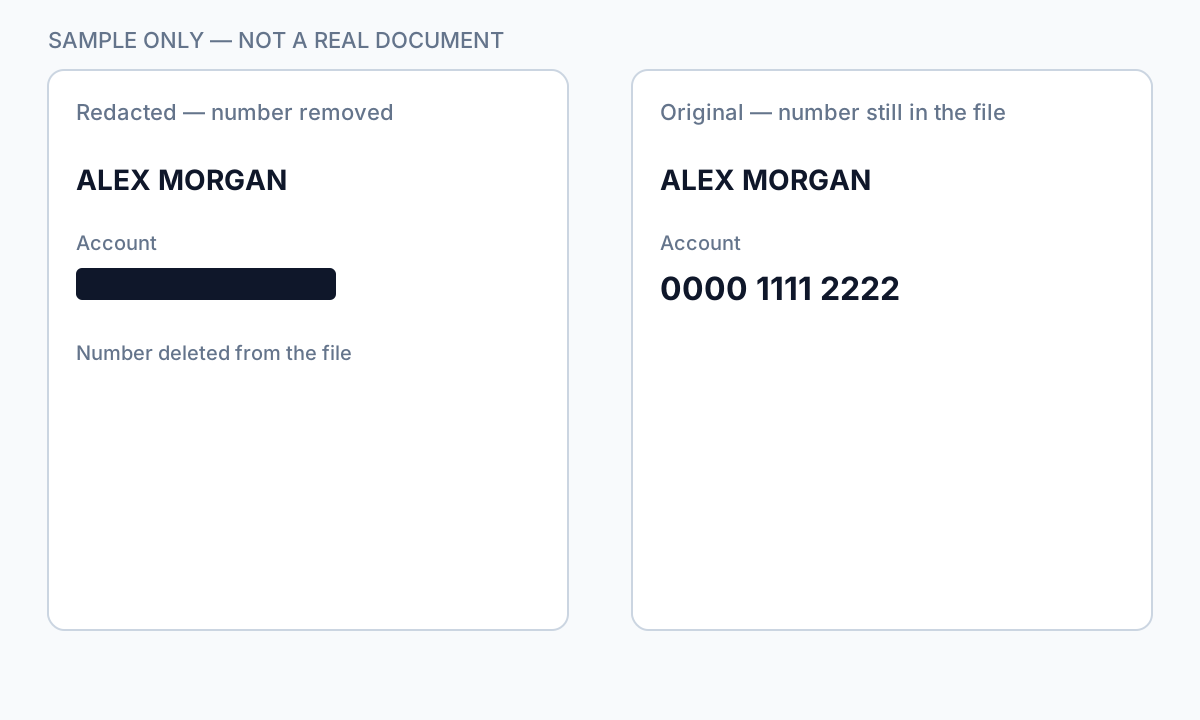
| Acrobat Apply Redactions | Yes | No — if Apply completed |
| Offline true redaction export | Yes | No — after verified export |
| Flat image scan after physical marker | Yes | Usually no — if no OCR text layer |
How to prevent recovery
- Use true redaction (Apply), not draw tools.
- Verify with Ctrl+A paste test and Find search.
- Scrub metadata and comments.
- For scans, burn in image pixels or verified flat export.
- Re-open in second PDF viewer and repeat tests.
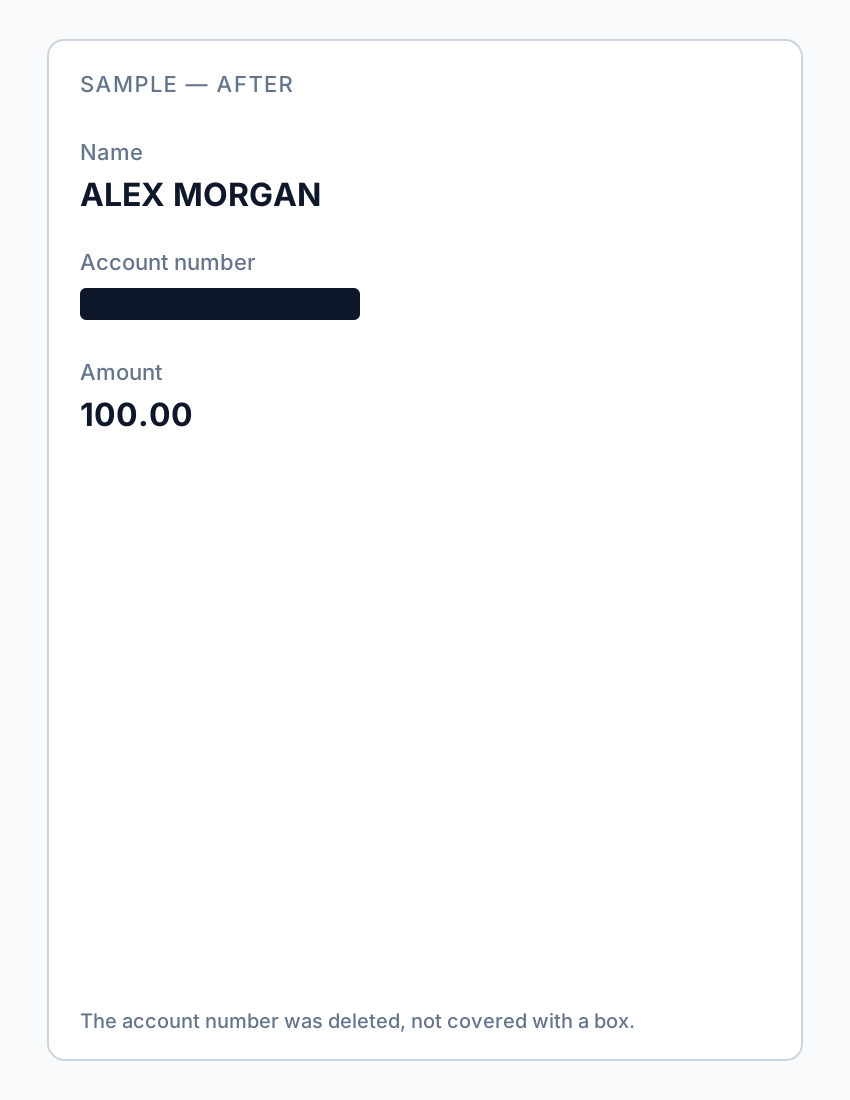
If you already sent an overlay “redaction,” assume the content is compromised—notify recipients and re-send a properly redacted file.
Flux étape par étape
- Open your exported PDF.
- Ctrl+A → Copy → Paste into Notepad.
- If sensitive text appears, redaction failed—re-do with true removal.
- Find search for known strings.
- Check metadata and comments.
- Only send after all tests pass.
Erreurs fréquentes
- Assuming black appearance means safe
Overlays look identical to true redaction in viewers.
- Trusting free online "secure redact" labels
Many are overlays; verify locally.
Vérification avant partage
- ✓ Paste test returns no sensitive text.
- ✓ Find search empty for redacted identifiers.
- ✓ No editable annotation on redacted regions.
Option outil hors ligne
Pour relevés bancaires, productions juridiques, RH et autres PDF à risque, un logiciel bureau avec suppression PII hors ligne détecte les identifiants, permet de revoir les correspondances et d’appliquer une rédaction permanente sans envoi cloud. hub de rédaction PDF et rédaction PII en lot aident pour des dossiers entiers.
Télécharger l’essai gratuitFAQ
Can I undo proper redaction?
True Apply redaction is permanent on that file—keep an unredacted original separately.
Can lawyers recover my bank statement blackout?
If you used overlay tools, yes, easily. Use true redaction before sharing.
- Noircir le texte d’un PDF pour qu’il ne se copie plus
- Comment blanchir du texte dans un PDF
- Rédaction PDF en ligne : risques et alternatives plus sûres
- Bonnes pratiques de rédaction de documents
- Comment rédacter un PDF
- Comment supprimer les métadonnées d'un PDF
- Comment rédacter un PDF sans Adobe
- Relevé bancaire rédacté : quoi noircir
- Comment rédacter des documents judiciaires