
Mis à jour 2026-10-21
Comment supprimer les métadonnées d'un PDF
Si vous devez supprimer les métadonnées de fichiers PDF, vous traitez le bon risque : les documents fuient des informations au-delà du texte visible de la page. Les métadonnées vivent dans les propriétés du document, paquets XMP, commentaires, champs de formulaire, pièces jointes intégrées et couches OCR cachées. Effacer uniquement l'Auteur suffit rarement. Ce guide explique quoi nettoyer, l'ordre correct après la rédaction de contenu de comment rédacter un PDF et comment vérifier que l'export est réellement propre avant de partager relevés bancaires, dossiers juridiques ou documents RH.
- → Can compressing a PDF remove hidden data like comments, layers, or embedded attachments?
- → Is metadata redaction a separate step from reducing file size?
- → How do I remove author name from PDF metadata?
- → Does removing metadata remove PII from the page?
- → How do I verify metadata is truly gone?
Can compressing a PDF remove hidden data?
No. PDF compression rewrites image streams and sometimes fonts so the file is smaller. It does not walk the document and delete comments, optional-content layers, embedded files, or the Author field. A compressed bank statement can still contain the account number in a comment, an attached original, or a hidden OCR layer.
| Action | Smaller file | Removes comments | Removes layers | Removes attachments | Removes Author / XMP |
|---|---|---|---|---|---|
| Compress or reduce file size | Usually | No | No | No | No |
| Delete comments in the viewer | No | Only if you save | No | No | No |
| Sanitize / remove hidden information | Sometimes | Yes | Yes | Yes | Yes |
| Redact the visible page text | No | No | No | No | No |
If someone said to “just compress it” before sending a contract or a statement, that step does not delete comments, layers, or attachments. Sanitize, then open Document Properties and the attachments panel on the file you will actually send.
What PDF metadata includes
Metadata is information about the document—not the visible text. A PDF can store properties (Author, Title, Subject), XMP XML with tool and organization history, review comments, populated form fields, embedded file attachments, and hidden layers from OCR or optional content groups.
- Document properties: author, title, subject, keywords, creator/producer, dates.
- XMP metadata: richer history from DMS exports (iManage, SharePoint).
- Comments and annotations: names, initials, timestamps.
- Form fields: hidden or default values with PII.
- Embedded attachments: original filenames inside the PDF container.
- Hidden layers/objects: OCR text layers, optional content groups.
Why metadata removal matters
Even when body text is blacked out, [email protected] or Title=Client Matter Name can identify parties. Court productions and FOIA responses have leaked from metadata when visible pages looked clean. Treat scrubbing as part of redaction—not optional cleanup.
Visible SSNs and account numbers remain in body text. Remove content first, then sanitize metadata.
Order of operations
- Start from a copy; keep original secure.
- Complete true content redaction (Apply—not overlay).
- Run Sanitize / Remove Hidden Information (Acrobat or equivalent).
- Clear Author, Title, Subject; remove embedded files and comments.
- Save As new PDF—not incremental save on sensitive original.
- Re-open Properties, paste test, and optional exiftool scan.
Sanitizing before redaction can be undone when the tool regenerates metadata on save—sanitize last.
Practical workflow without dedicated tools
Some teams export a flattened PDF that re-renders content, reducing annotation and layer risk. Flattening is not automatically perfect—still verify properties, search, and paste test. Combine flatten with true redaction for regulated sharing.
Connection to black-out and redact guides
Many visitors arrive after learning to black out text in a PDF. Hidden structures can still leak when the page looks perfect. Finish visible redaction first, then return here to remove metadata before transmission.
Flux étape par étape
- Finish true content redaction on all pages.
- Open Document Properties; note sensitive fields.
- Run sanitizer per tool documentation.
- Remove embedded attachments if panel shows any.
- Clear comments and form field values.
- Save As new filename.
- Re-check Properties, Find search, and paste test.
Erreurs fréquentes
- Only clearing Author field
XMP, comments, and attachments often survive.
- Sanitizing before redaction
Save during redaction may rewrite metadata again.
- Metadata-only cleanup without content redaction
Visible PII still in body—scrub is not enough alone.
- Leaving Title = client matter name
Common DMS export leak in court productions.
Vérification avant partage
- ✓ Author/Creator generic or empty in Document Properties.
- ✓ No embedded files with PII filenames.
- ✓ Find search for known identifiers returns zero hits.
- ✓ Paste test on redacted regions still clean.
- ✓ Re-open in second viewer and re-check properties.
Option outil hors ligne
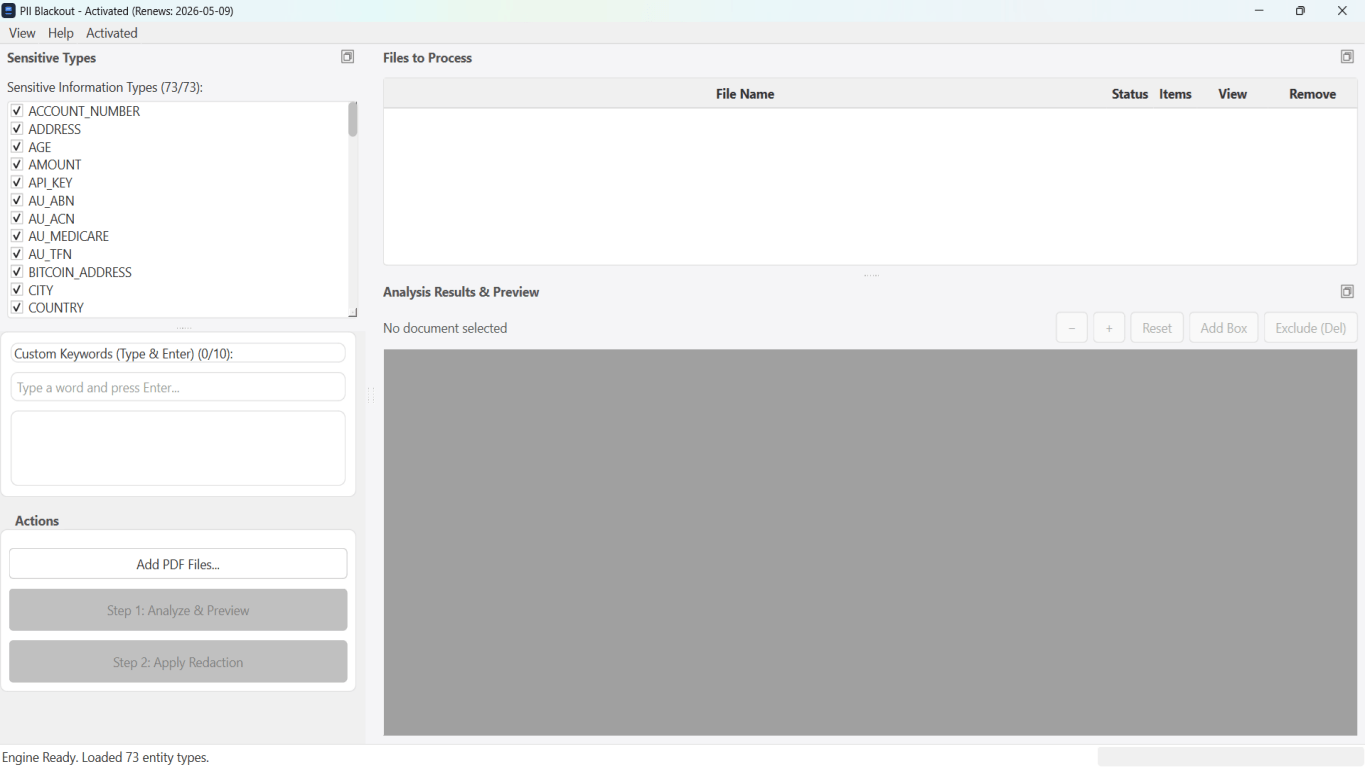
Pour relevés bancaires, productions juridiques, RH et autres PDF à risque, un logiciel bureau avec suppression PII hors ligne détecte les identifiants, permet de revoir les correspondances et d’appliquer une rédaction permanente sans envoi cloud. hub de rédaction PDF et rédaction PII en lot aident pour des dossiers entiers.
Télécharger l’essai gratuitFAQ
Does removing metadata remove PII?
No. You must redact visible content and scrub metadata to avoid leaks through properties and hidden fields.
Why can metadata leak after blackout?
PDF stores author names, timestamps, and hidden layers independent of screen appearance. Verify with Properties and paste test.
How do I know metadata is truly gone?
Check document properties, search output, inspect annotations/forms, re-open in a different viewer. Treat export as part of sanitization.
Does Word Inspect Document replace PDF sanitize?
Inspect cleans DOCX before export—still sanitize PDF after redaction export.
Can compressing a PDF remove comments, layers, or embedded attachments?
No. Compression changes how page content is stored so the file is smaller. Comments, optional layers, embedded files, and document properties remain until you remove them in a separate sanitize step.
- Noircir le texte d’un PDF pour qu’il ne se copie plus
- Comment rédacter un PDF
- Le texte noirci d'un PDF peut-il être récupéré ?
- Relevé bancaire rédacté : quoi noircir
- Comment rédacter un CV pour un screening anonyme
- Comment rédacter des documents juridiques en toute sécurité
- Comment rédacter des documents confidentiels