
Aggiornato 2026-06-06
Come redigere un contratto senza rischi legali
I contratti commerciali concentrano ragioni sociali, indirizzi di notifica, listini, metriche SLA, allegati di sicurezza e liste clienti in un unico bundle PDF. I team legali redigono quando condividono template con prospect, inviano campioni in RFP o producono accordi in discovery. Il fallimento non è perdere un importo—è lasciare “Vendor means Acme Corp” nelle definizioni mentre si redige Acme nel blocco firma, o inviare un export Word con revisioni che ancora contiene prezzi nei commenti. Prova il template Documento legale online su un allegato prima di una produzione completa. Vedi come redigere documenti legali e come annerire informazioni in un PDF prima che qualsiasi PDF di contratto lasci lo studio.
- → How do I redact pricing from a contract PDF before sharing a template?
- → Can I share a redacted contract sample under NDA?
- → What contract fields must be redacted for litigation discovery?
- → Why do I need to search defined terms after redacting party names?
- → Should I redact signature pages on contract samples?
Typical redaction targets in commercial contracts
| Section | Sensitive content | Why it leaks |
|---|---|---|
| Cover / title page | Party legal names, effective date, project codenames | First page people skim—also in PDF metadata title |
| Recitals & definitions | “Vendor means Acme Corp,” customer lists as defined terms | Redacting body but not definitions exposes names |
| Pricing & SOW | Unit rates, MRR, volume tiers, discount tables | Exhibit A often longer than base agreement |
| Notices clause | Legal addresses, emails, phone numbers | Contact PII for both parties |
| Security / DPA exhibits | Sub-processor lists, customer data descriptions | GDPR-style processor names |
| Insurance certificates | Policy numbers, broker contacts | Attached as PDF exhibits |
| Signature blocks | Signatory names, titles, wet ink scans | Identity when sample should be anonymous |
Schedule A pricing, SLA exhibit, and DPA appendix are PDF attachments inside the zip you send. Redact each exhibit file—searching only the main agreement misses where pricing lives.
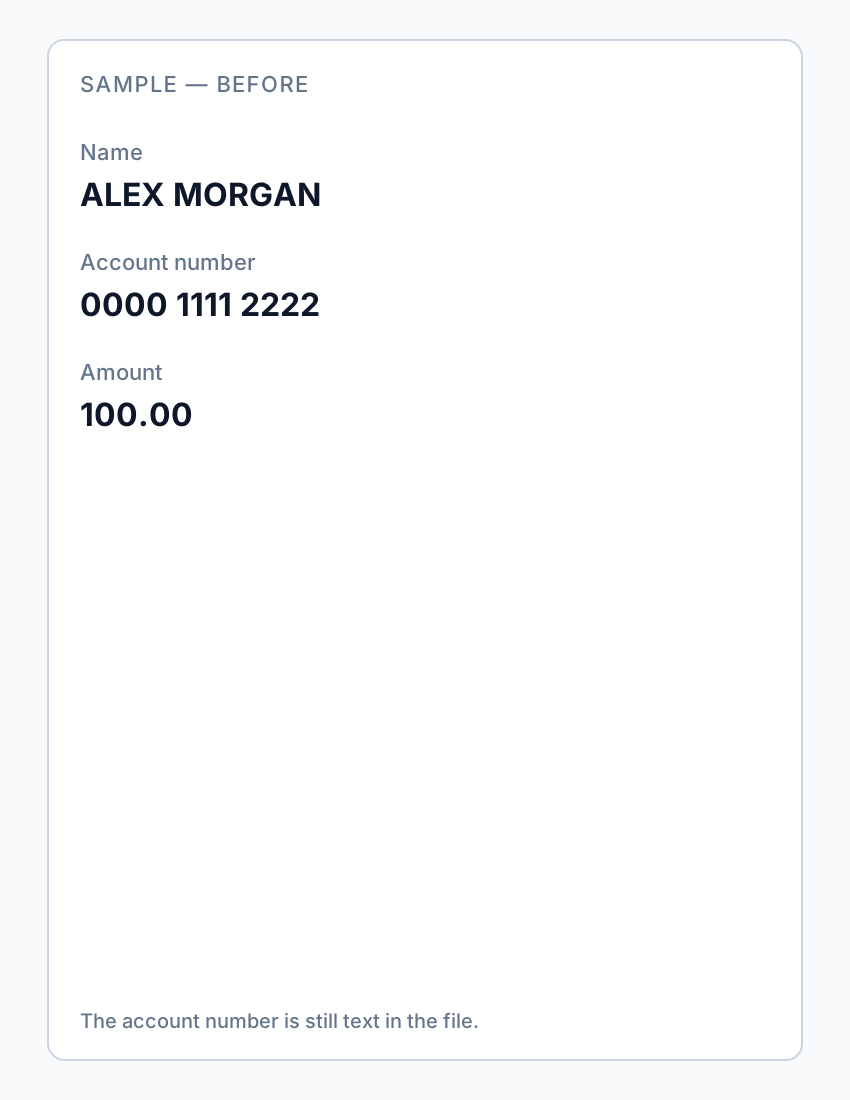
Defined terms and cross-reference sweep
Redacting “Acme Corp” in the signature block while leaving “Vendor means Acme Corp, a Delaware corporation” in Section 1 defeats the purpose. After body redaction, run Find for party names, project codenames, product names, and customer shorthand (Licensee, Client, Beta Participant). Check headers, footers, and watermarks from document management systems.
- Search full legal names and common abbreviations.
- Search defined term labels tied to real entities (“Alpha Project”).
- Check exhibit cross-references (“Pricing in Schedule 2”) still make sense or redact pointers.
- Review PDF Properties Title/Subject—DMS often injects party names.
Use cases: template sample vs. dispute production
| Scenario | Priority redactions | Review level |
|---|---|---|
| NDA-safe template sample | All party-specific names, pricing, customer references | Marketing + counsel quick read |
| RFP response attachment | Other client names, proprietary metrics, internal cost notes | BD + legal per RFP rules |
| Litigation production | PII, unrelated third parties, trade secrets per protective order | Paralegal + attorney privilege review |
| Post-termination handoff | Surviving obligations only; redact terminated pricing unless dispute | Counsel sign-off |
Word vs. PDF redaction order
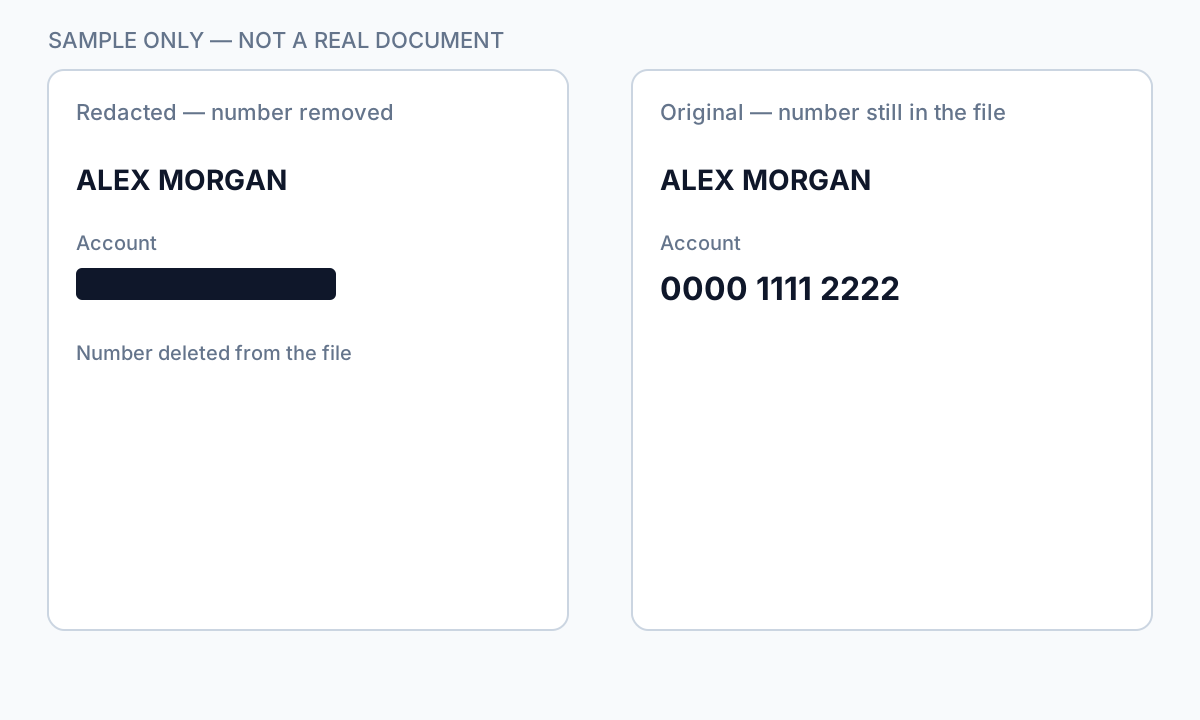
Never redact in Word with track changes and send the .docx—comments and prior versions leak. Accept all changes, remove comments, export clean PDF, then redact in a true PDF tool. If the contract only exists as Word, export to PDF first; verify the PDF has no embedded attached source file in the attachments panel.
Redacting after digital signature breaks the signature. Redact draft PDFs before execution, or rebuild unsigned copy, redact, then re-sign with audit trail documenting the re-sign event.
Offline workflow
- Identify allowed disclosure scope under NDA or protective order.
- Copy agreement + all exhibits to working folder.
- Redact pricing and business terms; then notice PII.
- Run defined-term and party name search pass.
- Apply true redaction; scrub metadata.
- Counsel or BD review before external send.
- Verify: search party names, paste test on redacted pricing table.

Flusso passo passo
- Confirm NDA/protective order scope for what may be shared.
- Export clean PDF from Word—no track changes or comments.
- Redact pricing schedules and exhibit tables first.
- Redact party names, notice addresses, and contact emails.
- Search defined terms section and recitals for leftover identifiers.
- Redact signature blocks if sample should be anonymous.
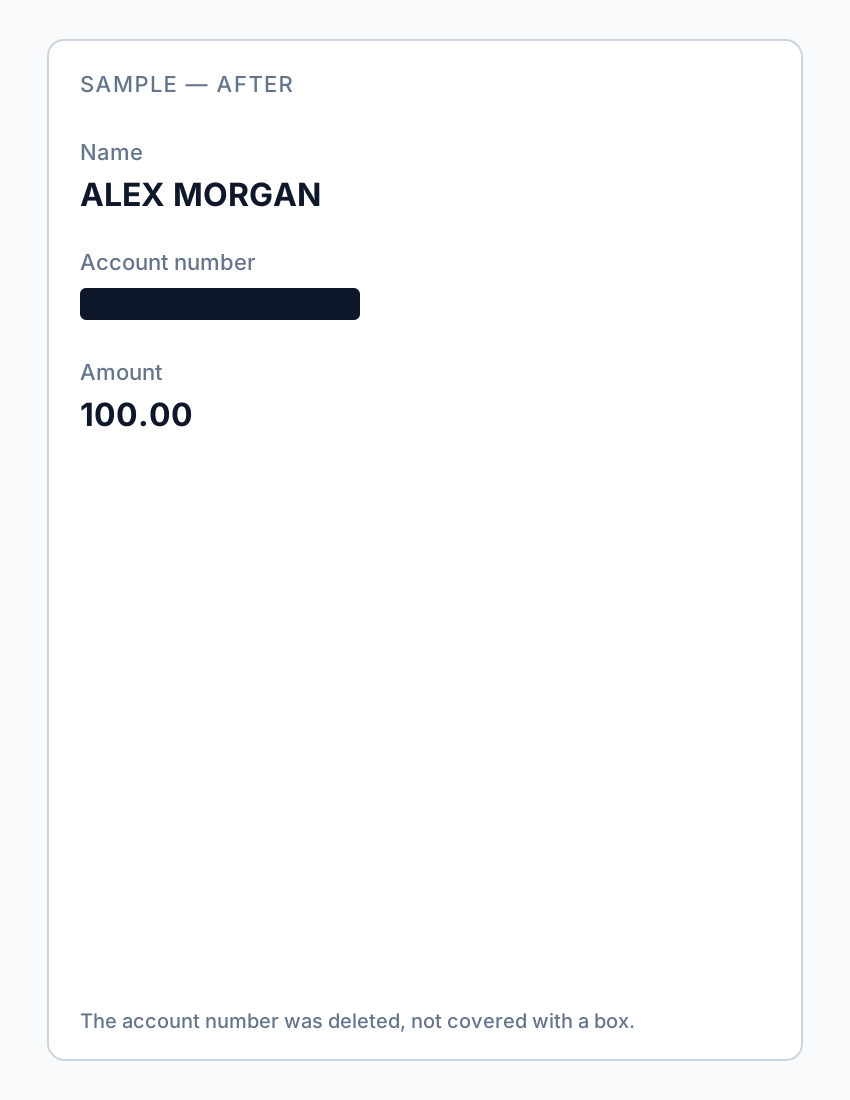
- Apply true redaction; scrub PDF metadata title/author.
- Counsel review; then transmit via approved secure channel.
Errori comuni
- Sharing Word track-changes version
Comments and prior pricing edits remain in .docx history—export clean PDF first.
- Redacting signature but not definitions
“Customer means [Real Company]” exposes what signatures hid.
- Forgetting Schedule A pricing exhibit
Exhibits often exceed base agreement length—process entire zip.
- Highlight tool in PDF reader
Pricing copies out under black highlight—use Apply redaction workflow.
Verifica prima di condividere
- ✓ Party legal names not found in Find search across all exhibits.
- ✓ Defined terms consistent with redacted identities.
- ✓ Pricing tables and MRR figures redacted or replaced per scope.
- ✓ PDF metadata Title/Author does not name counterparty.
- ✓ Paste test on redacted pricing region returns nothing.
- ✓ Counsel or BD approval documented for external share.
Try the Legal Document template online
Use the Legal Document preset to detect parties, addresses, IDs, and contact fields—without routing numbers that false-positive on fund CUSIPs.
Il modello Documento legale è preselezionato per questa guida. Carica un file di esempio per vedere i rilevamenti, poi scarica l’app desktop per lavori batch riservati.
Redigi online — Documento legaleOpzione strumento offline
Per estratti conto, produzioni legali, file HR e altri PDF ad alto rischio, il software desktop con rimozione PII offline rileva identificatori, consente di rivedere le corrispondenze e applicare redazione permanente senza upload cloud. hub redazione PDF e redazione PII in blocco aiutano con cartelle intere.
Scarica prova gratuitaFAQ
Can I redact only signature pages for a template?
Only if the recipient needs execution proof without identities—usually redact both signatures and defined-term party names throughout.
Is redacted contract sharing legal under NDA?
Depends on NDA scope—many NDAs allow anonymized samples. Confirm with counsel; redaction does not expand rights beyond the agreement.
Do I redact governing law and jurisdiction?
Usually no—these are low sensitivity. Redact party-specific facts and commercial terms first.
What about redacted contracts in discovery?
Follow matter protective order and privilege log rules—contract redaction for litigation overlaps with our legal document production guide.
- Annerire il testo di un PDF così non si può copiare
- Il testo annerito in un PDF può essere recuperato?
- Best practice per la redazione dei documenti
- Come redigere documenti legali in sicurezza
- Come redigere documenti riservati
- Redigere una fattura PDF: nascondere il cliente
- Come redigere moduli di candidatura
- Come redigere un PDF senza Adobe
- Redigere un PDF firmato senza invalidarlo