
Aggiornato 2026-10-21
Il testo annerito in un PDF può essere recuperato?
Sì—il testo annerito può essere recuperato se non è stato redatto correttamente. Media e tribunali estraggono regolarmente nomi da PDF che sembravano censurati in sicurezza. Chi cerca vuole sapere come annullare la redazione, unredact del testo o se il blackout ha funzionato. La risposta dipende dal fatto che lo strumento abbia rimosso il contenuto dalla struttura PDF o abbia solo disegnato sopra. Questa guida spiega come avviene il recupero e come prevenirlo—poi segui come annerire informazioni in un PDF o come redigere un PDF per un flusso che supera il test Ctrl+A.
- → Can blacked out text in a PDF be recovered?
- → How do people unredact a PDF?
- → I used black boxes—can someone copy the text underneath?
- → How to tell if my PDF redaction is real?
- → Why does Ctrl+A show hidden text in my redacted PDF?
How recovery happens
- Select All → Copy → Paste bypasses visual black rectangles.
- pdftotext and similar tools read the content stream, not the screen.
- Removing annotation layers in some viewers reveals overlay boxes.
- OCR on scans may read text beneath poorly burned-in boxes.
- Metadata and comments may contain the same strings you blacked out on page.
Run the test yourself before sending. Attackers will.
Overlay vs true redaction
| Method | Looks black on screen? | Recoverable? |
|---|---|---|
| Preview/Word shapes | Yes | Yes — text in content stream |
| Acrobat highlight/comment | Yes | Yes |
| Acrobat Apply Redactions | Yes | No — if Apply completed |
| Offline true redaction export | Yes | No — after verified export |
| Flat image scan after physical marker | Yes | Usually no — if no OCR text layer |
How to prevent recovery
- Use true redaction (Apply), not draw tools.
- Verify with Ctrl+A paste test and Find search.
- Scrub metadata and comments.
- For scans, burn in image pixels or verified flat export.
- Re-open in second PDF viewer and repeat tests.
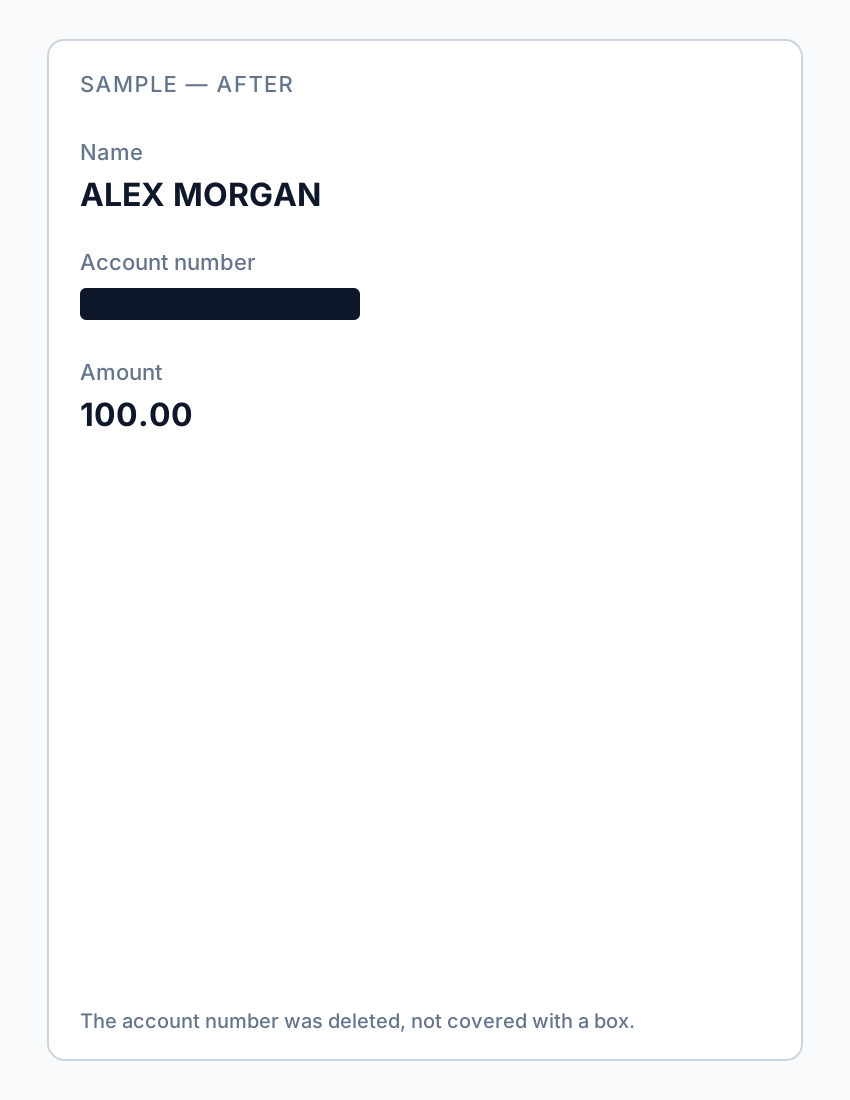
If you already sent an overlay “redaction,” assume the content is compromised—notify recipients and re-send a properly redacted file.
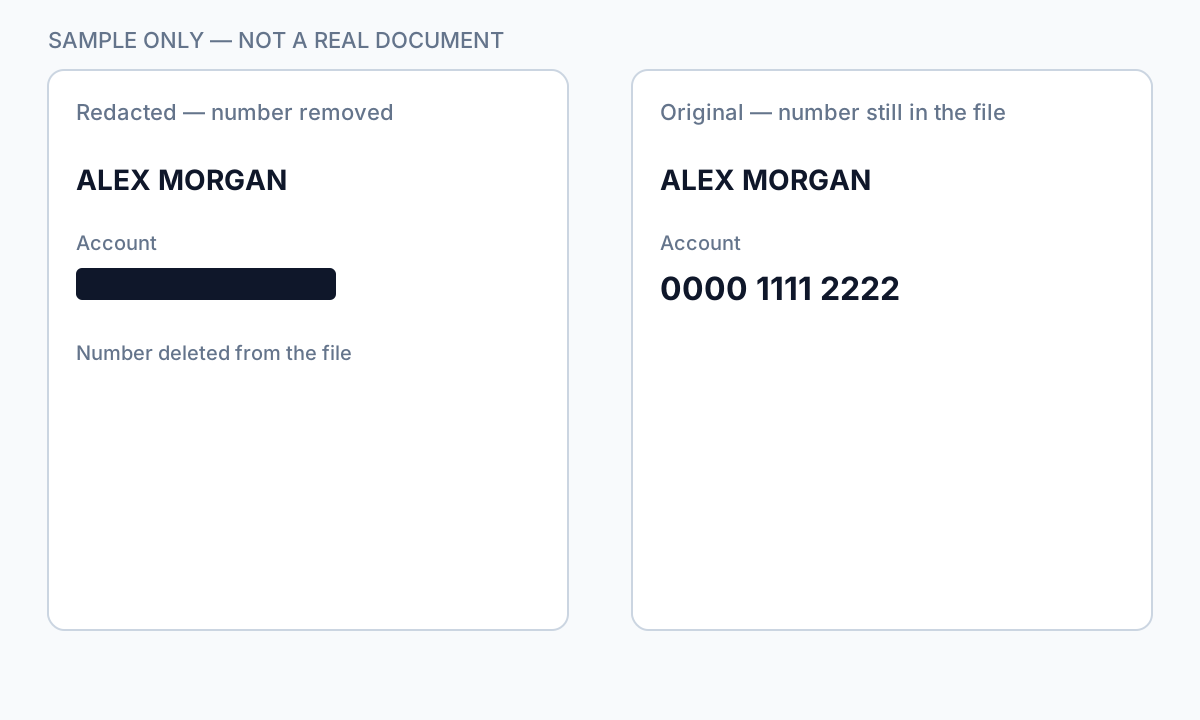
Flusso passo passo
- Open your exported PDF.
- Ctrl+A → Copy → Paste into Notepad.
- If sensitive text appears, redaction failed—re-do with true removal.
- Find search for known strings.
- Check metadata and comments.
- Only send after all tests pass.
Errori comuni
- Assuming black appearance means safe
Overlays look identical to true redaction in viewers.
- Trusting free online "secure redact" labels
Many are overlays; verify locally.
Verifica prima di condividere
- ✓ Paste test returns no sensitive text.
- ✓ Find search empty for redacted identifiers.
- ✓ No editable annotation on redacted regions.
Opzione strumento offline
Per estratti conto, produzioni legali, file HR e altri PDF ad alto rischio, il software desktop con rimozione PII offline rileva identificatori, consente di rivedere le corrispondenze e applicare redazione permanente senza upload cloud. hub redazione PDF e redazione PII in blocco aiutano con cartelle intere.
Scarica prova gratuitaFAQ
Can I undo proper redaction?
True Apply redaction is permanent on that file—keep an unredacted original separately.
Can lawyers recover my bank statement blackout?
If you used overlay tools, yes, easily. Use true redaction before sharing.
- Annerire il testo di un PDF così non si può copiare
- Come sbiancare testo in un PDF
- Redazione PDF online: rischi e alternative più sicure
- Best practice per la redazione dei documenti
- Come redigere un PDF
- Come rimuovere i metadati da un PDF
- Come redigere un PDF senza Adobe
- Estratto conto redatto: cosa annerire
- Come redigere atti giudiziari