
Aggiornato 2026-10-21
Come rimuovere i metadati da un PDF
Se devi rimuovere i metadati dai file PDF, stai affrontando il rischio giusto: i documenti filtrano informazioni oltre il testo di pagina visibile. I metadati vivono nelle proprietà del documento, nei pacchetti XMP, nei commenti, nei campi modulo, negli allegati incorporati e nei layer OCR nascosti. Cancellare solo Autore raramente basta. Questa guida spiega cosa sanificare, l’ordine corretto dopo la redazione del contenuto di come redigere un PDF e come verificare che l’export sia davvero pulito prima di condividere estratti conto, file legali o documenti HR.
- → Can compressing a PDF remove hidden data like comments, layers, or embedded attachments?
- → Is metadata redaction a separate step from reducing file size?
- → How do I remove author name from PDF metadata?
- → Does removing metadata remove PII from the page?
- → How do I verify metadata is truly gone?
Can compressing a PDF remove hidden data?
No. PDF compression rewrites image streams and sometimes fonts so the file is smaller. It does not walk the document and delete comments, optional-content layers, embedded files, or the Author field. A compressed bank statement can still contain the account number in a comment, an attached original, or a hidden OCR layer.
| Action | Smaller file | Removes comments | Removes layers | Removes attachments | Removes Author / XMP |
|---|---|---|---|---|---|
| Compress or reduce file size | Usually | No | No | No | No |
| Delete comments in the viewer | No | Only if you save | No | No | No |
| Sanitize / remove hidden information | Sometimes | Yes | Yes | Yes | Yes |
| Redact the visible page text | No | No | No | No | No |
If someone said to “just compress it” before sending a contract or a statement, that step does not delete comments, layers, or attachments. Sanitize, then open Document Properties and the attachments panel on the file you will actually send.
What PDF metadata includes
Metadata is information about the document—not the visible text. A PDF can store properties (Author, Title, Subject), XMP XML with tool and organization history, review comments, populated form fields, embedded file attachments, and hidden layers from OCR or optional content groups.
- Document properties: author, title, subject, keywords, creator/producer, dates.
- XMP metadata: richer history from DMS exports (iManage, SharePoint).
- Comments and annotations: names, initials, timestamps.
- Form fields: hidden or default values with PII.
- Embedded attachments: original filenames inside the PDF container.
- Hidden layers/objects: OCR text layers, optional content groups.
Why metadata removal matters
Even when body text is blacked out, [email protected] or Title=Client Matter Name can identify parties. Court productions and FOIA responses have leaked from metadata when visible pages looked clean. Treat scrubbing as part of redaction—not optional cleanup.
Visible SSNs and account numbers remain in body text. Remove content first, then sanitize metadata.
Order of operations
- Start from a copy; keep original secure.
- Complete true content redaction (Apply—not overlay).
- Run Sanitize / Remove Hidden Information (Acrobat or equivalent).
- Clear Author, Title, Subject; remove embedded files and comments.
- Save As new PDF—not incremental save on sensitive original.
- Re-open Properties, paste test, and optional exiftool scan.
Sanitizing before redaction can be undone when the tool regenerates metadata on save—sanitize last.
Practical workflow without dedicated tools
Some teams export a flattened PDF that re-renders content, reducing annotation and layer risk. Flattening is not automatically perfect—still verify properties, search, and paste test. Combine flatten with true redaction for regulated sharing.
Connection to black-out and redact guides
Many visitors arrive after learning to black out text in a PDF. Hidden structures can still leak when the page looks perfect. Finish visible redaction first, then return here to remove metadata before transmission.
Flusso passo passo
- Finish true content redaction on all pages.
- Open Document Properties; note sensitive fields.
- Run sanitizer per tool documentation.
- Remove embedded attachments if panel shows any.
- Clear comments and form field values.
- Save As new filename.
- Re-check Properties, Find search, and paste test.
Errori comuni
- Only clearing Author field
XMP, comments, and attachments often survive.
- Sanitizing before redaction
Save during redaction may rewrite metadata again.
- Metadata-only cleanup without content redaction
Visible PII still in body—scrub is not enough alone.
- Leaving Title = client matter name
Common DMS export leak in court productions.
Verifica prima di condividere
- ✓ Author/Creator generic or empty in Document Properties.
- ✓ No embedded files with PII filenames.
- ✓ Find search for known identifiers returns zero hits.
- ✓ Paste test on redacted regions still clean.
- ✓ Re-open in second viewer and re-check properties.
Opzione strumento offline
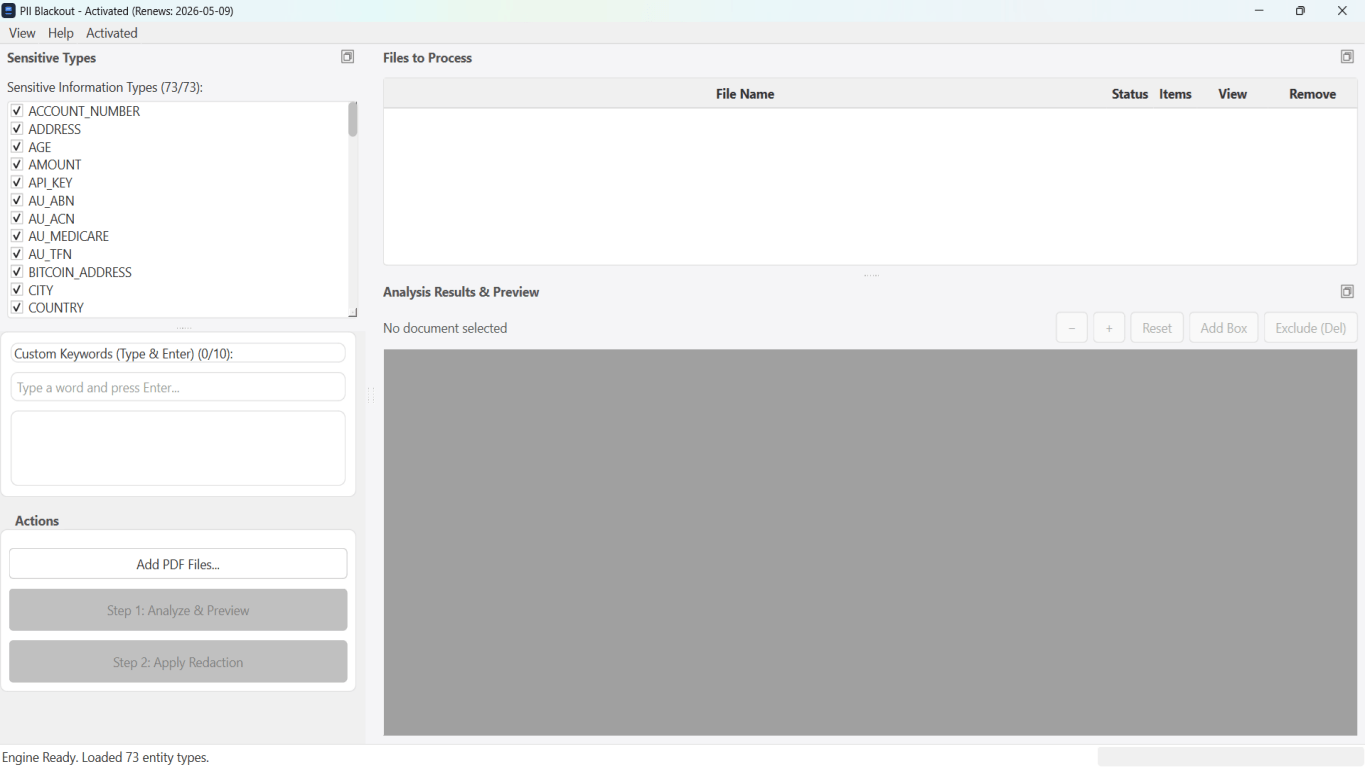
Per estratti conto, produzioni legali, file HR e altri PDF ad alto rischio, il software desktop con rimozione PII offline rileva identificatori, consente di rivedere le corrispondenze e applicare redazione permanente senza upload cloud. hub redazione PDF e redazione PII in blocco aiutano con cartelle intere.
Scarica prova gratuitaFAQ
Does removing metadata remove PII?
No. You must redact visible content and scrub metadata to avoid leaks through properties and hidden fields.
Why can metadata leak after blackout?
PDF stores author names, timestamps, and hidden layers independent of screen appearance. Verify with Properties and paste test.
How do I know metadata is truly gone?
Check document properties, search output, inspect annotations/forms, re-open in a different viewer. Treat export as part of sanitization.
Does Word Inspect Document replace PDF sanitize?
Inspect cleans DOCX before export—still sanitize PDF after redaction export.
Can compressing a PDF remove comments, layers, or embedded attachments?
No. Compression changes how page content is stored so the file is smaller. Comments, optional layers, embedded files, and document properties remain until you remove them in a separate sanitize step.