
Actualizado 2026-06-06
Redacción de PDF online: riesgos y alternativas más seguras
Las herramientas gratuitas de redacción de PDF online posicionan alto en búsquedas porque prometen resultados instantáneos sin instalar software. Para un ticket de compra puede bastar. Para extractos bancarios de clientes, historiales médicos o producciones de discovery, subir el archivo completo a un servidor de terceros suele ser un riesgo mayor que la propia redacción—y muchos sitios solo dibujan cajas negras sin eliminar texto. Esta guía explica qué ocurre cuando redacta PDF online, cómo evaluar herramientas y cuándo el flujo de escritorio offline es innegociable—compare cómo redactar un PDF sin Adobe y opciones de descarga gratuita de blackout PDF.
- → Is online PDF redaction safe?
- → Do free online redact PDF tools actually remove text?
- → What are the risks of uploading PDFs to redaction websites?
- → Online vs offline PDF redaction for lawyers and accountants?
- → How do I redact a PDF without uploading it?
Two separate risks
- Data exfiltration: entire PDF uploaded to vendor servers, possibly logged or retained.
- False security: overlay black boxes while text remains extractable after download.
- Terms of service: some tools claim rights to process or store uploads.
- No audit trail: enterprise compliance may forbid browser upload workflows.
Worst case: your file lives on someone else’s server AND recipients can still copy “redacted” text.
Evaluating an online redaction tool
| Question | Pass | Fail |
|---|---|---|
| Does file stay local? | Client-side / WASM processing | Must upload to server |
| True removal? | Apply/burn content; paste test passes | Draw shape only |
| Regulated data OK? | BAA/SOC2 if healthcare | Generic free tier |
| Verification docs? | Explains flatten/apply step | “Secure redact” marketing only |
When offline is required
- Bank statements, tax forms, loan applications.
- Medical records (HIPAA) and insurance EOBs.
- Legal discovery, court filings, FOIA responses.
- HR files with salary and SSN.
- Any document your policy marks confidential.
If you must use a web tool
- Use only for non-sensitive, public documents.
- Confirm client-side processing in vendor docs.
- Download output and run Ctrl+A paste test.
- Scrub metadata on the downloaded file.
- Never use for credentials, health, or financial PII.
Flujo paso a paso
- Classify document sensitivity before choosing tool.
- If PII/PHI/confidential: use offline desktop redaction.
- If low-risk: verify tool removes text, not overlay.
- Paste test and Find search on output.
- Scrub metadata before share.
Errores comunes
- Trusting “secure” badges without paste test
Marketing labels do not guarantee content removal.
- Uploading client files to free tiers
Violates bar rules, HIPAA, and firm IT policy in many cases.
Verificación antes de compartir
- ✓ File never uploaded for regulated data (policy check).
- ✓ Paste test clean on downloaded output.
- ✓ Metadata reviewed if file touched a web service.
Opción de herramienta offline
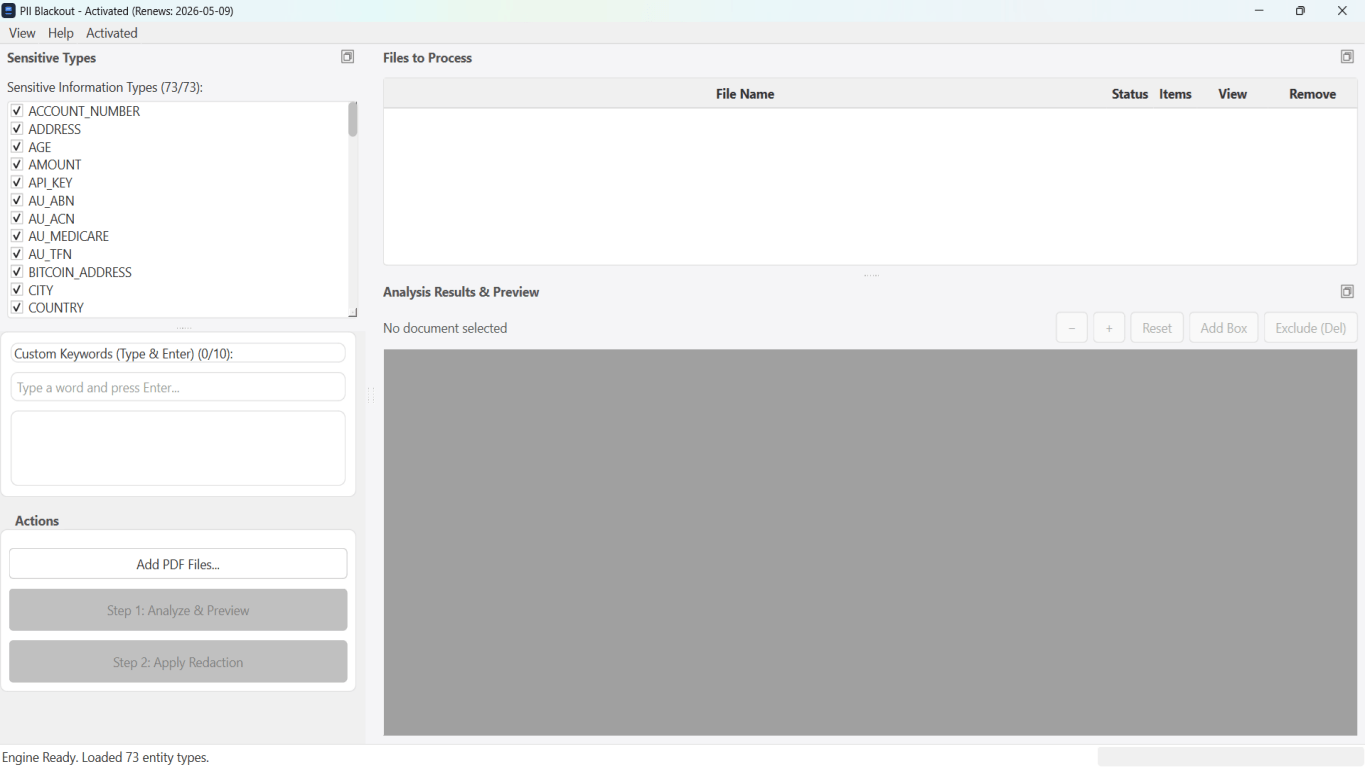
Para extractos bancarios, producciones legales, RR. HH. y otros PDF de alto riesgo, el software de escritorio con eliminación de PII offline detecta identificadores, permite revisar coincidencias y aplicar redacción permanente sin subir a la nube. centro de redacción PDF y redacción PII en lote ayudan con carpetas enteras.
Descargar prueba gratuitaFAQ
Are there any safe online PDF redactors?
Some use client-side processing, but verify independently. For PII, offline desktop tools are the safer default.
Is online redaction OK for personal use?
Lower risk for non-sensitive docs—but still run paste test. Never upload tax or medical PDFs to random free sites.