
Actualizado 2026-10-21
¿Se puede recuperar texto tachado en un PDF?
Sí—el texto tachado puede recuperarse si no se redactó correctamente. Medios y tribunales extraen con regularidad nombres de PDFs que parecían censurados con seguridad. Quienes buscan preguntan cómo deshacer la redacción, destachar texto o si su blackout funcionó. La respuesta depende de si su herramienta eliminó contenido de la estructura del PDF o solo dibujó encima. Esta guía explica cómo ocurre la recuperación y cómo prevenirla—luego siga cómo tachar información en un PDF o cómo redactar un PDF para un flujo que supera la prueba Ctrl+A.
- → Can blacked out text in a PDF be recovered?
- → How do people unredact a PDF?
- → I used black boxes—can someone copy the text underneath?
- → How to tell if my PDF redaction is real?
- → Why does Ctrl+A show hidden text in my redacted PDF?
How recovery happens
- Select All → Copy → Paste bypasses visual black rectangles.
- pdftotext and similar tools read the content stream, not the screen.
- Removing annotation layers in some viewers reveals overlay boxes.
- OCR on scans may read text beneath poorly burned-in boxes.
- Metadata and comments may contain the same strings you blacked out on page.
Run the test yourself before sending. Attackers will.
Overlay vs true redaction
| Method | Looks black on screen? | Recoverable? |
|---|---|---|
| Preview/Word shapes | Yes | Yes — text in content stream |
| Acrobat highlight/comment | Yes | Yes |
| Acrobat Apply Redactions | Yes | No — if Apply completed |
| Offline true redaction export | Yes | No — after verified export |
| Flat image scan after physical marker | Yes | Usually no — if no OCR text layer |
How to prevent recovery
- Use true redaction (Apply), not draw tools.
- Verify with Ctrl+A paste test and Find search.
- Scrub metadata and comments.
- For scans, burn in image pixels or verified flat export.
- Re-open in second PDF viewer and repeat tests.
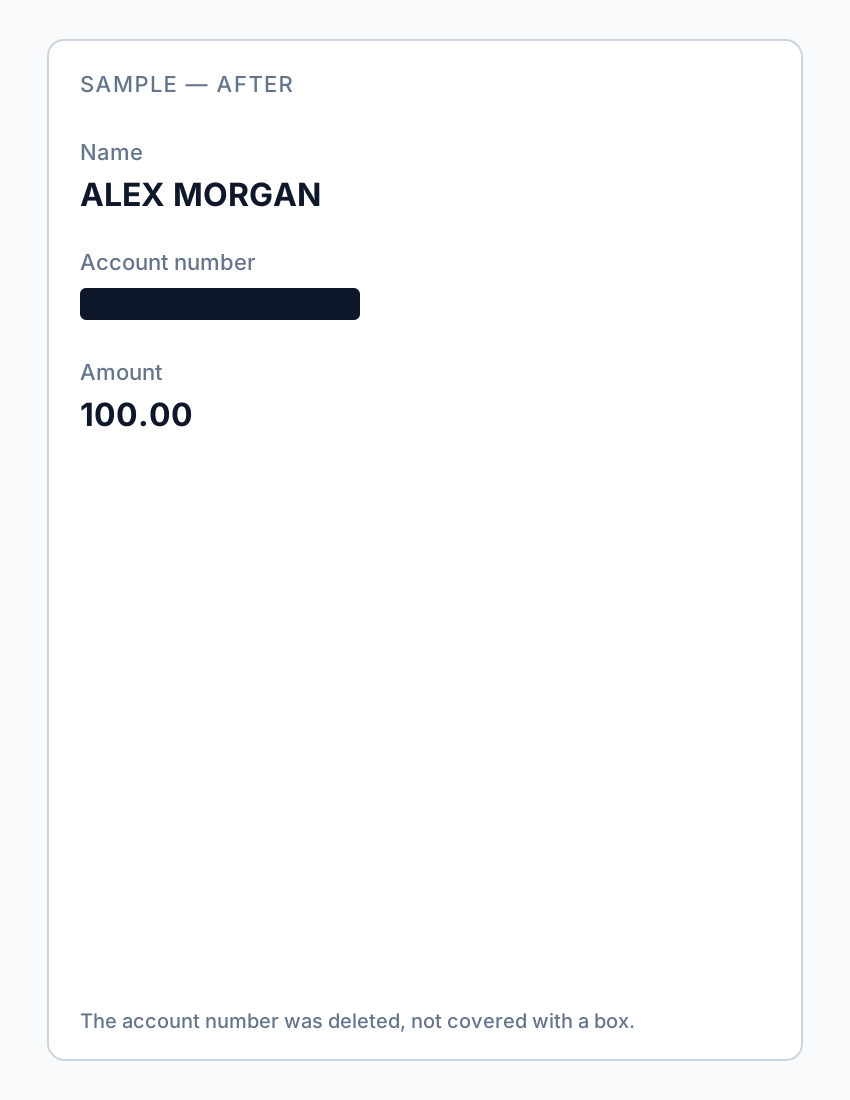
If you already sent an overlay “redaction,” assume the content is compromised—notify recipients and re-send a properly redacted file.
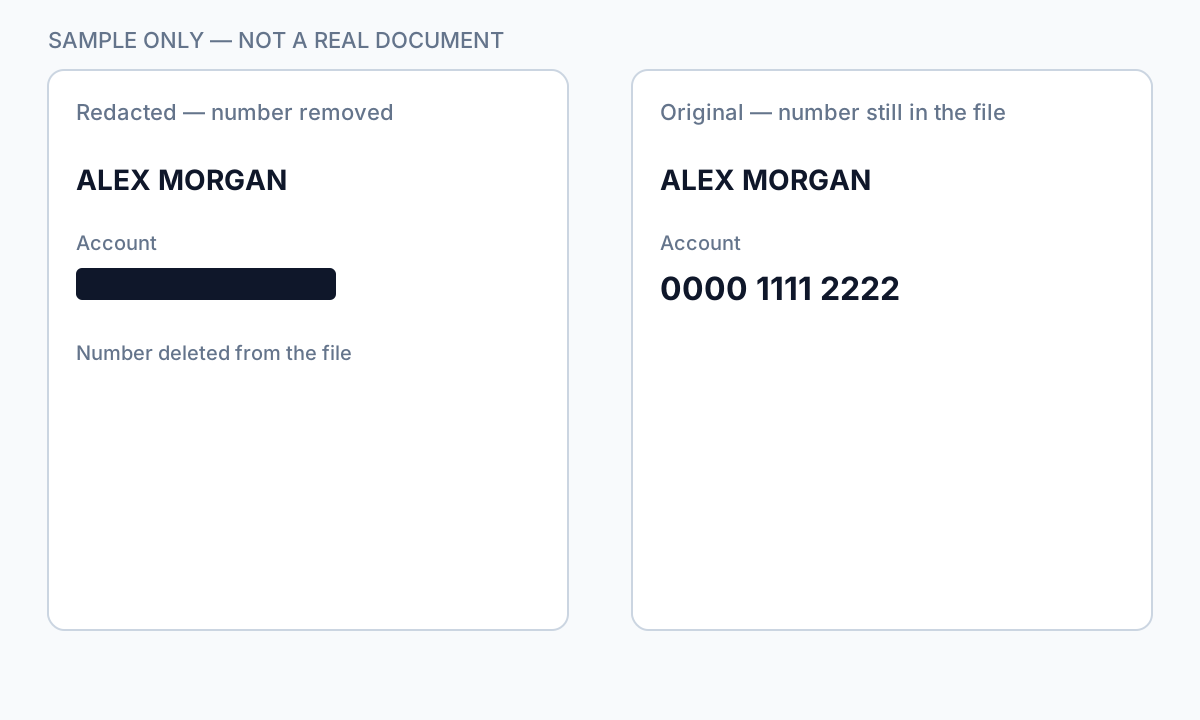
Flujo paso a paso
- Open your exported PDF.
- Ctrl+A → Copy → Paste into Notepad.
- If sensitive text appears, redaction failed—re-do with true removal.
- Find search for known strings.
- Check metadata and comments.
- Only send after all tests pass.
Errores comunes
- Assuming black appearance means safe
Overlays look identical to true redaction in viewers.
- Trusting free online "secure redact" labels
Many are overlays; verify locally.
Verificación antes de compartir
- ✓ Paste test returns no sensitive text.
- ✓ Find search empty for redacted identifiers.
- ✓ No editable annotation on redacted regions.
Opción de herramienta offline
Para extractos bancarios, producciones legales, RR. HH. y otros PDF de alto riesgo, el software de escritorio con eliminación de PII offline detecta identificadores, permite revisar coincidencias y aplicar redacción permanente sin subir a la nube. centro de redacción PDF y redacción PII en lote ayudan con carpetas enteras.
Descargar prueba gratuitaFAQ
Can I undo proper redaction?
True Apply redaction is permanent on that file—keep an unredacted original separately.
Can lawyers recover my bank statement blackout?
If you used overlay tools, yes, easily. Use true redaction before sharing.
- Tachar texto de un PDF para que no se pueda copiar
- Cómo blanquear texto en un PDF
- Redacción de PDF online: riesgos y alternativas más seguras
- Mejores prácticas de redacción de documentos
- Cómo redactar un PDF
- Cómo eliminar metadatos de un PDF
- Cómo redactar un PDF sin Adobe
- Extracto bancario redactado: qué tachar
- Cómo redactar documentos judiciales