
Aktualisiert 2026-06-06
Rechnung schwärzen: Kundenname verbergen
Rechnungs-PDFs liegen an der Schnittstelle von Vertrieb, Buchhaltung und CRM—sie offenbaren rechtliche Kundennamen, Rechnungskontakte, Stückpreise, Bestellnummern, die Projektcodenames verraten, und Überweisungsanweisungen mit Remittance-Tokens. Freelancer schwärzen Kundenidentität für Portfolio-Proben; Lieferanten schwärzen Preise in RFP-Anhängen; AP-Teams schwärzen unrelated Positionen bei Streit um eine Gebühr. Suchende versuchen oft Markierwerkzeuge in Acrobat Reader und lernen auf die harte Tour, dass Stückpreise noch herauskopierbar sind. Testen Sie die Rechnung/Beleg-Vorlage online an einer Probe—Kontaktfelder, Beträge und Zahlungs-QR-/Barcodes sind bereits ausgewählt. Teil des Kategorie-Workflows So schwärzen Sie Finanzdokumente. Einzahlungsnachweis im selben Paket ist meist ein geschwärzter Kontoauszug.
- → How do I redact client name from an invoice PDF?
- → Can I share a redacted invoice as a portfolio sample?
- → What invoice fields should I hide before sending to a third party?
- → How do I remove payment links from a PDF invoice?
- → Do I need to redact invoice numbers?
Invoice fields that commonly require redaction
| Field | Why it leaks | Portfolio sample | Payment dispute |
|---|---|---|---|
| Bill-to / ship-to legal name | Customer identity | Redact | Keep if party to dispute |
| Contact email / phone / Attn: | Direct PII | Redact | Redact unrelated contacts |
| Customer PO number | Project codename | Redact | Keep if dispute is PO-specific |
| Line-item descriptions | Scope detail (legal matter, medical device) | Redact or generalize | Keep disputed lines |
| Unit price × quantity | Pricing secrecy | Redact amounts or ranges | Keep disputed math |
| Tax ID / VAT number | Business identifier | Redact | Redact if not needed |
| Wire / ACH / payment URL | Fraud vector | Always redact | Redact unless proving payment |
| Sales rep / commission notes | Internal only | Redact | Redact |
| Embedded PDF attachments | Hidden second invoice | Open attachments panel | Same pass |
Some ERP exports attach the original .xlsx or a duplicate PDF inside the invoice file. Open the attachments panel and redact or remove embedded files separately.
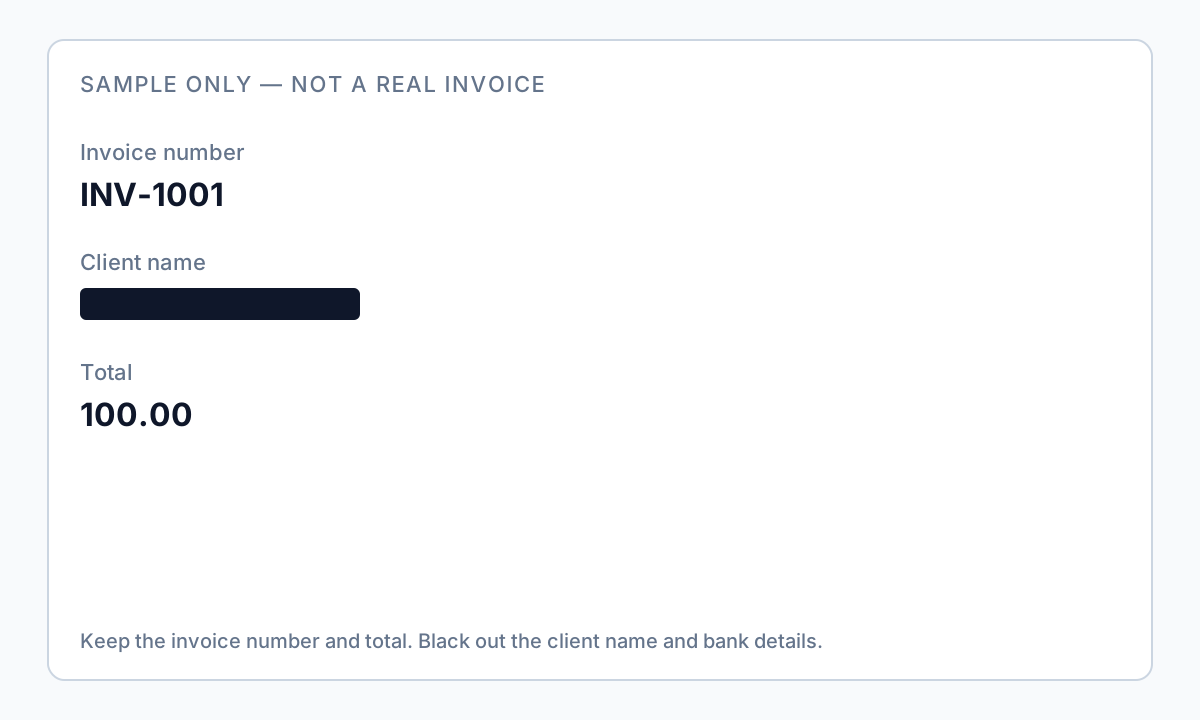
Portfolio vs. dispute vs. RFP sample
Portfolio use: redact client identity and PO numbers; you may keep service category and amount ranges if NDA allows—many NDAs prohibit even anonymized samples without consent. Dispute use: keep line items, dates, and totals for the contested charge; redact unrelated internal cost notes and third-party supplier names. RFP sample: redact all party-specific pricing; leave structure if it demonstrates capability.
Client logos in invoice headers may violate trademark or NDA even when names are redacted. Burn in logo regions or export a text-only sample.
Math leaks people miss
- Redacting line total but leaving unit price × quantity visible.
- Footer “Previous balance” revealing unrelated account history.
- Multi-page invoice: remittance stub on page 2 with full account number.
- QR code for payment portals encoding invoice ID and amount.
- PDF comments from approver with internal notes.
Offline redaction workflow
- Duplicate invoice PDF; preserve original in accounting system.
- Define sharing purpose; list fields to keep vs. remove.
- Run auto-detection for emails, phones, tax IDs, URLs.
- Manually box logos, QR codes, and memo fields.
- Apply true redaction; clear comments/annotations.
- Search for client legal name and PO strings.
- Verify totals still readable if recipient needs arithmetic proof.

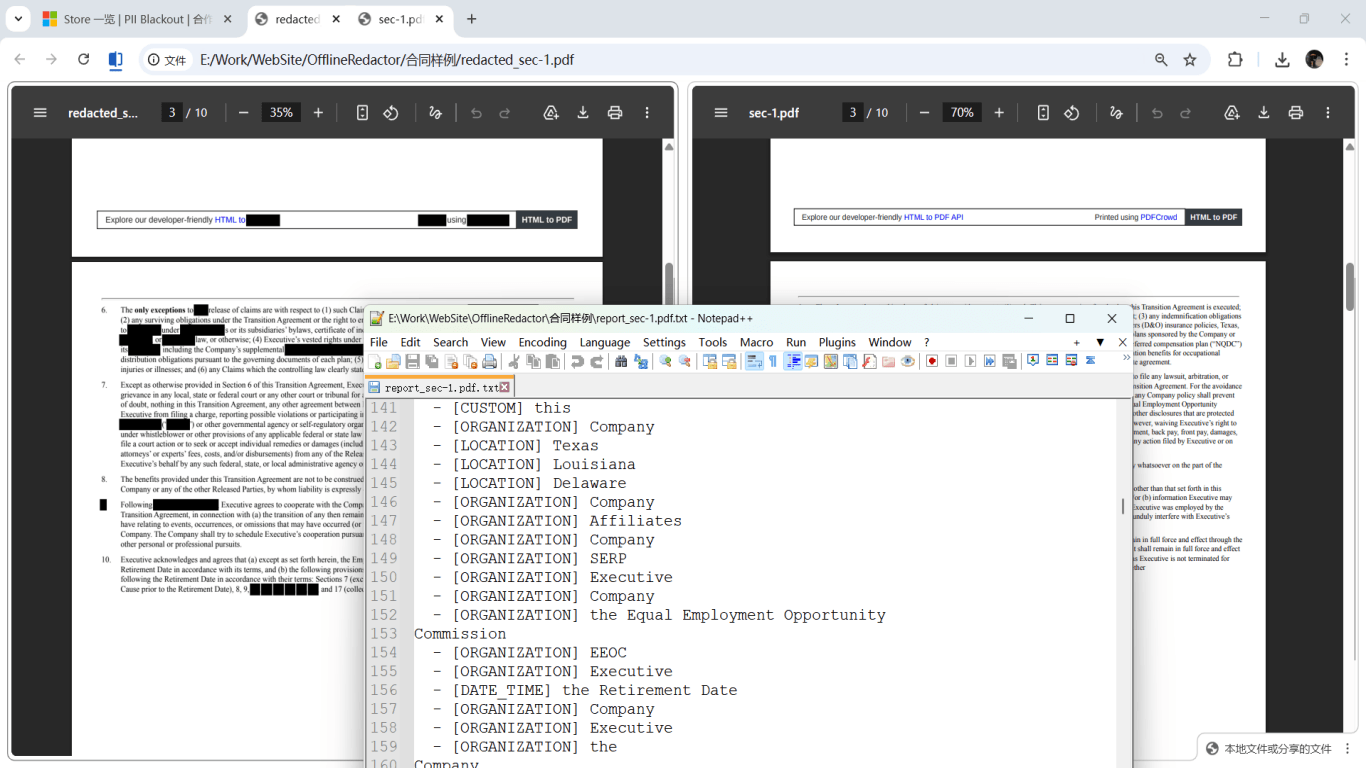
Schritt-für-Schritt-Workflow
- Save copy of original invoice; never redact the only file.
- Choose redaction scope: portfolio, dispute, or RFP sample.
- Detect emails, phones, tax IDs, URLs, and account patterns.
- Redact bill-to identity, PO numbers, and payment instructions as scope requires.
- Process page 2 remittance stub and embedded attachments.
- Apply permanent redaction; strip PDF comments.
- Search for client legal name; run paste test on pricing table.
- Send via secure channel; filename without client secrets.
Häufige Fehler
- Leaving “Attn:” contact lines
Attention lines often contain direct emails and mobile numbers.
- Redacting amount but leaving unit price × quantity
Recipient can reconstruct pricing from visible math.
- Highlight in PDF Reader
Underlying text copies out—use Apply redaction workflow.
- Forgetting payment QR on stub page
QR encodes invoice ID and payment token—redact entire block.
Prüfung vor dem Teilen
- ✓ Client name and contact info not found in Find search.
- ✓ Payment links, wire instructions, and QR blocks redacted.
- ✓ PDF comments and annotations cleared.
- ✓ Embedded attachments reviewed.
- ✓ Paste test clean on redacted pricing/contact regions.
Rechnungs-/Beleg-Vorlage online testen
Teilen Sie eine Beispielrechnung sicher—die Rechnungs-/Beleg-Vorlage deckt Lieferantenkontakte, Beträge und QR/Barcodes auf Belegen ab.
Die Vorlage Rechnung / Beleg ist für diesen Leitfaden vorausgewählt. Laden Sie eine Beispieldatei hoch, um Treffer zu sehen—für vertrauliche Batch-Jobs die Desktop-App herunterladen.
Online schwärzen — Rechnung / BelegOffline-Tool-Option
Für Bankauszüge, juristische Produktionen, HR-Dateien und andere risikoreiche PDFs erkennt Desktop-Software mit Offline-PII-Entfernung Kennungen automatisch, lässt Sie Treffer prüfen und permanente Schwärzung ohne Cloud-Upload anwenden. PDF-Schwärzungs-Hub und Massen-PII-Schwärzung helfen bei ganzen Ordnern—nicht Datei für Datei.
Kostenlose Testversion ladenFAQ
Should I redact invoice numbers?
If the number links to CRM, payment portals, or customer records, treat it as sensitive for public or portfolio sharing.
Can I share a redacted invoice under NDA?
Only if NDA scope allows samples—redaction does not expand disclosure rights. Get client consent when required.
Do I redact my own company info?
Usually keep seller details on portfolio samples; redact buyer identity and deal-specific pricing.