
Aggiornato 2026-06-06
Come redigere un PDF su iPhone
Markup su iPhone va bene per nascondere un numero di telefono su uno screenshot—non per redazione HIPAA-safe o court-safe su PDF multipagina. Forme e tratti di penna in Markup dell’app File sono annotazioni; Acrobat desktop spesso copia ancora il testo sotto. Chi cerca vuole sapere come annerire un PDF su iPhone prima di emailare un locatore o un datore di lavoro. Questa guida spiega i limiti iOS e il passaggio a redazione Mac Preview o redazione PDF offline quando sale la sensibilità.
- → How do I redact a PDF on iPhone?
- → Is iPhone Markup safe for redacting bank statements?
- → Can I black out text in Files app on iOS?
- → Should I use a redact PDF app from the App Store?
- → How do I verify iPhone redaction worked?
What iOS Markup actually does
Markup adds annotation layers above PDF content. Underlying text remains in the file for many PDFs when opened on desktop. There is no system-wide "Redact" tool on iPhone equivalent to Sonoma Preview Redact or Acrobat Apply Redactions.
AirDrop to Mac/PC, open in Reader, Ctrl+A paste test on redacted zone before sending PII.
When mobile might suffice (rare)
- Low-sensitivity personal memo after export to flat image PDF per page.
- Visual-only share where recipient will not run extraction tools.
- Never: bank statements, tax forms, medical records, legal production.
Recommended workflow
- For PII/financial/legal: AirDrop or cloud sync to desktop offline redactor.
- If App Store app used: pick on-device processing; read privacy policy.
- Avoid uploading full statements to unknown servers from phone.
- After any mobile edit: verify on desktop before email.
Flusso passo passo
- Classify document sensitivity.
- PII/financial/legal → transfer to desktop for true redaction.
- If Markup used: verify on desktop with paste test.
- Avoid emailing until verification passes.
Errori comuni
- Emailing Markup-redacted PDF to opposing counsel
Treat as unredacted until desktop copy test fails.
- App Store app with cloud upload
Full document leaves device—same risk as web uploaders.
Verifica prima di condividere
- ✓ Desktop paste test on redacted regions.
- ✓ Second viewer confirms no selectable sensitive text.
Opzione strumento offline
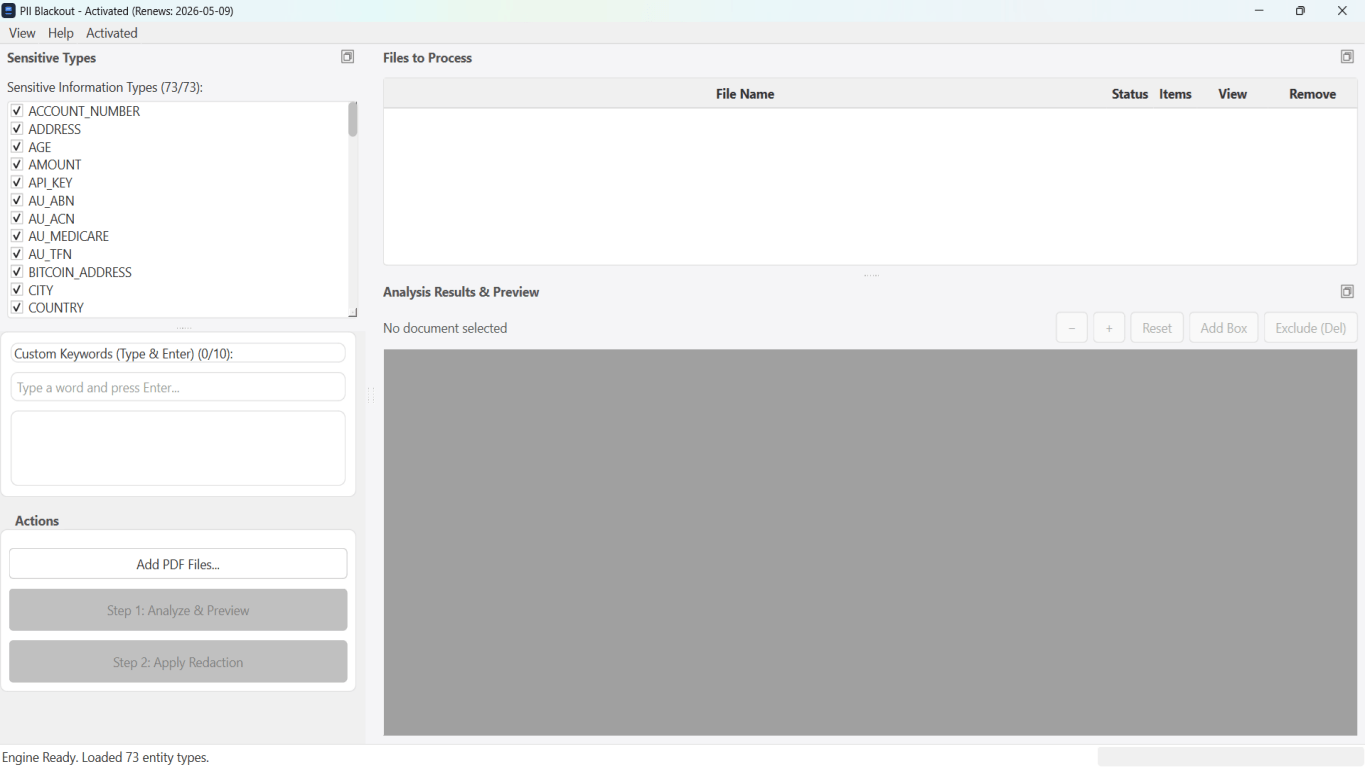
Per estratti conto, produzioni legali, file HR e altri PDF ad alto rischio, il software desktop con rimozione PII offline rileva identificatori, consente di rivedere le corrispondenze e applicare redazione permanente senza upload cloud. hub redazione PDF e redazione PII in blocco aiutano con cartelle intere.
Scarica prova gratuitaFAQ
Are App Store redact PDF apps safe?
Prefer on-device processing and offline mode; read privacy policy before PHI or bank PDFs.
Can I redact on iPhone then finish on Mac Preview Redact?
Better to start on Mac with Redact tool—Markup annotations may complicate later passes.