
Aggiornato 2026-06-06
Redigere la scansione del passaporto: annerire la MRZ
Le scansioni del libretto passaporto sono PDF ricchi di immagini con una machine-readable zone (MRZ)—due righe in basso che codificano numero passaporto, nazionalità, data di nascita, sesso, scadenza e nome in un formato che qualsiasi strumento OCR legge in secondi. Redigere il numero passaporto visivo lasciando intatta la MRZ è il fallimento più comune nei pacchetti di immigrazione e HR. Prova il template Documento d’identità online su una scansione di passaporto per catturare numeri ID e campi DOB. Approfondisce come redigere documenti d’identità con la struttura MRZ specifica del passaporto e la verifica burn-in di come redigere un PDF scansionato.
- → How do I redact a passport scan PDF before sending to employer?
- → Do I need to redact the MRZ lines at the bottom of my passport?
- → Can I share a passport copy with visa stamps redacted?
- → Is cropping my passport scan enough for privacy?
- → What fields stay visible for proof of citizenship vs. full ID?
MRZ structure (both lines must go)
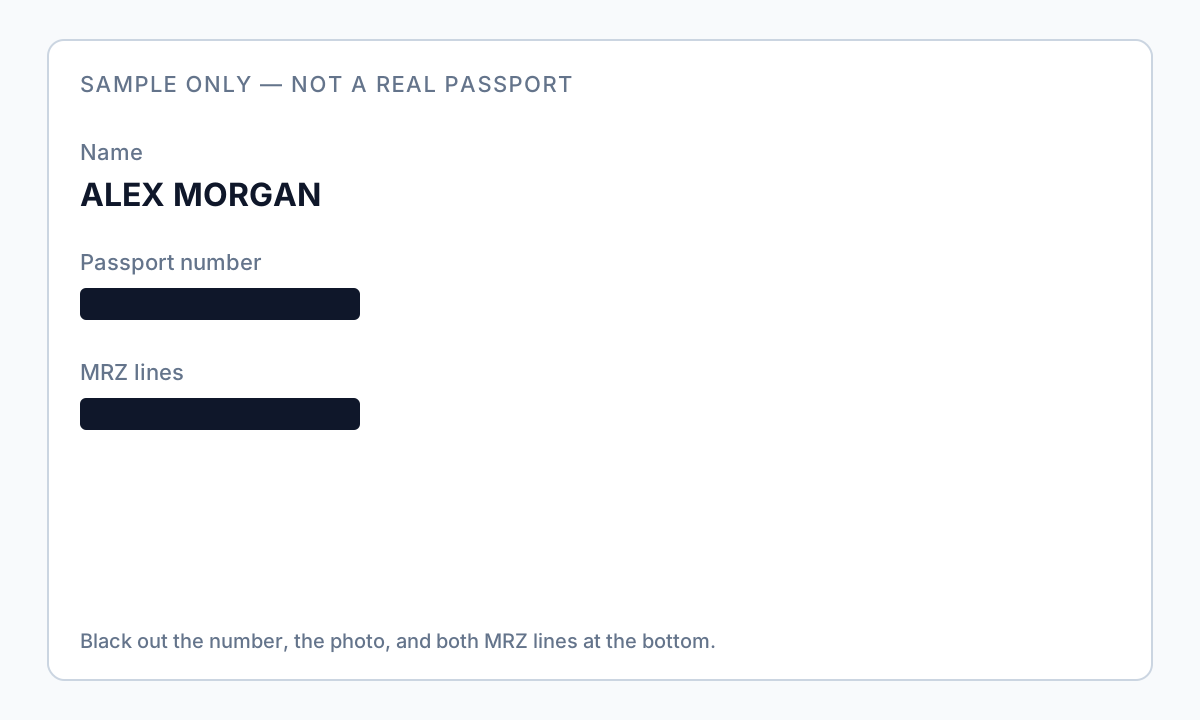
The MRZ uses two lines of OCR-B characters with chevrons (<) as fillers. Line 1 encodes document type, issuing country, and name. Line 2 encodes passport number, nationality, date of birth, sex, expiry date, and optional personal number. Redacting the large visual number on the data page without redacting the entire MRZ band leaves fully extractable identity data.
| Zone | Content | Redaction default |
|---|---|---|
| Photo page visual fields | Number, name, DOB, nationality | Redact number, photo, signature unless required |
| MRZ band (bottom ~10mm) | Encoded duplicate of key fields | Always redact full band both lines |
| Visa / entry stamps | Travel history | Redact if not required for application |
| Emergency contact page | Contact PII | Redact unless form requires |
Run Find for passport number and for MRZ-style strings with multiple < characters. OCR on scans will read MRZ even when the visual number is blacked out with shapes.
Use cases: HR, immigration, landlord
| Recipient | Often required | Usually redact |
|---|---|---|
| US employer I-9 | In-person inspection of original—follow USCIS rules | Do not substitute redacted scan unless HR instructs |
| Visa / immigration attorney | Specific pages per checklist | MRZ, photo, unrelated stamps per counsel |
| Landlord (non-standard) | Rarely full passport—often utility bill + ID | Full MRZ, photo, number if ID requested |
| Anonymized sample | Nothing identifiable | Everything except maybe country of issue |
Cropping vs. burn-in redaction
Cropping viewport does not guarantee the full scan image is removed from the PDF object stream. True redaction or verified burn-in on the image layer replaces pixels in the MRZ and photo regions. Phone photos saved as PDF need area redaction on the entire data page—see our scanned PDF guide for image-only verification.
Offline workflow
- Scan at 300 DPI or export from passport app—avoid glare and skew.
- Save passport-original.pdf offline.
- Draw region over entire MRZ band (both lines, full width).
- Redact photo, visual passport number, signature as scope requires.
- Redact visa stamps not needed for submission.
- Apply burn-in redaction on image layer.
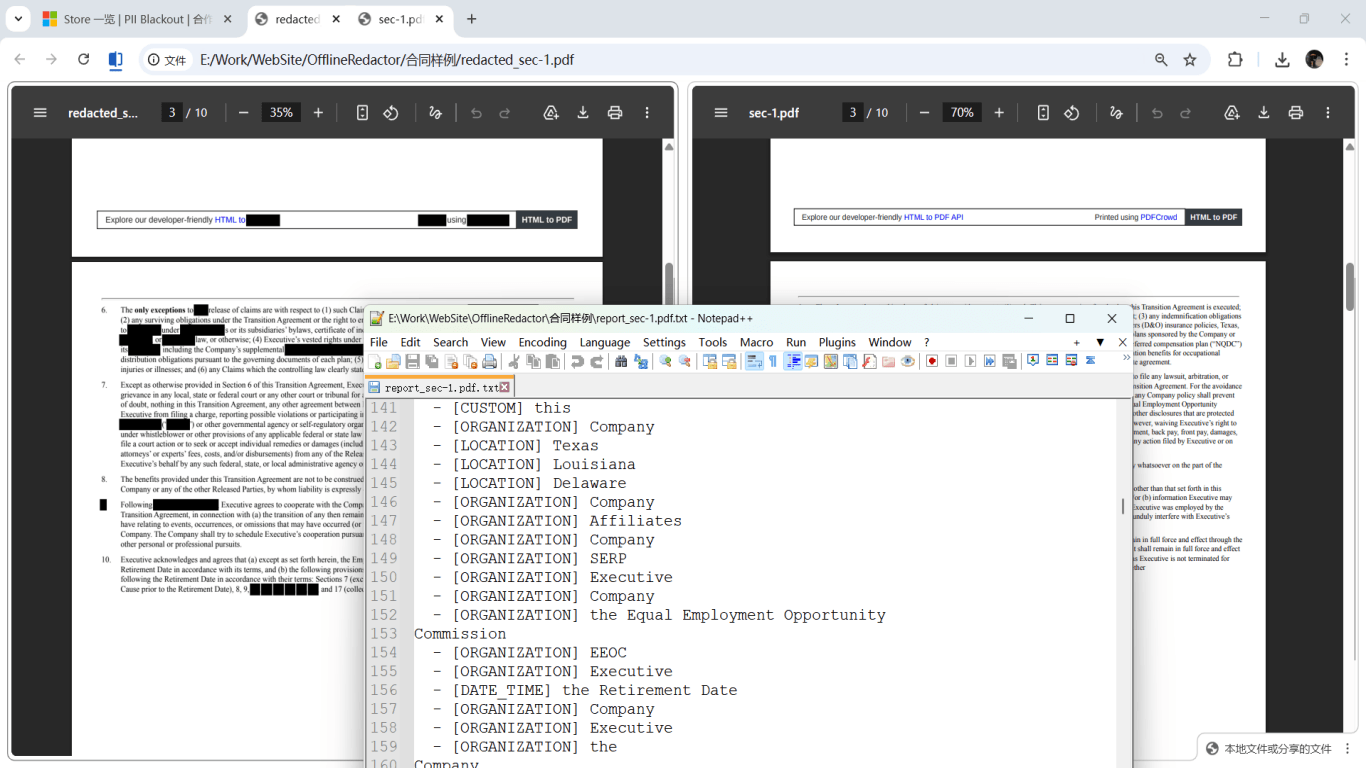
- Verify: MRZ regex search empty; pdfimages spot-check; visual zoom.
- Send via encrypted portal only.

Flusso passo passo
- Confirm with recipient which passport pages and fields they require.
- Save unredacted scan offline.
- Redact entire MRZ band on data page.
- Redact photo, number, signature per scope.
- Redact unrelated visa stamps.
- Apply burn-in redaction; export new file.
- Search for passport number and MRZ patterns; extract page images to verify.
- Transmit via secure channel.
Errori comuni
- Redacting visual number only
MRZ still encodes full identity—OCR reads it instantly.
- Leaving visa stamps when not required
Stamps reveal travel history—redact for minimal submissions.
- Cropping instead of redacting
Full image may remain extractable from PDF objects.
- Phone Markup overlay
Use desktop true redaction with verification before HR/immigration send.
Verifica prima di condividere
- ✓ MRZ band fully redacted visually and in extracted images.
- ✓ Passport number not found in Find or paste test.
- ✓ Photo and signature redacted if policy requires.
- ✓ Original preserved separately from redacted export.
Prova online il modello Documento di identità
Scansiona patente o passaporto con il modello Identità—SSN, numeri ID, DOB e indirizzo sono preselezionati per la revisione.
Il modello Documento di identità è preselezionato per questa guida. Carica un file di esempio per vedere i rilevamenti, poi scarica l’app desktop per lavori batch riservati.
Redigi online — Documento di identitàOpzione strumento offline
Per estratti conto, produzioni legali, file HR e altri PDF ad alto rischio, il software desktop con rimozione PII offline rileva identificatori, consente di rivedere le corrispondenze e applicare redazione permanente senza upload cloud. hub redazione PDF e redazione PII in blocco aiutano con cartelle intere.
Scarica prova gratuitaFAQ
Is passport number always nine digits?
Format varies by country—redact full MRZ regardless of visual number length.
Can I show expiry date only?
Only if recipient requires it and MRZ is still fully redacted—MRZ contains expiry and must not remain readable.
How is this different from redact-id-document?
Driver licenses use PDF417 barcodes; passports use MRZ—both need encoded zones redacted, not just visible numbers.