
Mis à jour 2026-06-06
Rédiger un scan de passeport : noircir la MRZ
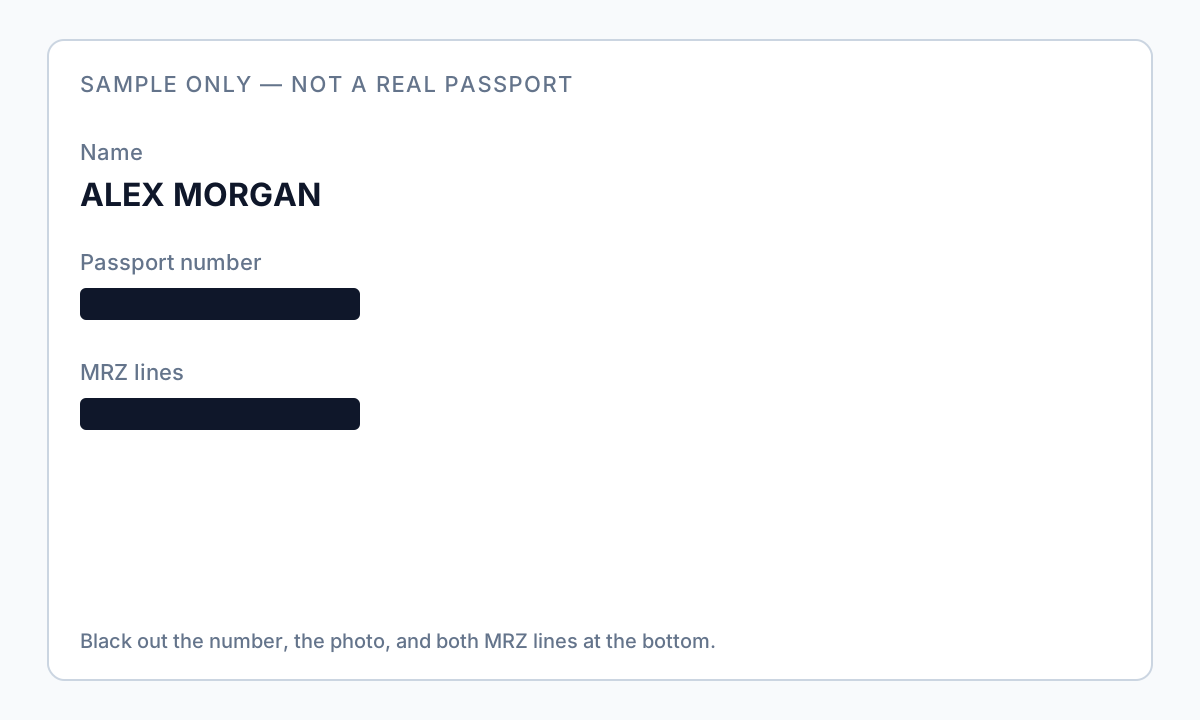
Les scans de passeport sont des PDF riches en images avec une zone lisible par machine (MRZ)—deux lignes en bas encodant numéro de passeport, nationalité, date de naissance, sexe, expiration et nom dans un format que tout OCR lit en secondes. Rédacter le numéro visuel tout en laissant la MRZ intacte est l'échec le plus courant dans les dossiers d'immigration et RH. Essayez le modèle Document d'identité en ligne sur un scan de passeport pour capturer numéros d'ID et champs de date de naissance. Développe comment rédacter des documents d'identité avec la structure MRZ spécifique au passeport et la vérification burn-in de comment rédacter un PDF scanné.
- → How do I redact a passport scan PDF before sending to employer?
- → Do I need to redact the MRZ lines at the bottom of my passport?
- → Can I share a passport copy with visa stamps redacted?
- → Is cropping my passport scan enough for privacy?
- → What fields stay visible for proof of citizenship vs. full ID?
MRZ structure (both lines must go)
The MRZ uses two lines of OCR-B characters with chevrons (<) as fillers. Line 1 encodes document type, issuing country, and name. Line 2 encodes passport number, nationality, date of birth, sex, expiry date, and optional personal number. Redacting the large visual number on the data page without redacting the entire MRZ band leaves fully extractable identity data.
| Zone | Content | Redaction default |
|---|---|---|
| Photo page visual fields | Number, name, DOB, nationality | Redact number, photo, signature unless required |
| MRZ band (bottom ~10mm) | Encoded duplicate of key fields | Always redact full band both lines |
| Visa / entry stamps | Travel history | Redact if not required for application |
| Emergency contact page | Contact PII | Redact unless form requires |
Run Find for passport number and for MRZ-style strings with multiple < characters. OCR on scans will read MRZ even when the visual number is blacked out with shapes.
Use cases: HR, immigration, landlord
| Recipient | Often required | Usually redact |
|---|---|---|
| US employer I-9 | In-person inspection of original—follow USCIS rules | Do not substitute redacted scan unless HR instructs |
| Visa / immigration attorney | Specific pages per checklist | MRZ, photo, unrelated stamps per counsel |
| Landlord (non-standard) | Rarely full passport—often utility bill + ID | Full MRZ, photo, number if ID requested |
| Anonymized sample | Nothing identifiable | Everything except maybe country of issue |
Cropping vs. burn-in redaction
Cropping viewport does not guarantee the full scan image is removed from the PDF object stream. True redaction or verified burn-in on the image layer replaces pixels in the MRZ and photo regions. Phone photos saved as PDF need area redaction on the entire data page—see our scanned PDF guide for image-only verification.
Offline workflow
- Scan at 300 DPI or export from passport app—avoid glare and skew.
- Save passport-original.pdf offline.
- Draw region over entire MRZ band (both lines, full width).
- Redact photo, visual passport number, signature as scope requires.
- Redact visa stamps not needed for submission.
- Apply burn-in redaction on image layer.
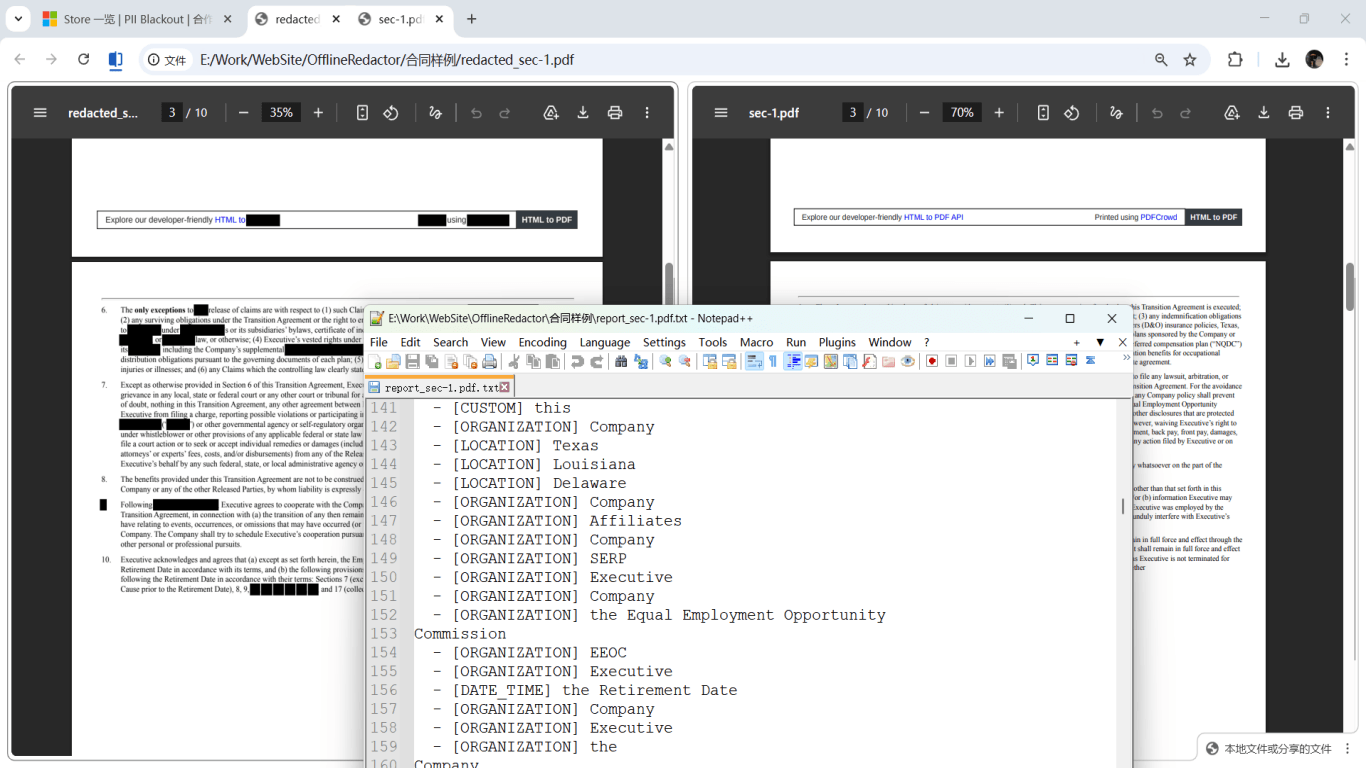
- Verify: MRZ regex search empty; pdfimages spot-check; visual zoom.
- Send via encrypted portal only.

Flux étape par étape
- Confirm with recipient which passport pages and fields they require.
- Save unredacted scan offline.
- Redact entire MRZ band on data page.
- Redact photo, number, signature per scope.
- Redact unrelated visa stamps.
- Apply burn-in redaction; export new file.
- Search for passport number and MRZ patterns; extract page images to verify.
- Transmit via secure channel.
Erreurs fréquentes
- Redacting visual number only
MRZ still encodes full identity—OCR reads it instantly.
- Leaving visa stamps when not required
Stamps reveal travel history—redact for minimal submissions.
- Cropping instead of redacting
Full image may remain extractable from PDF objects.
- Phone Markup overlay
Use desktop true redaction with verification before HR/immigration send.
Vérification avant partage
- ✓ MRZ band fully redacted visually and in extracted images.
- ✓ Passport number not found in Find or paste test.
- ✓ Photo and signature redacted if policy requires.
- ✓ Original preserved separately from redacted export.
Essayez le modèle Document d’identité en ligne
Scannez un permis ou passeport avec le modèle Identité—SSN, numéros d’ID, DOB et adresse sont présélectionnés pour revue.
Le modèle Document d’identité est présélectionné pour ce guide. Téléversez un fichier exemple pour voir les détections, puis téléchargez l’appli bureau pour le travail par lots confidentiel.
Rédiger en ligne — Document d’identitéOption outil hors ligne
Pour relevés bancaires, productions juridiques, RH et autres PDF à risque, un logiciel bureau avec suppression PII hors ligne détecte les identifiants, permet de revoir les correspondances et d’appliquer une rédaction permanente sans envoi cloud. hub de rédaction PDF et rédaction PII en lot aident pour des dossiers entiers.
Télécharger l’essai gratuitFAQ
Is passport number always nine digits?
Format varies by country—redact full MRZ regardless of visual number length.
Can I show expiry date only?
Only if recipient requires it and MRZ is still fully redacted—MRZ contains expiry and must not remain readable.
How is this different from redact-id-document?
Driver licenses use PDF417 barcodes; passports use MRZ—both need encoded zones redacted, not just visible numbers.