
Atualizado 2026-06-06
Redigir um PDF assinado sem o invalidar
As assinaturas digitais PKI fazem hash dos bytes do documento no momento da assinatura—qualquer alteração posterior invalida o painel Signature. Equipas que redigem números de conta num contrato contrassinado perguntam-se porque o Acrobat mostra "Signature invalid." A correção é a ordem do fluxo: redija campos sensíveis no rascunho, depois assine a versão canónica redigida—ou reassine após a redação com trilha de auditoria documentada. Imagens de assinatura eletrónica (fotos de assinaturas) comportam-se como digitalizações; assinaturas PKI como criptografia. Veja como redigir um contrato e como redigir documentos jurídicos para fluxos de produção.
- → Can I redact a PDF after it has been digitally signed?
- → Why does redaction invalidate my PDF signature?
- → Should I redact before or after DocuSign signing?
- → How do I redact a notarized PDF scan?
- → Will redacting break my electronic signature?
Signature types behave differently
| Type | What it is | After redaction |
|---|---|---|
| PKI digital signature | Certificate-based hash in PDF | Invalid until re-signed |
| Electronic signature image | Picture of signature on page | May remain valid visually; content changed |
| DocuSign certificate page | Audit trail + signature | Invalid if bytes change post-sign |
| Wet ink + notary scan | Image of paper | Redact like any scan; recorder may reject altered notary block |
Recommended order of operations
- Draft → redact PII/secrets → final review → sign → distribute.
- Never redact after PKI sign unless you plan to re-sign.
- For DocuSign: redact source PDF before sending envelope when possible.
- If only signed copy exists: rebuild unsigned PDF from content, redact, re-sign.
- Document re-sign event in matter file for legal audit.
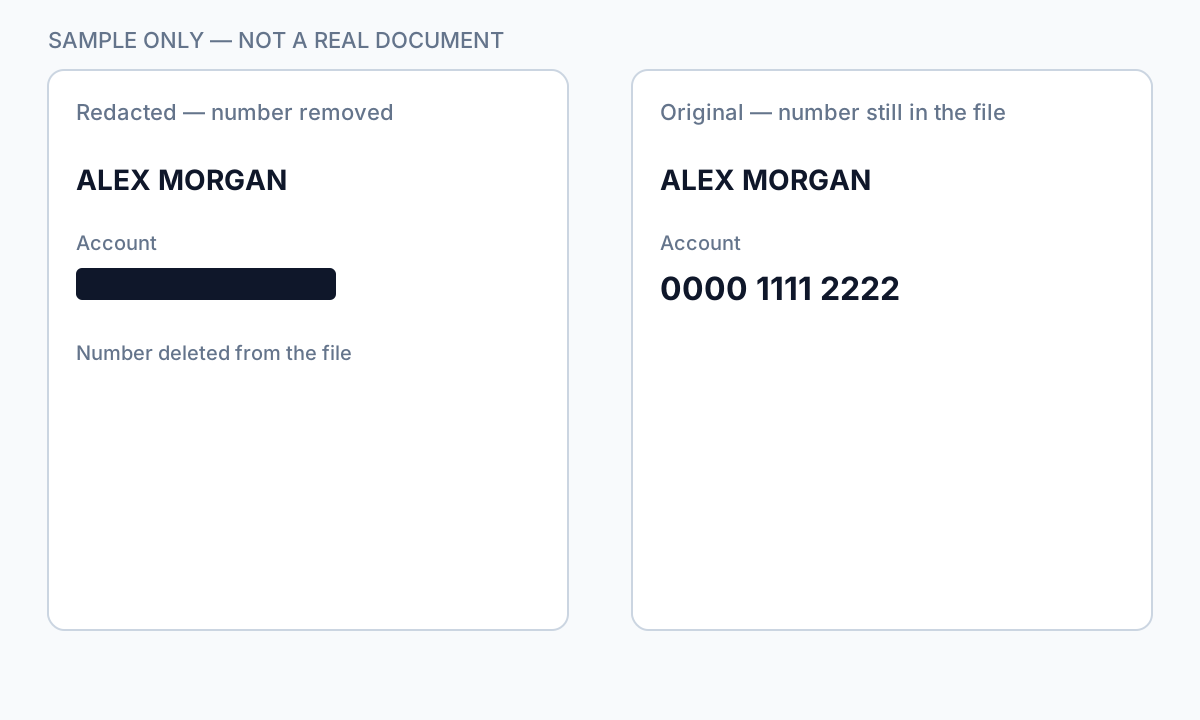
Redact before the envelope goes out, or complete a new signature cycle on the redacted file.
Notarized and recorded documents
Redacting a notary block or seal on a recorded deed may cause county recorder rejection. For notarized scans, redact surrounding PII but consult counsel before altering notary elements. Internal copies for discovery may redact more aggressively than recording copies.
Fluxo passo a passo
- Open Signatures panel—determine PKI vs. image signature.
- If unsigned draft exists: redact draft, then sign.
- If only signed PDF: export content, rebuild, redact, re-sign with audit note.
- Verify redaction independent of signature validity.
- Store unredacted original under retention policy separately.
Erros comuns
- Redacting after PKI sign without re-sign plan
Recipients see invalid signature—compliance and trust issue.
- Redacting notary block on recording copy
County recorder may reject document.
- Assuming image signature = safe to redact underneath
Content still changed; legal review may require new execution.
Verificação antes de partilhar
- ✓ Signature valid or intentionally re-signed with log entry.
- ✓ Redaction verified with paste test regardless of signature panel.
- ✓ Original signed version archived if policy requires.
Opção de ferramenta offline
Para extratos bancários, produções legais, ficheiros de RH e outros PDF de alto risco, o software de ambiente de trabalho com remoção de PII offline deteta identificadores, permite rever correspondências e aplicar redação permanente sem upload na cloud. hub de redação PDF e redação PII em lote ajudam com pastas inteiras.
Transferir teste gratuitoFAQ
Will DocuSign certificate survive redaction?
No—redact before sending for signature, or re-execute envelope on redacted file.
Can I remove SSN from a signed contract?
Only on a copy with re-sign or if signature was not yet applied—plan workflow upfront.