
Atualizado 2026-10-21
O texto anulado num PDF pode ser recuperado?
Sim—o texto anulado pode ser recuperado se não foi devidamente redigido. Meios de comunicação e tribunais extraem regularmente nomes de PDF que pareciam censurados em segurança. Quem pesquisa pergunta como anular a redação, unredact texto ou se o blackout funcionou. A resposta depende de o instrumento ter removido o conteúdo da estrutura PDF ou apenas ter desenhado por cima. Este guia explica como ocorre a recuperação e como a prevenir—depois siga como anular informações num PDF ou como redigir um PDF para um fluxo que passa no teste Ctrl+A.
- → Can blacked out text in a PDF be recovered?
- → How do people unredact a PDF?
- → I used black boxes—can someone copy the text underneath?
- → How to tell if my PDF redaction is real?
- → Why does Ctrl+A show hidden text in my redacted PDF?
How recovery happens
- Select All → Copy → Paste bypasses visual black rectangles.
- pdftotext and similar tools read the content stream, not the screen.
- Removing annotation layers in some viewers reveals overlay boxes.
- OCR on scans may read text beneath poorly burned-in boxes.
- Metadata and comments may contain the same strings you blacked out on page.
Run the test yourself before sending. Attackers will.
Overlay vs true redaction
| Method | Looks black on screen? | Recoverable? |
|---|---|---|
| Preview/Word shapes | Yes | Yes — text in content stream |
| Acrobat highlight/comment | Yes | Yes |
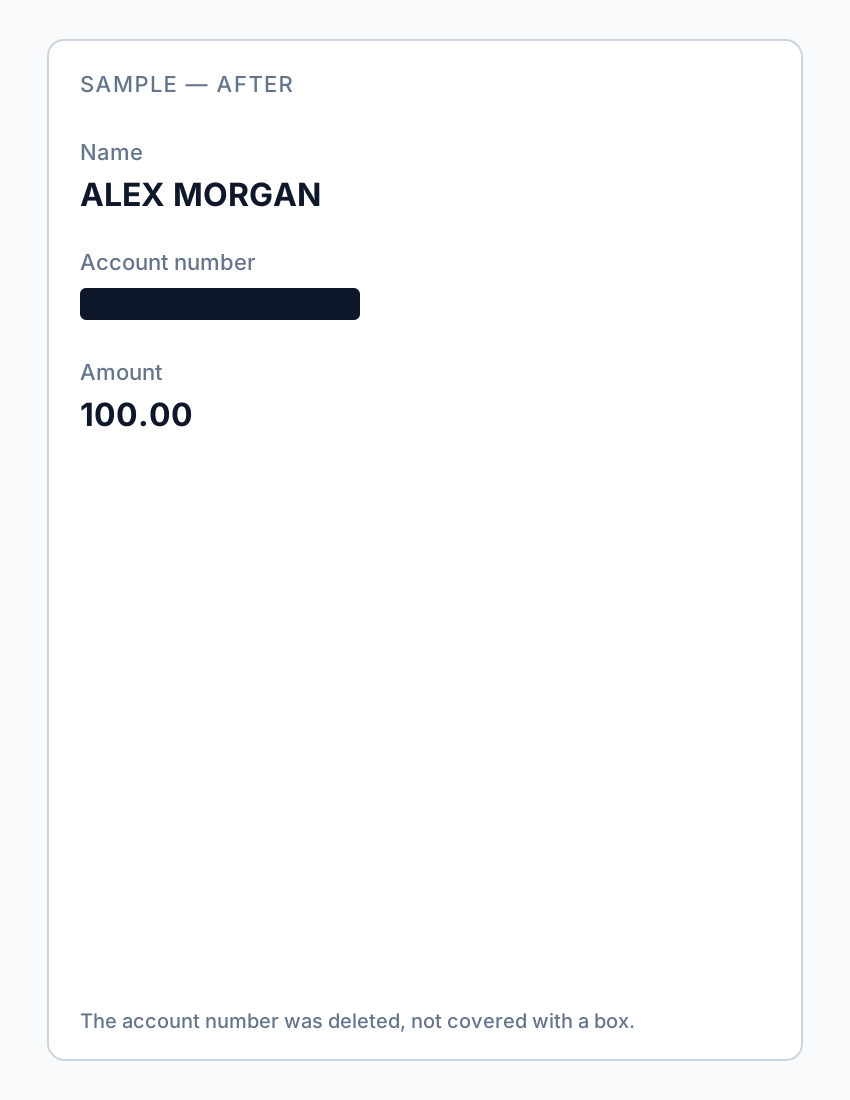
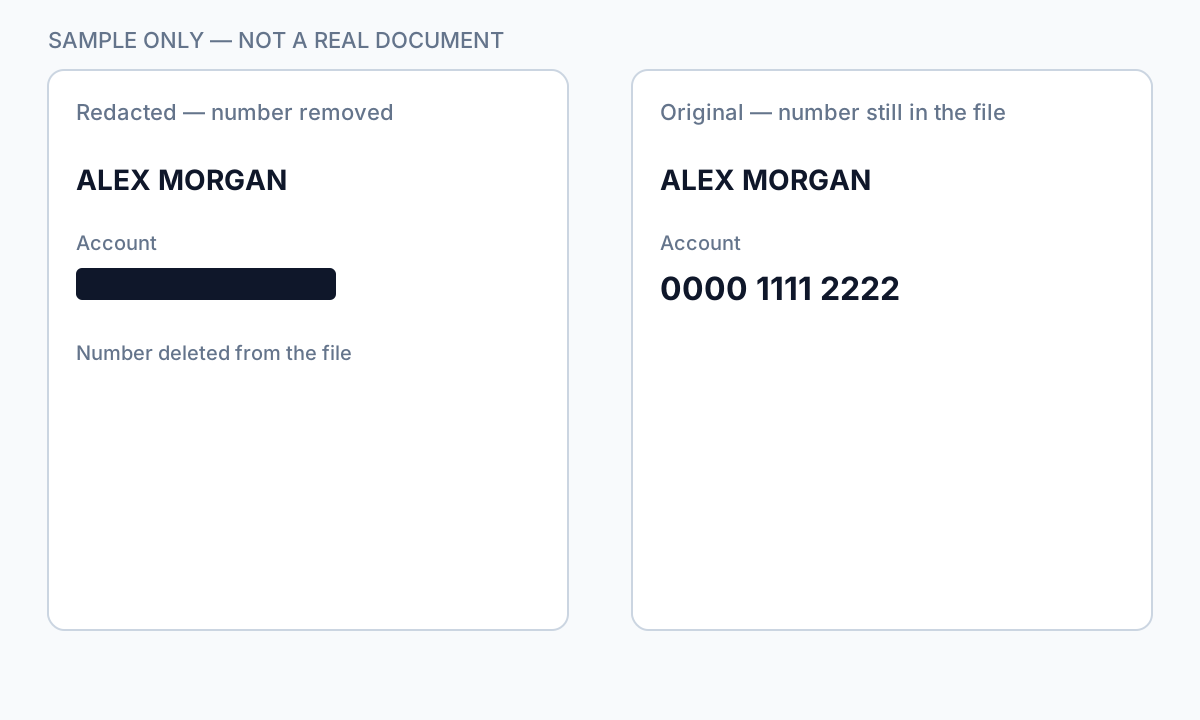
| Acrobat Apply Redactions | Yes | No — if Apply completed |
| Offline true redaction export | Yes | No — after verified export |
| Flat image scan after physical marker | Yes | Usually no — if no OCR text layer |
How to prevent recovery
- Use true redaction (Apply), not draw tools.
- Verify with Ctrl+A paste test and Find search.
- Scrub metadata and comments.
- For scans, burn in image pixels or verified flat export.
- Re-open in second PDF viewer and repeat tests.
If you already sent an overlay “redaction,” assume the content is compromised—notify recipients and re-send a properly redacted file.
Fluxo passo a passo
- Open your exported PDF.
- Ctrl+A → Copy → Paste into Notepad.
- If sensitive text appears, redaction failed—re-do with true removal.
- Find search for known strings.
- Check metadata and comments.
- Only send after all tests pass.
Erros comuns
- Assuming black appearance means safe
Overlays look identical to true redaction in viewers.
- Trusting free online "secure redact" labels
Many are overlays; verify locally.
Verificação antes de partilhar
- ✓ Paste test returns no sensitive text.
- ✓ Find search empty for redacted identifiers.
- ✓ No editable annotation on redacted regions.
Opção de ferramenta offline
Para extratos bancários, produções legais, ficheiros de RH e outros PDF de alto risco, o software de ambiente de trabalho com remoção de PII offline deteta identificadores, permite rever correspondências e aplicar redação permanente sem upload na cloud. hub de redação PDF e redação PII em lote ajudam com pastas inteiras.
Transferir teste gratuitoFAQ
Can I undo proper redaction?
True Apply redaction is permanent on that file—keep an unredacted original separately.
Can lawyers recover my bank statement blackout?
If you used overlay tools, yes, easily. Use true redaction before sharing.
- Tachar texto num PDF para não poder ser copiado
- Como branquear texto num PDF
- Redação de PDF online: riscos e alternativas mais seguras
- Boas práticas de redação de documentos
- Como redigir um PDF
- Como remover metadados de um PDF
- Como redigir um PDF sem Adobe
- Extrato bancário redigido: o que anular
- Como redigir documentos judiciais